Anycubic Photon P1 vs Anycubic Photon P1 Max
Technical comparison · Resin 3D printing
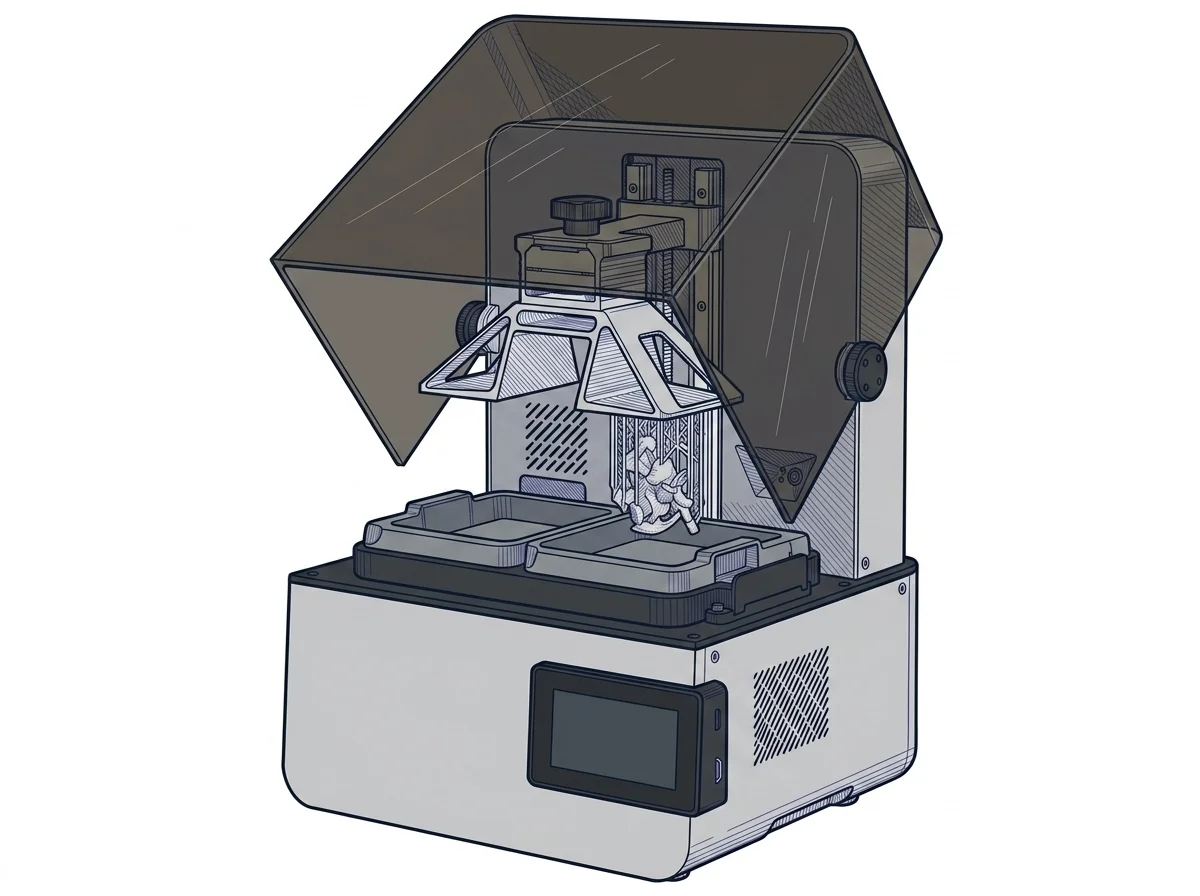
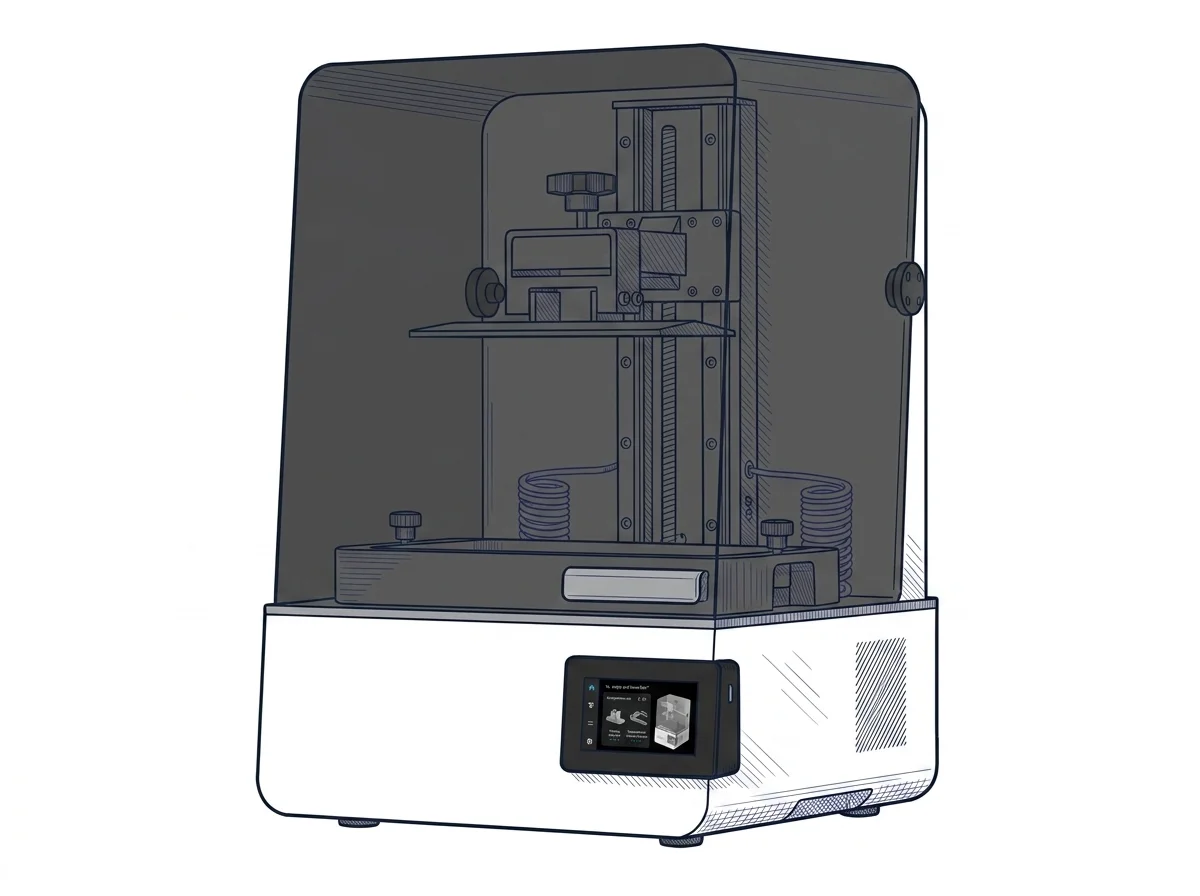
Photon P1 and Photon P1 Max are both resin printers with a monochrome LCD, and the choice is a trade-off between size and fineness: the P1 Max has a much larger build plate, the P1 a smaller pixel. Anyone printing miniatures looks at the first, anyone printing large parts or many parts at once at the second.
| Parameter | ||
|---|---|---|
| Identity | ||
| Launch year | 2026 | 2026 |
| Use tier | F2 — Intermediate | F3 — Advanced |
| Price | ||
| Price (€) | ~649–699 € | ~450–1000 € |
| Universal specs | ||
| Dimensions (W×D×H) (cm) | 36.6 × 33.8 × 53.9 cm | — |
| Weight (kg) | 13.6 kg | — |
| Work area (mm) | 223 × 126 mm | 285.5 × 214 mm |
| Z-axis height (mm) | 230 mm | 300 mm |
| Power (W) | 215 W | — |
| Maximum speed | 0.58 mm/min | — |
| Declared precision | 16.8 μm | 24.8 μm |
| Category specs | ||
| Build area XY (short side) (mm) | 126 mm | 214 mm |
| XY resolution (µm) | 16.8 µm | 24.8 µm |
| Light source | Mono LCD | Mono LCD |
| UV power (mW/cm²) | 5 mW/cm² | — |
| Print speed (mm/h) | 35 mm/h | — |
| Tilt / peel system | Standard FEP | — |
| Ecosystem | ||
| Cloud dependency | No | No |
| Software notes | Model preparation for the Photon P1 is primarily handled by Anycubic Photon Workshop, a proprietary slicing software that has evolved significantly, offering an intuitive interface alongside advanced mesh repair and support tools. The printer still maintains an open nature, being fully compatible with popular third-party slicers widely appreciated by the community, such as Chitubox, Lychee Slicer, and Tango. Network connectivity via Wi-Fi and a LAN port, alongside the traditional USB port, allows for seamless remote control, integrating perfectly with the Anycubic mobile app. This flexibility grants users the freedom to choose their preferred software workflow, always ensuring the maximum output quality of the printed file. | The system supports file formats generated by the most popular third-party print preparation software, such as ChiTuBox and LycheeSlicer, ensuring operational flexibility and a consolidated workflow. The manufacturer also provides Anycubic Photon Workshop, the proprietary application optimized to fine-tune exposure parameters, manage advanced supports, and fully exploit the screen's pixel density without slowing down layer calculation. |
The differences that matter
- Build volume 223 × 126 × 230 mm against 285.5 × 214 × 300 mm → the P1 Max takes larger parts and far more models per plate.
- XY resolution 16.8 µm against 24.8 µm → fine detail is sharper on the P1.
Which one to choose
Choose Photon P1 if…
Tabletop miniatures and parts with tiny details: the finer pixel (manufacturer's stated values) shows in how small features come out. You pay in size: a part longer than 22 cm does not fit and each plate holds fewer models, so more print cycles.
Choose Photon P1 Max if…
Large parts in one piece, or a plate full of models sent in a single cycle. The price of that is a larger pixel: the smallest features come out less sharp.
Where to buy
Paid link: the price for you does not change. Methodology
MakerSpecs is an independent atlas. We don't sell products: the purchase links are the same as on the two product sheets and don't influence the verdict. The sheets have the complete data.