xTool M1 5W Laser & Blade Cutter vs xTool M1 Ultra 20W Craft Machine
Technical comparison · Diode laser (405–460 nm)
M1 5W Laser & Blade Cutter leads on the available specs (starting with price); M1 Ultra 20W Craft Machine makes sense only for non-technical reasons (availability, support, ecosystem), or if the missing data matters in your case.
| Parameter |
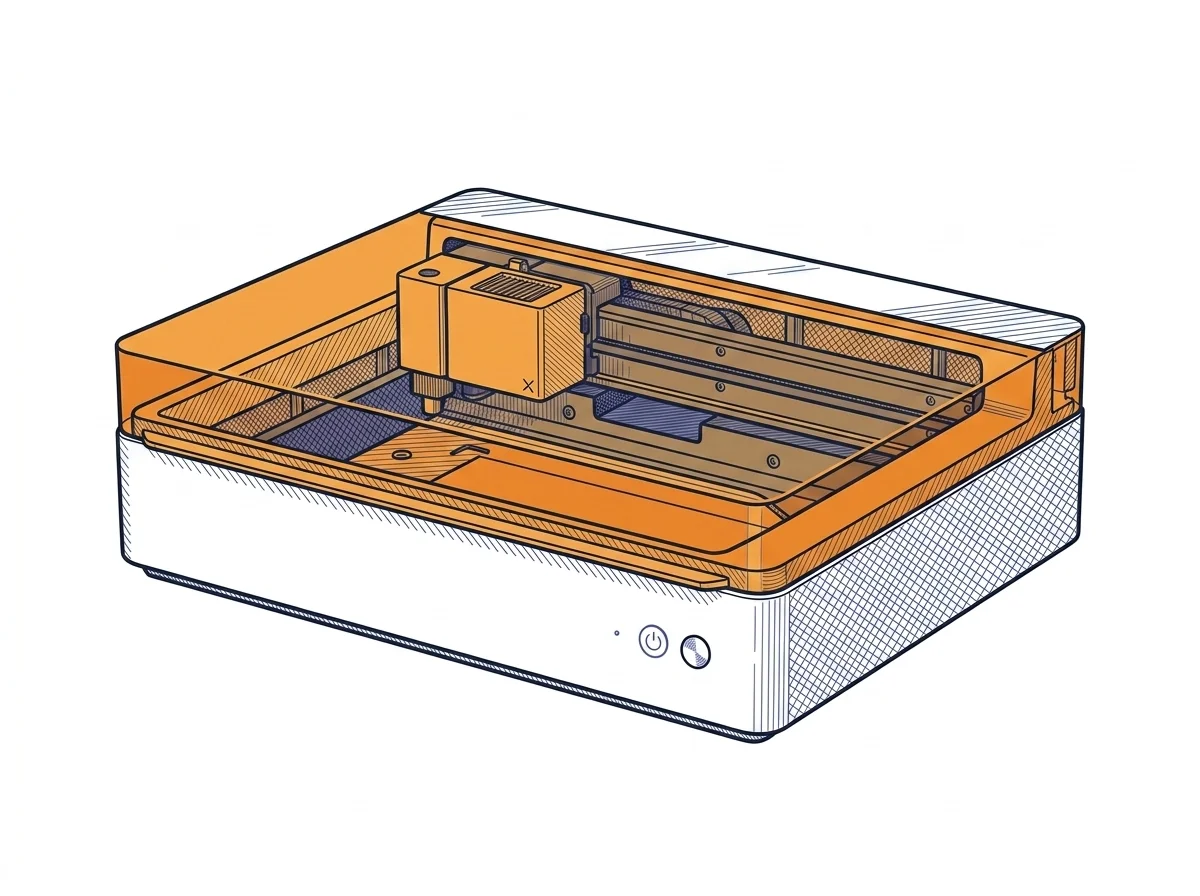 M1 5W Laser & Blade Cutter
xTool
F2 · Intermediate
M1 5W Laser & Blade Cutter
xTool
F2 · Intermediate
|
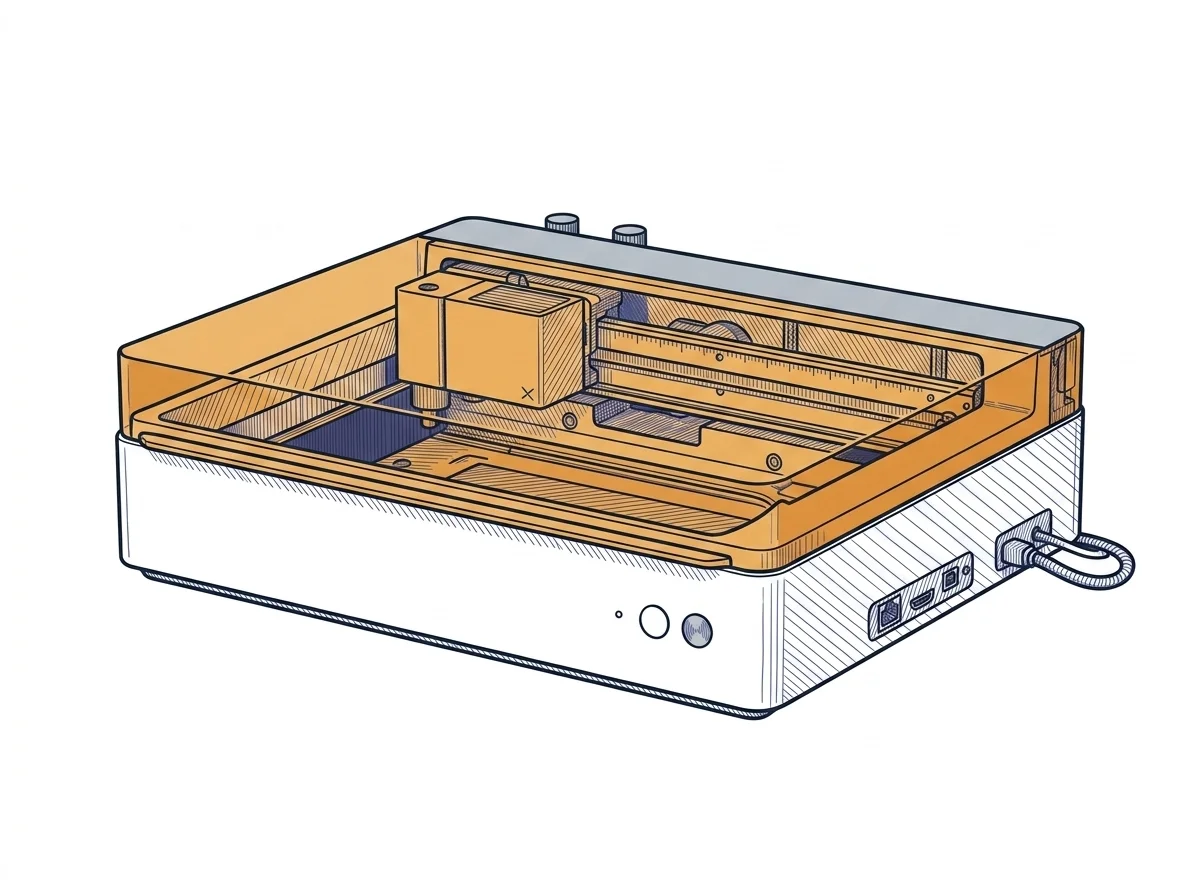 M1 Ultra 20W Craft Machine
xTool
F2 · Intermediate
M1 Ultra 20W Craft Machine
xTool
F2 · Intermediate
|
|---|---|---|
| Identity | ||
| Launch year | 2022 | 2024 |
| Use tier | F2 — Intermediate | F2 — Intermediate |
| Price | ||
| Price (€) | ~600–800 € | ~1300–1600 € |
| Universal specs | ||
| Dimensions (W×D×H) (cm) | 55.7 × 45.3 × 23 cm | 62 × 49.8 × 17.8 cm |
| Weight (kg) | 10 kg | 24.44 kg |
| Work area (mm) | 385 × 300 mm | 300 × 300 mm |
| Z-axis height (mm) | 22 mm | — |
| Power (W) | 150 W | — |
| Maximum speed | 250 mm/s | 400 mm/s |
| Declared precision | 0.01 mm | — |
| Category specs | ||
| Work area (short side) (mm) | 300 mm | 300 mm |
| Rated power (W) | 5 W | 20 W |
| Source technology | Diode | Diode |
| Max travel speed (mm/s) | 250 mm/s | 400 mm/s |
| Max processing speed (mm/s) | 250 mm/s | 400 mm/s |
| Max cut depth per material | 4 mm basswood | — |
| Wavelength (nm) | 455 nm | 455 nm |
| Min resolution (µm) | 10 µm | — |
| Autofocus | True | True |
| Rotary included/compatible | False | False |
| Passthrough | False | False |
| Supported software | Proprietary | Proprietary |
| Ecosystem | ||
| Cloud dependency | No | No |
| Software notes | Device control relies exclusively on the proprietary xTool Creative Space (XCS) software. This application manages both laser engraving and cutting operations, alongside path planning for the integrated blade cutter. The software incorporates visual alignment features assisted by the internal high-resolution camera, facilitating precise design placement on materials. There is no native support for universal third-party applications like LightBurn, restricting users to the manufacturer's ecosystem. The application is compatible with Windows, macOS, and mobile platforms, requiring an initial connection for updates but supporting offline operation. | System management relies primarily on the proprietary xTool Creative Space software, specifically developed to coordinate the machine's multi-function ecosystem. This application allows users to switch easily between laser engraving or cutting, blade die-cutting, and inkjet printing, while managing alignment via integrated sensors. The software is available for major desktop and mobile operating systems and supports both online and offline workflows. Although the interface is optimized to simplify the user experience, professionals accustomed to industry-standard platforms like LightBurn might experience operational limitations, as full support for the multi-tool capabilities strictly requires the manufacturer's official application. |
The differences that matter
- Price: M1 5W Laser & Blade Cutter 700 € vs M1 Ultra 20W Craft Machine 1450 € — M1 5W Laser & Blade Cutter wins (+107%)
- Work area: M1 5W Laser & Blade Cutter 385×300 mm vs M1 Ultra 20W Craft Machine 300×300 mm — M1 5W Laser & Blade Cutter wins (+28%)
Which one to choose
Choose M1 5W Laser & Blade Cutter if…
you value price and work area.
MakerSpecs is an independent atlas. We don't sell products: this comparison links to both sheets, where you'll find complete data and official links.