xTool F1 vs xTool S1 20W Laser Cutter
Technical comparison · Diode laser (405–460 nm)
F1 and S1 20W Laser Cutter are two diode laser (405–460 nm) in a similar class. Choose F1 if price matters more; choose S1 20W Laser Cutter if work area matters more.
| Parameter |
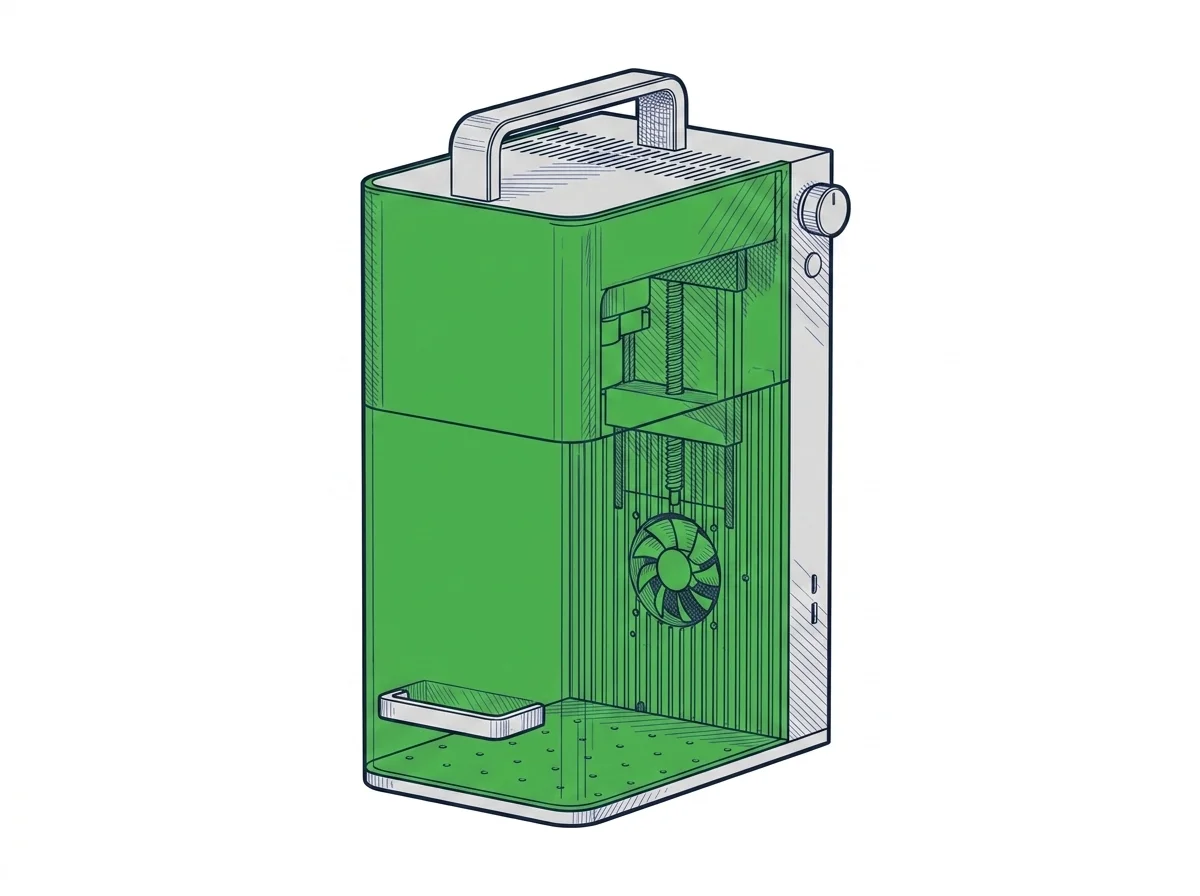 F1
xTool
F2 · Intermediate
F1
xTool
F2 · Intermediate
|
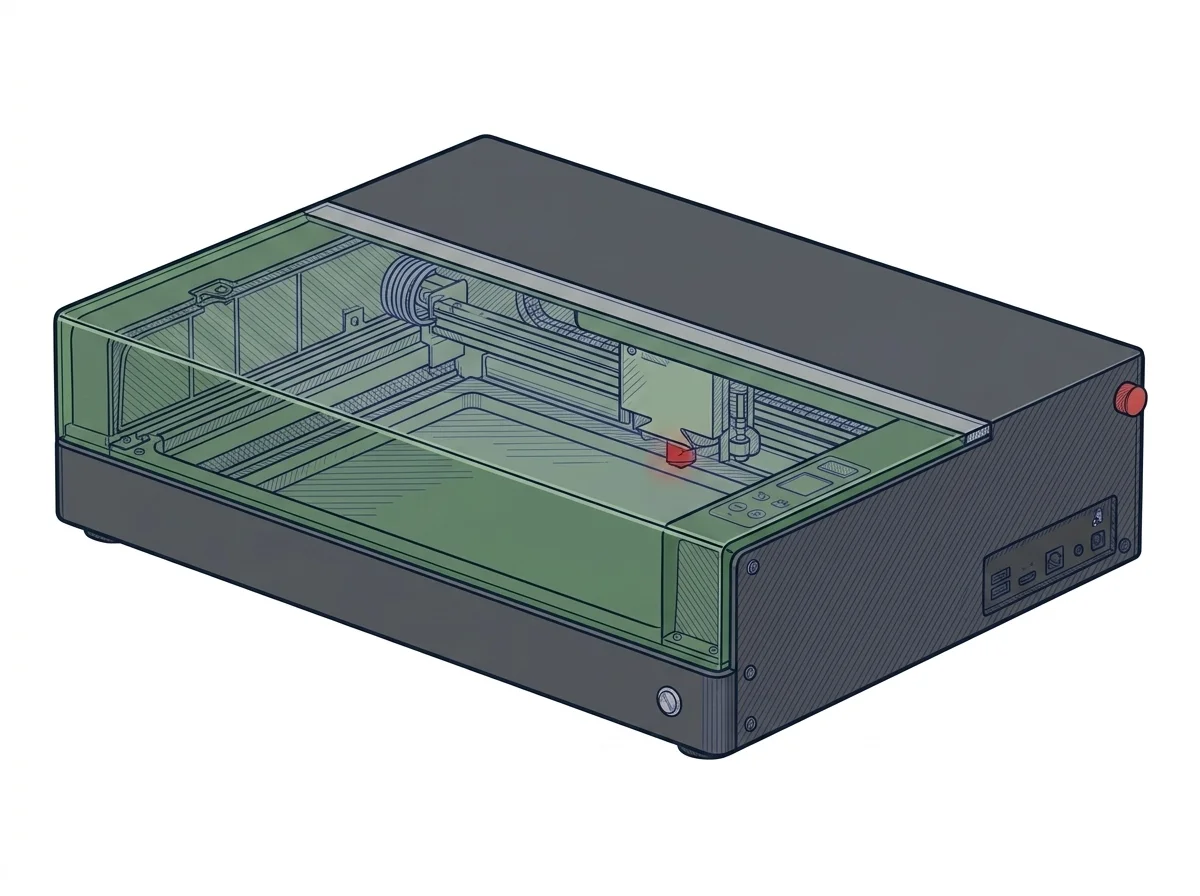 S1 20W Laser Cutter
xTool
F2 · Intermediate
S1 20W Laser Cutter
xTool
F2 · Intermediate
|
|---|---|---|
| Identity | ||
| Launch year | 2024 | 2023 |
| Use tier | F2 — Intermediate | F2 — Intermediate |
| Price | ||
| Price (€) | ~550–650 € | ~1300–1600 € |
| Universal specs | ||
| Dimensions (W×D×H) (cm) | 17.9 × 23.5 × 33.4 cm | 76.5 × 56.1 × 18.3 cm |
| Weight (kg) | 4.6 kg | 20 kg |
| Work area (mm) | 115 × 115 mm | 498 × 330 mm |
| Z-axis height (mm) | — | 42 mm |
| Power (W) | 84 W | — |
| Voltage (V) | 24 V | — |
| Maximum speed | 4000 mm/s | 600 mm/s |
| Declared precision | 0.00199 mm | 0.01 mm |
| Category specs | ||
| Work area (short side) (mm) | 115.0 mm | 330 mm |
| Rated power (W) | 10.0 W | 20 W |
| Source technology | Diode | Diode |
| Max travel speed (mm/s) | — | 600 mm/s |
| Max processing speed (mm/s) | 4000.0 mm/s | 600 mm/s |
| Max cut depth per material | 8mm basswood, 6mm black acrylic | 10 mm wood |
| Wavelength (nm) | — | 455 nm |
| Min resolution (µm) | 1.99 µm | — |
| Autofocus | — | True |
| Rotary included/compatible | False | False |
| Passthrough | — | True |
| Supported software | Proprietary | Proprietary, LightBurn |
| Ecosystem | ||
| Cloud dependency | No | No |
| Software notes | The xTool F1 Lite is compatible with xTool Studio (proprietary, free, Windows and macOS). The galvo system uses a proprietary protocol: LaserGRBL is not compatible as it requires GRBL firmware on a gantry controller. LightBurn introduced experimental galvo support in version 1.4+, but compatibility with the F1 Lite's specific controller is not officially certified by xTool, making the experience unguaranteed. In practice the user is tied to xTool Studio, which handles core functions but does not offer the flexibility of community profiles, macros, and advanced layers available in LightBurn for GRBL gantry lasers. | The machine is managed through dual software compatibility that expands the user's operational possibilities. The proprietary program, developed directly by the manufacturer, provides an accessible interface and simplified positioning functions via sensors, facilitating workflow management even for less experienced operators. For professional contexts or advanced customization needs, the unit fully supports LightBurn, the industry standard for laser cutting. This integration allows the management of detailed parameters, complex vectorization, and customized material libraries. The machine operates primarily in local mode via USB connection or Wi-Fi network, reducing dependency on external cloud services and ensuring operational continuity even in the absence of a stable internet connection. |
The differences that matter
- Price: F1 600 € vs S1 20W Laser Cutter 1450 € — F1 wins (+142%)
- Work area: F1 115×115 mm vs S1 20W Laser Cutter 498×330 mm — S1 20W Laser Cutter wins (+1143%)
Which one to choose
MakerSpecs is an independent atlas. We don't sell products: this comparison links to both sheets, where you'll find complete data and official links.