xTool D1 Pro 20W vs xTool D1 Pro 5W Laser Engraver
Technical comparison · Diode laser (405–460 nm)
D1 Pro 5W Laser Engraver leads on the available specs (starting with price); D1 Pro 20W makes sense only for non-technical reasons (availability, support, ecosystem), or if the missing data matters in your case.
| Parameter |
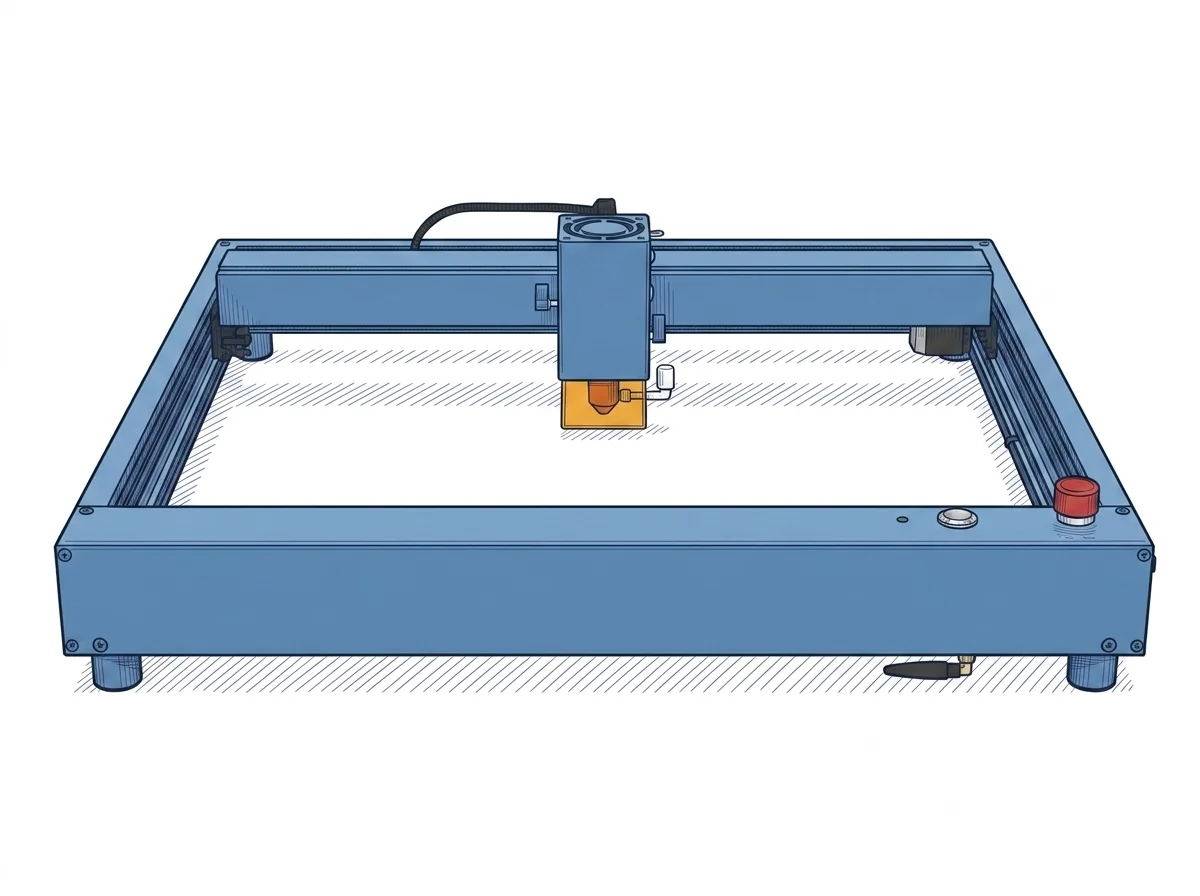 D1 Pro 20W
xTool
F2 · Intermediate
D1 Pro 20W
xTool
F2 · Intermediate
|
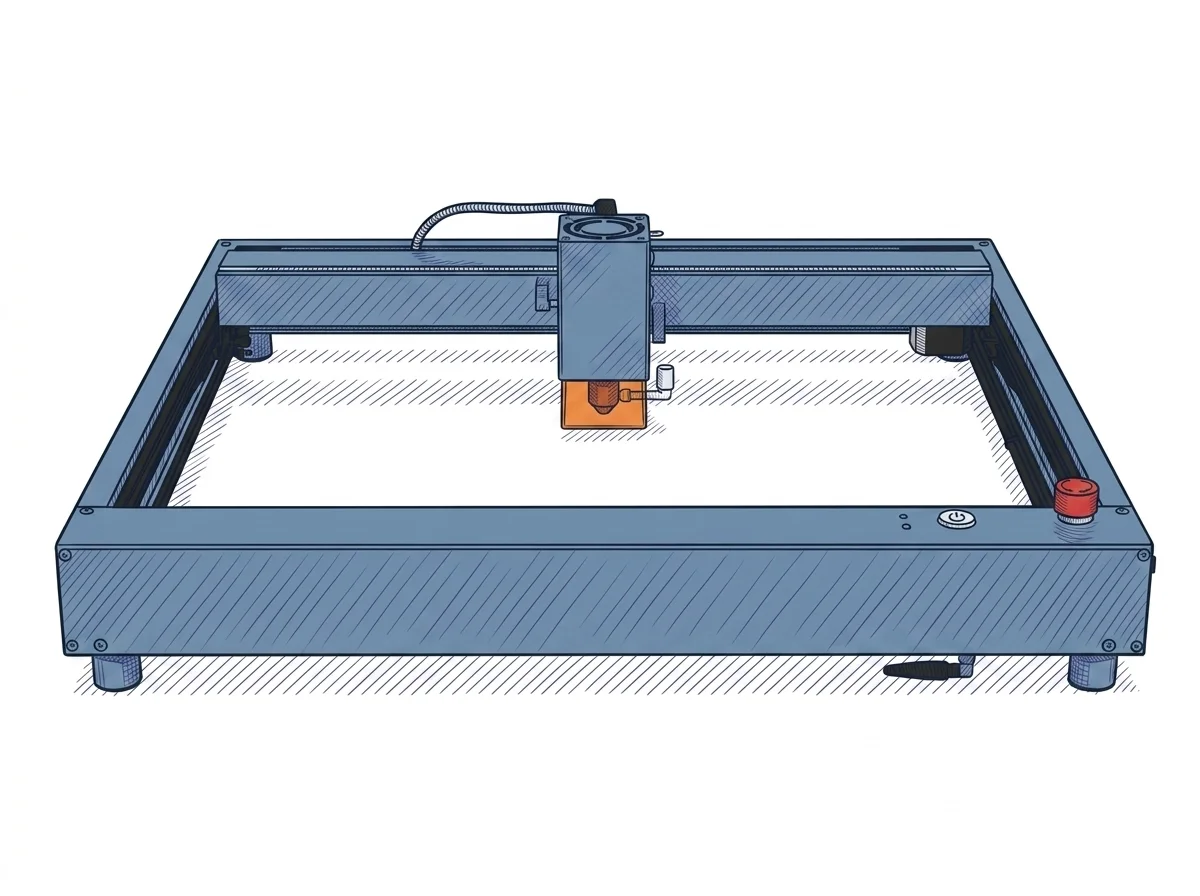 D1 Pro 5W Laser Engraver
xTool
F2 · Intermediate
D1 Pro 5W Laser Engraver
xTool
F2 · Intermediate
|
|---|---|---|
| Identity | ||
| Launch year | 2022 | 2022 |
| Use tier | F2 — Intermediate | F2 — Intermediate |
| Price | ||
| Price (€) | ~800–1000 € | ~350–500 € |
| Universal specs | ||
| Dimensions (W×D×H) (cm) | 60 × 59 × 15 cm | 60 × 59 × 15 cm |
| Weight (kg) | 5 kg | 5 kg |
| Work area (mm) | 430 × 390 mm | 430 × 400 mm |
| Power (W) | 120 W | 60 W |
| Maximum speed | 400 mm/s | 400 mm/s |
| Declared precision | 0.01 mm | 0.01 mm |
| Category specs | ||
| Work area (short side) (mm) | 390 mm | 400 mm |
| Rated power (W) | 20 W | 5 W |
| Source technology | Diode | Diode |
| Max travel speed (mm/s) | 400 mm/s | 400 mm/s |
| Max processing speed (mm/s) | 400 mm/s | 400 mm/s |
| Max cut depth per material | 10mm wood, 8mm acrylic | — |
| Wavelength (nm) | 455 nm | 455 nm |
| Min resolution (µm) | 80 µm | 10 µm |
| Autofocus | False | False |
| Rotary included/compatible | False | False |
| Passthrough | True | True |
| Supported software | Proprietary, LightBurn | Proprietary, LightBurn |
| Ecosystem | ||
| Cloud dependency | No | No |
| Software notes | Machine control is flexible thanks to multi-platform support. The manufacturer provides the proprietary xTool Creative Space (XCS) software, which is free and intuitive, suitable for beginners and available for Windows, macOS, iOS, and Android, operating completely offline via USB connection or TF card. For advanced users requiring professional nesting, layer management, and path optimization features, the engraver guarantees full compatibility with LightBurn. The optimized firmware architecture allows for a smooth transition between both applications, supporting the import of standard vector and raster formats such as SVG, DXF, BMP, and JPG, without any dependence on external cloud services for daily operation. | The system offers versatile software compatibility, supporting both the proprietary xTool Creative Space (XCS) environment and the industry-standard LightBurn. XCS is a free, intuitive platform ideal for beginners, allowing full project management both online and in a completely offline mode, eliminating cloud dependency. For advanced users requiring sophisticated vector editing and control features, LightBurn represents the ideal choice, integrating via USB or Wi-Fi connection. This dual software option ensures that the machine can evolve alongside the user's skills, covering both straightforward workflows and more complex graphic production and engraving design layouts. |
The differences that matter
- Price: D1 Pro 20W 900 € vs D1 Pro 5W Laser Engraver 425 € — D1 Pro 5W Laser Engraver wins (+112%)
Which one to choose
MakerSpecs is an independent atlas. We don't sell products: this comparison links to both sheets, where you'll find complete data and official links.