Sculpfun S30 10W vs xTool D1 Pro 10W Laser Engraver
Technical comparison · Diode laser (405–460 nm)
D1 Pro 10W Laser Engraver leads on the available specs (starting with work area); S30 10W makes sense only for non-technical reasons (availability, support, ecosystem), or if the missing data matters in your case.
| Parameter |
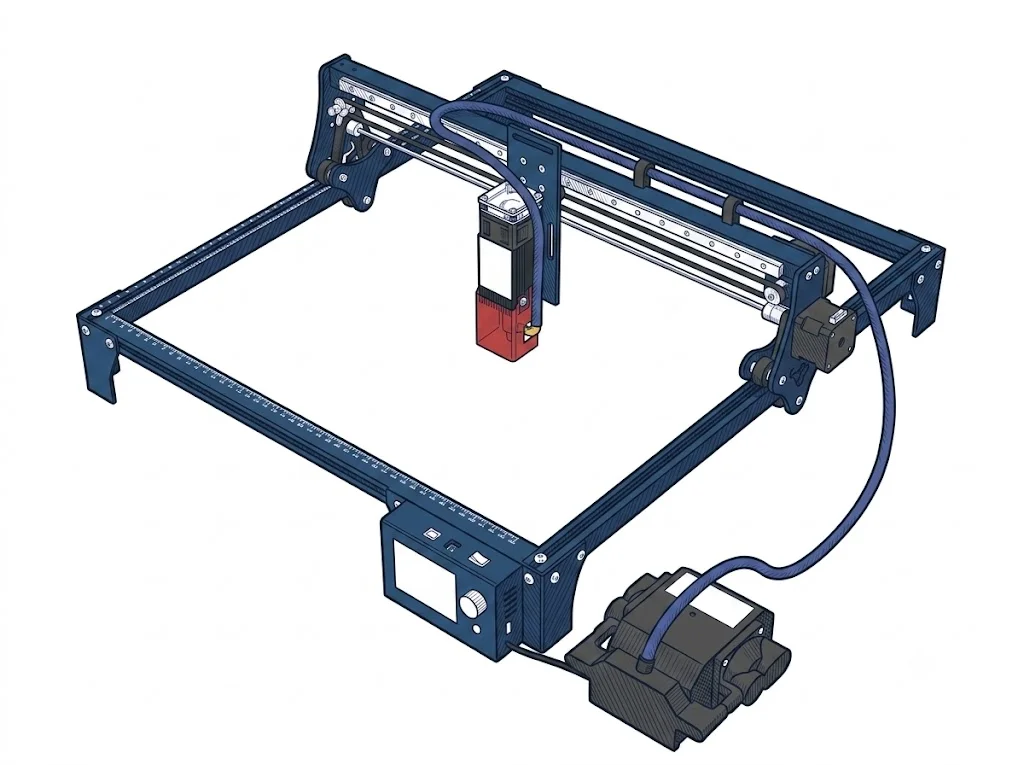 S30 10W
Sculpfun
F2 · Intermediate
S30 10W
Sculpfun
F2 · Intermediate
|
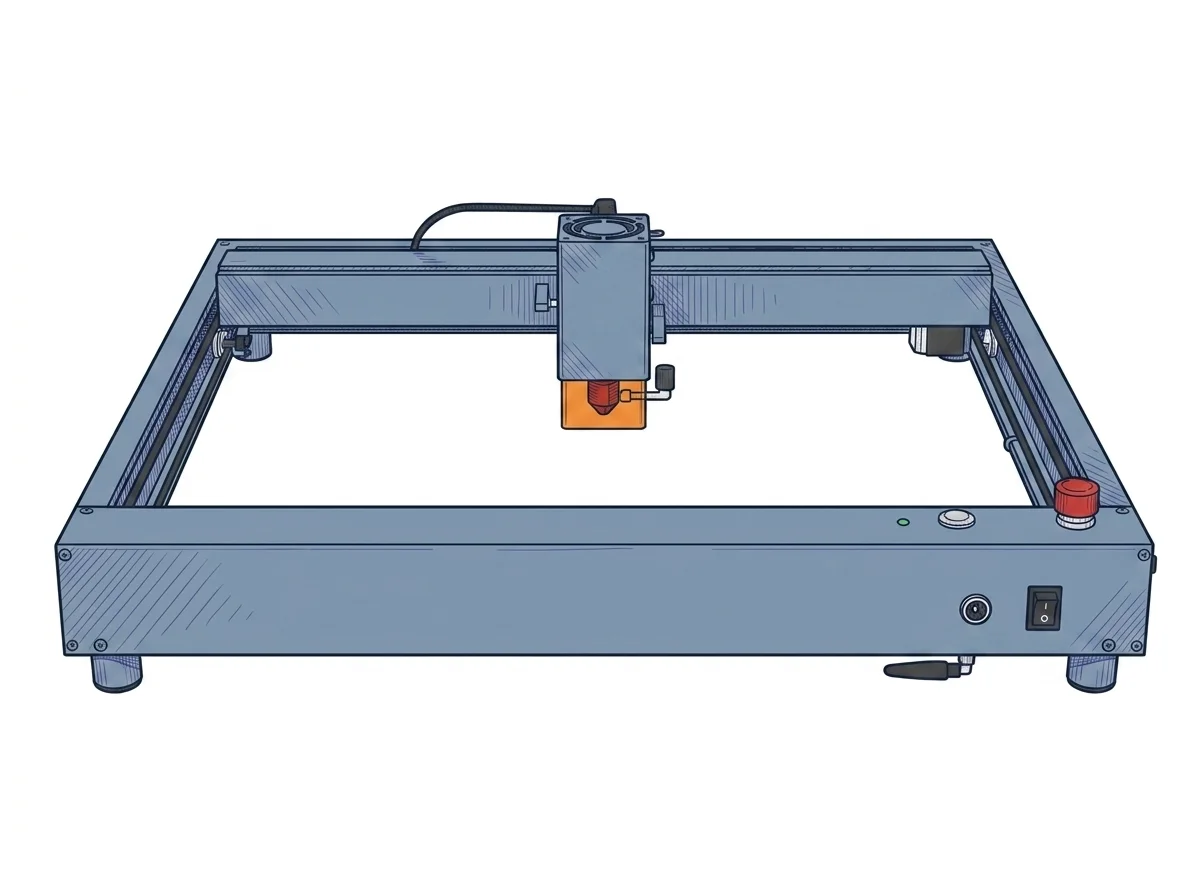 D1 Pro 10W Laser Engraver
xTool
F2 · Intermediate
D1 Pro 10W Laser Engraver
xTool
F2 · Intermediate
|
|---|---|---|
| Identity | ||
| Launch year | 2022 | 2022 |
| Use tier | F2 — Intermediate | F2 — Intermediate |
| Price | ||
| Price (€) | 599.99 € | ~500–700 € |
| Universal specs | ||
| Dimensions (W×D×H) (cm) | 55.5 × 59.5 × 21 cm | 60 × 59 × 15 cm |
| Weight (kg) | — | 5 kg |
| Work area (mm) | 380 × 385 mm | 430 × 390 mm |
| Power (W) | 84 W | 100 W |
| Voltage (V) | 240 V | — |
| Maximum speed | 25000 mm/min | 400 mm/s |
| Declared precision | 0.005 mm | 0.01 mm |
| Category specs | ||
| Work area (short side) (mm) | 380 mm | 390 mm |
| Rated power (W) | 10 W | 10 W |
| Source technology | Diode | Diode |
| Max travel speed (mm/s) | — | 400 mm/s |
| Max processing speed (mm/s) | — | 400 mm/s |
| Max cut depth per material | — | 6 mm basswood |
| Wavelength (nm) | 455 nm | 455 nm |
| Min resolution (µm) | 5 µm | 80 µm |
| Autofocus | False | False |
| Rotary included/compatible | False | False |
| Passthrough | — | False |
| Supported software | LightBurn, Other | Proprietary, LightBurn |
| Ecosystem | ||
| Cloud dependency | No | No |
| Software notes | The 32-bit motherboard is fully compatible with LightBurn (including M8 air control) and LaserGRBL. It also supports Bluetooth connectivity and offline printing via SD card. | Operational management is flexible, adapting to various workflows through dual software compatibility. The manufacturer provides xTool Creative Space, a free, proprietary application that is intuitive and beginner-friendly, supporting connectivity via Wi-Fi, USB cable, or TF card for offline operation. For experienced users requiring advanced vector editing capabilities and precise control over scanning parameters, the machine fully supports LightBurn. The latter requires a separate license purchase and initial setup via dedicated configuration files, but it unlocks the hardware's full potential for optimizing execution times and managing complex multi-layer projects. |
The differences that matter
- Work area: S30 10W 380×385 mm vs D1 Pro 10W Laser Engraver 430×390 mm — D1 Pro 10W Laser Engraver wins (+15%)
Which one to choose
MakerSpecs is an independent atlas. We don't sell products: this comparison links to both sheets, where you'll find complete data and official links.