Ortur LM3 40W vs Ortur Laser Master 3 LE 5W Laser Engraver
Technical comparison · Diode laser (405–460 nm)
LM3 40W and Laser Master 3 LE 5W Laser Engraver are not direct competitors: very different prices (~3.7×). Laser Master 3 LE 5W Laser Engraver costs less (~€190) and is the entry-level choice; LM3 40W offers more capability at a higher price (~€700). Judge them by budget, not head-to-head.
| Parameter |
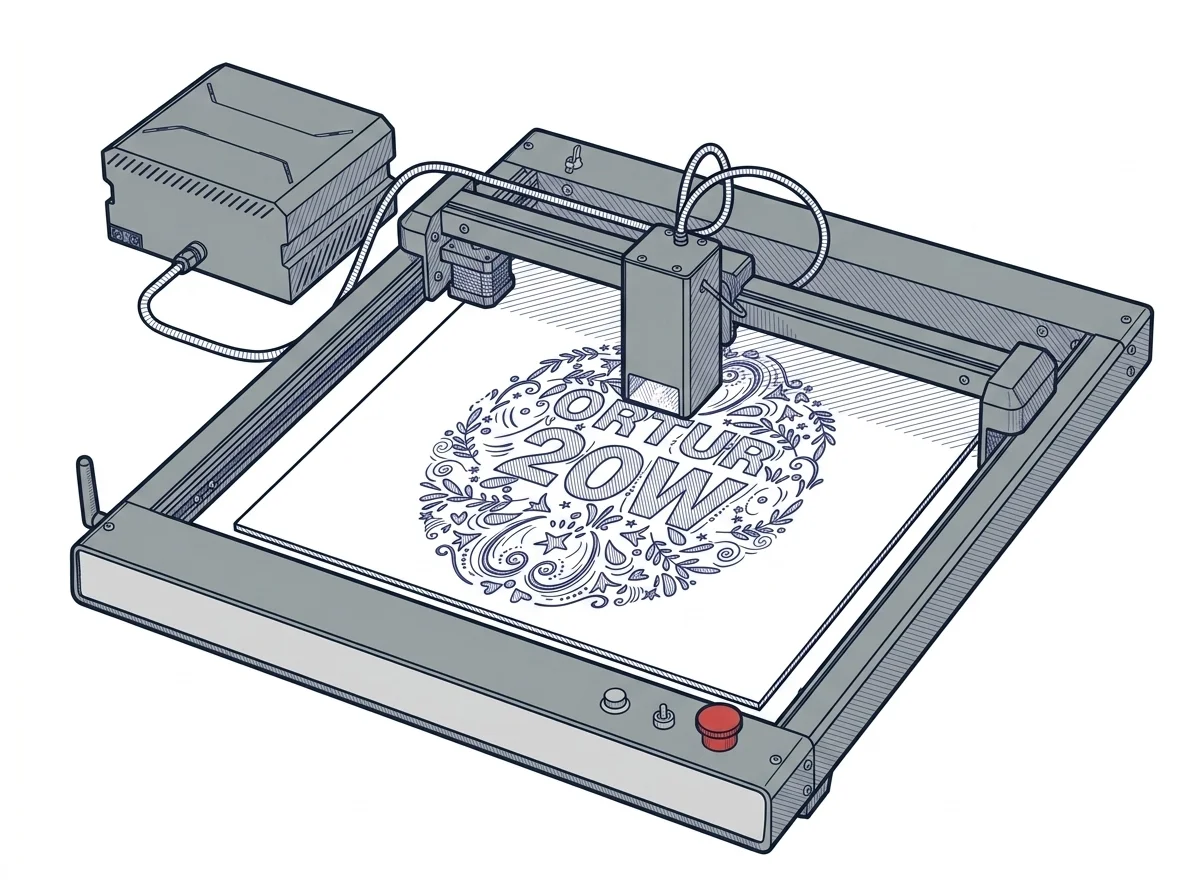 LM3 40W
Ortur
F2 · Intermediate
LM3 40W
Ortur
F2 · Intermediate
|
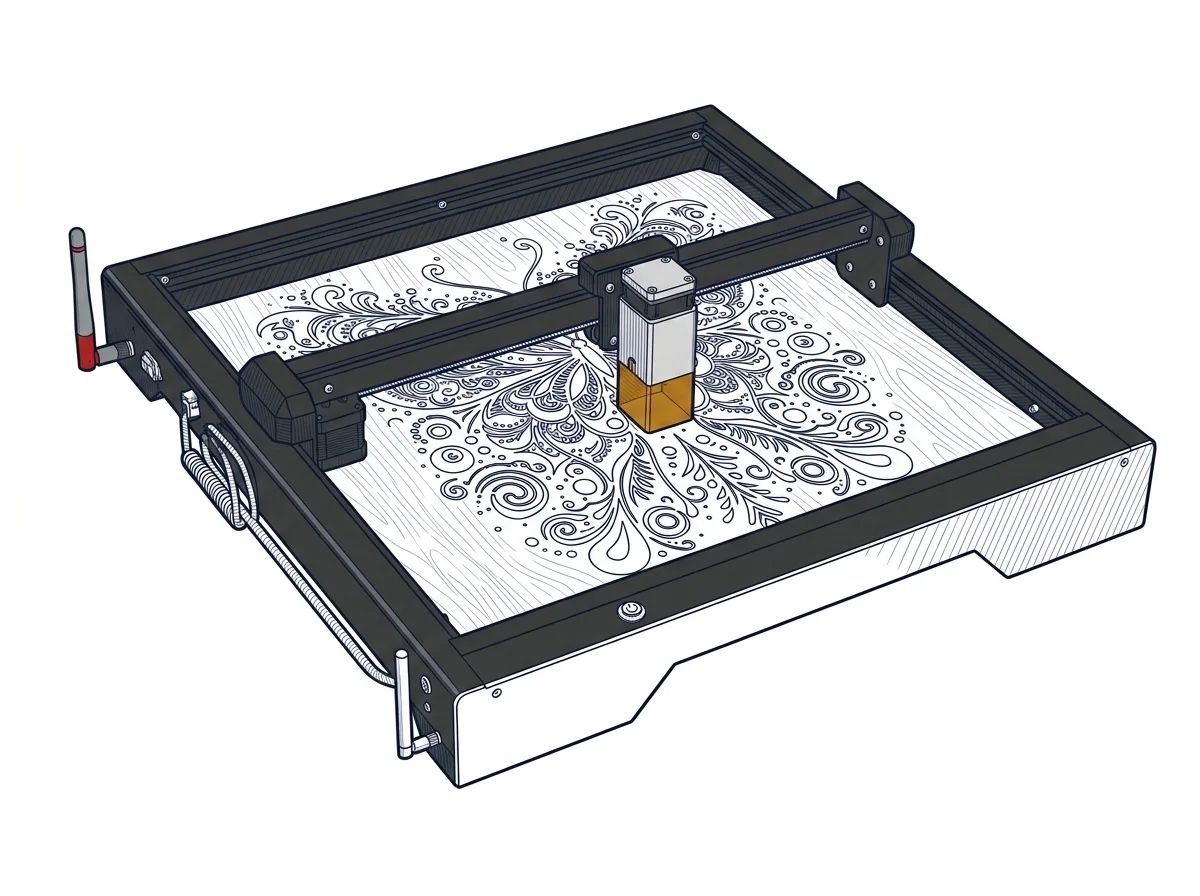 Laser Master 3 LE 5W Laser Engraver
Ortur
F2 · Intermediate
Laser Master 3 LE 5W Laser Engraver
Ortur
F2 · Intermediate
|
|---|---|---|
| Identity | ||
| Launch year | 2023 | 2023 |
| Use tier | F2 — Intermediate | F2 — Intermediate |
| Price | ||
| Price (€) | ~600–800 € | ~130–250 € |
| Universal specs | ||
| Dimensions (W×D×H) (cm) | 65.8 × 62.5 × 15 cm | 61.4 × 58.8 × 12.8 cm |
| Weight (kg) | — | 4.5 kg |
| Work area (mm) | 400 × 380 mm | 400 × 400 mm |
| Voltage (V) | — | 24 V |
| Maximum speed | 20000 mm/min | 15000 mm/min |
| Declared precision | 0.08 mm | 0.01 mm |
| Category specs | ||
| Work area (short side) (mm) | 380.0 mm | 400 mm |
| Rated power (W) | 20.0 W | 5 W |
| Source technology | Diode | Diode |
| Max travel speed (mm/s) | — | 250 mm/s |
| Max processing speed (mm/s) | 333.33 mm/s | 250 mm/s |
| Max cut depth per material | 15mm Pine, 10mm Plywood, 8mm Black Acrylic | — |
| Wavelength (nm) | — | 445 nm |
| Min resolution (µm) | 80.0 µm | 10 µm |
| Autofocus | False | False |
| Rotary included/compatible | False | False |
| Passthrough | — | False |
| Supported software | Proprietary, LightBurn, Other | Proprietary, LightBurn, Other |
| Ecosystem | ||
| Cloud dependency | No | No |
| Software notes | The LM3 uses firmware based on the open GRBL protocol, compatible with LightBurn (diode license ~$60 one-time), LaserGRBL (free, open-source), and the proprietary Ortur iOS/Android app with selectable novice and advanced modes. LightBurn offers advanced variable power control, path optimization, and optional camera alignment; LaserGRBL covers basic engraving tasks at no additional cost. The open GRBL protocol ensures compatibility with third-party tools and standard G-code generators. Communication is via USB; the Ortur app allows remote job launching via Wi-Fi without a connected PC. | Numerical control management is based on an open architecture that ensures full compatibility with the main third-party software programs in the industry. Users can interface with the machine using LightBurn, the professional standard for preparing and sending toolpaths, or opt for LaserGRBL, a highly capable, free open-source alternative specifically designed for Windows environments. Connectivity includes standard USB cable operation for stable data transmission, complemented by an integrated Wi-Fi module that enables remote management. Furthermore, the manufacturer provides the proprietary Laser Explorer application, designed for mobile devices, which further simplifies starting quick jobs or monitoring processes directly from a smartphone, thereby significantly increasing the overall flexibility and accessibility of the operational ecosystem. |
The differences that matter
- Price: LM3 40W 700 € vs Laser Master 3 LE 5W Laser Engraver 190 € — Laser Master 3 LE 5W Laser Engraver wins (+268%)
- Work area: LM3 40W 400×380 mm vs Laser Master 3 LE 5W Laser Engraver 400×400 mm — Laser Master 3 LE 5W Laser Engraver wins (+5%)
Which one to choose
Choose Laser Master 3 LE 5W Laser Engraver if…
you value price and work area.
MakerSpecs is an independent atlas. We don't sell products: this comparison links to both sheets, where you'll find complete data and official links.