Ortur H20 10W vs Ortur Laser Master 2 Pro S2 10W
Technical comparison · Diode laser (405–460 nm)
H20 10W and Laser Master 2 Pro S2 10W are not direct competitors: very different prices (~4.6×). Laser Master 2 Pro S2 10W costs less (~€329) and is the entry-level choice; H20 10W offers more capability at a higher price (~€1499). Judge them by budget, not head-to-head.
| Parameter |
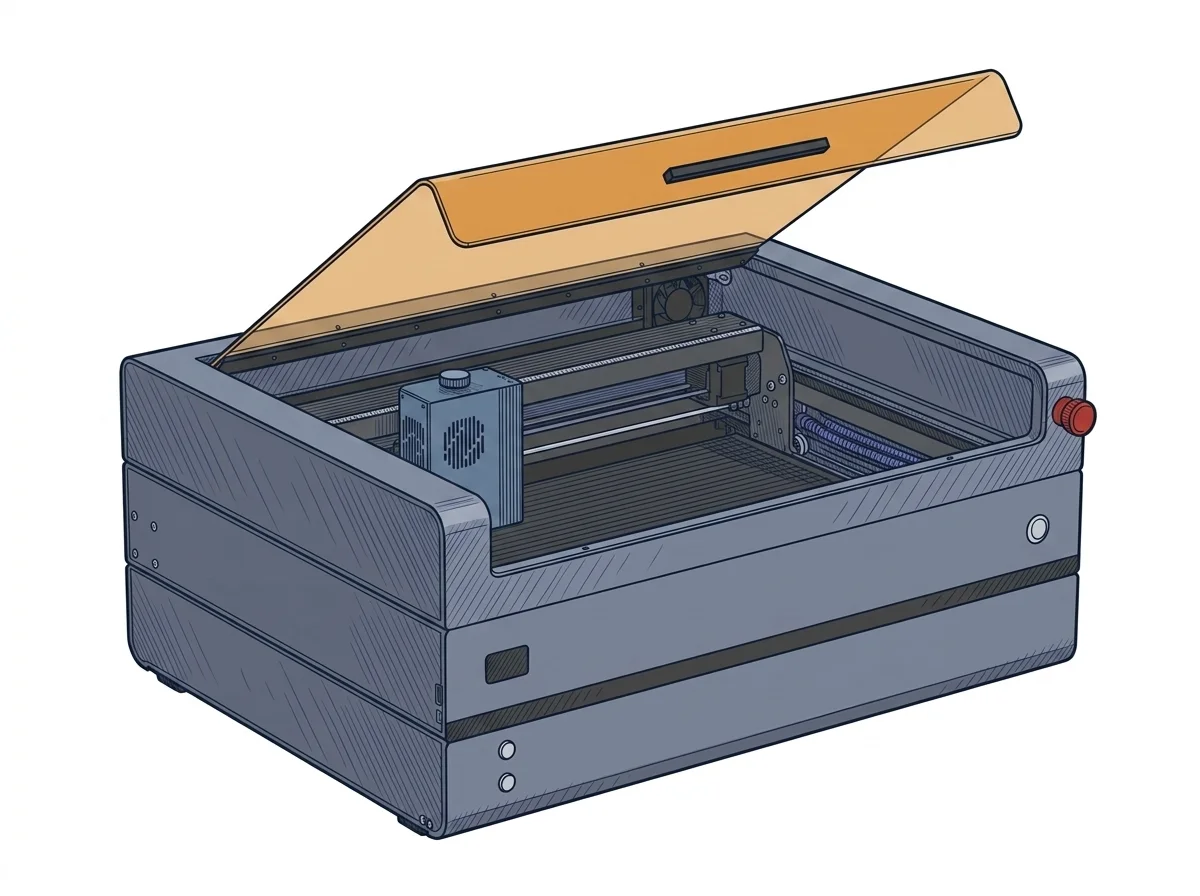 H20 10W
Ortur
F2 · Intermediate
H20 10W
Ortur
F2 · Intermediate
|
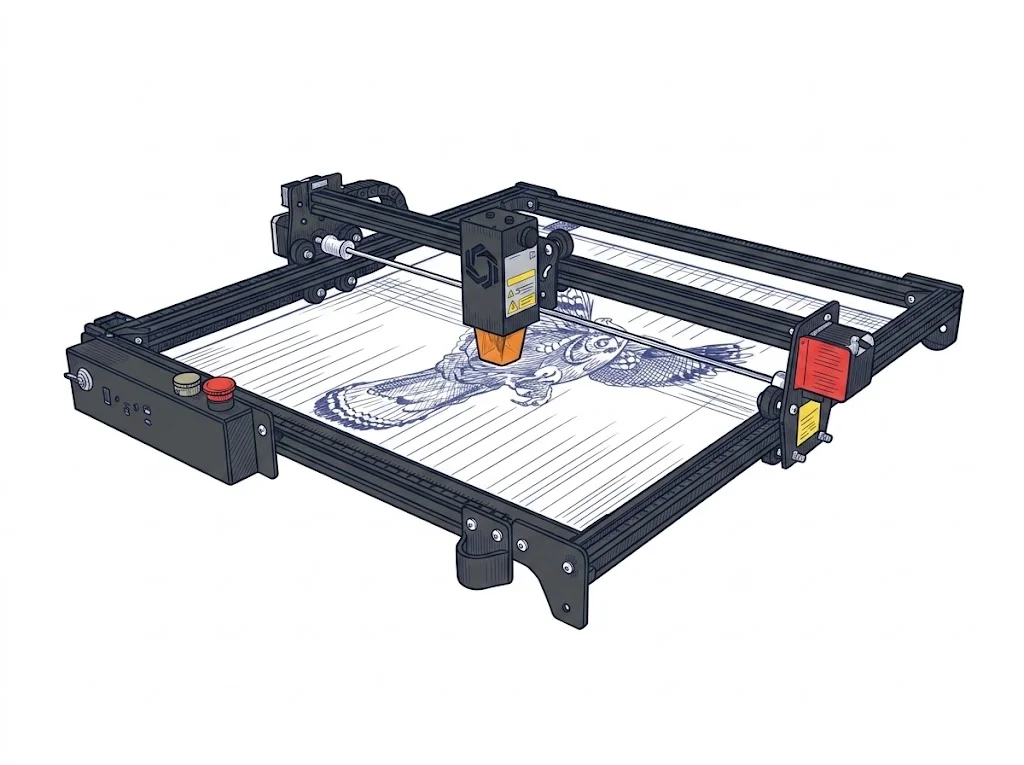 Laser Master 2 Pro S2 10W
Ortur
F2 · Intermediate
Laser Master 2 Pro S2 10W
Ortur
F2 · Intermediate
|
|---|---|---|
| Identity | ||
| Launch year | 2024 | 2021 |
| Use tier | F2 — Intermediate | F2 — Intermediate |
| Price | ||
| Price (€) | 1499 € | 329 € |
| Universal specs | ||
| Dimensions (W×D×H) (cm) | 62.5 × 42.6 × 27.1 cm | 60 × 57 × 13 cm |
| Weight (kg) | 22.7 kg | 4.84 kg |
| Work area (mm) | 420 × 300 mm | 400 × 400 mm |
| Power (W) | — | 48 W |
| Voltage (V) | — | 24 V |
| Maximum speed | 20000 mm/min | 15000 mm/min |
| Declared precision | 0.01 mm | 0.0125 mm |
| Category specs | ||
| Work area (short side) (mm) | 300 mm | 400 mm |
| Rated power (W) | 10 W | 10 W |
| Source technology | Diode | Diode |
| Max travel speed (mm/s) | 333.33 mm/s | 250 mm/s |
| Max processing speed (mm/s) | 333.33 mm/s | 250 mm/s |
| Max cut depth per material | 10-12 mm wood/acrylic | 20 mm Pino / 30 mm Acrilico |
| Wavelength (nm) | 450 nm | 445 nm |
| Min resolution (µm) | 10 µm | 12.5 µm |
| Autofocus | False | False |
| Rotary included/compatible | False | False |
| Passthrough | — | True |
| Supported software | LightBurn, Proprietary, Other | LightBurn, Other |
| Ecosystem | ||
| Cloud dependency | No | No |
| Software notes | The operational control of the device interfaces natively with the industry's leading third-party software, ensuring broad configuration flexibility. Compatibility with professional programs like LightBurn allows advanced users to manage complex vector workflows and detailed engraving parameters, while support for LaserGRBL offers a functional alternative for quicker operations. Additionally, the integrated wireless connectivity permits a direct connection via the proprietary Inspiraesth application, facilitating project transmission and basic settings management from mobile devices. The system does not impose cloud-dependent workflows, maintaining complete local operability to protect project confidentiality. | The device integrates seamlessly with major workflows thanks to full compatibility with industry-standard programs. Users can manage operations via LaserGRBL, an open-source and free solution particularly suited for beginners and compatible solely with Windows operating systems. For professionals and experienced users requiring vectorization tools, layer management, and advanced path optimization, the machine natively supports LightBurn. The latter, available through a paid license, offers a feature-rich interface and is cross-platform, ensuring compatibility with Windows, macOS, and Linux environments, thus ensuring total control over hardware parameters and complex design execution. |
The differences that matter
- Price: H20 10W 1499 € vs Laser Master 2 Pro S2 10W 329 € — Laser Master 2 Pro S2 10W wins (+356%)
- Work area: H20 10W 420×300 mm vs Laser Master 2 Pro S2 10W 400×400 mm — Laser Master 2 Pro S2 10W wins (+27%)
Which one to choose
Choose Laser Master 2 Pro S2 10W if…
you value price and work area.
MakerSpecs is an independent atlas. We don't sell products: this comparison links to both sheets, where you'll find complete data and official links.