Ortur Aufero Laser 2 vs Ortur Laser Master 2 Pro S2 5W
Technical comparison · Diode laser (405–460 nm)
Aufero Laser 2 and Laser Master 2 Pro S2 5W are two diode laser (405–460 nm) in a similar class. Choose Aufero Laser 2 if price matters more; choose Laser Master 2 Pro S2 5W if work area matters more.
| Parameter |
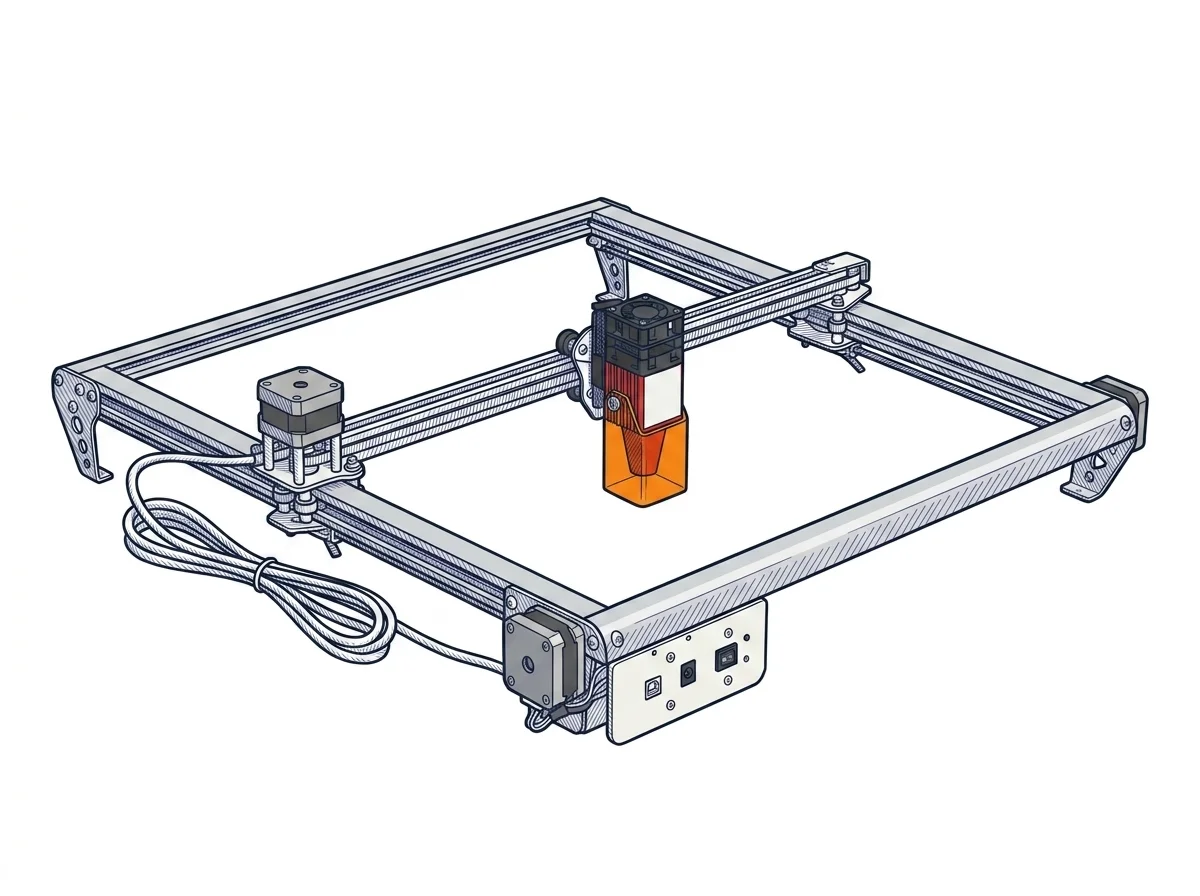 Aufero Laser 2
Ortur
F2 · Intermediate
Aufero Laser 2
Ortur
F2 · Intermediate
|
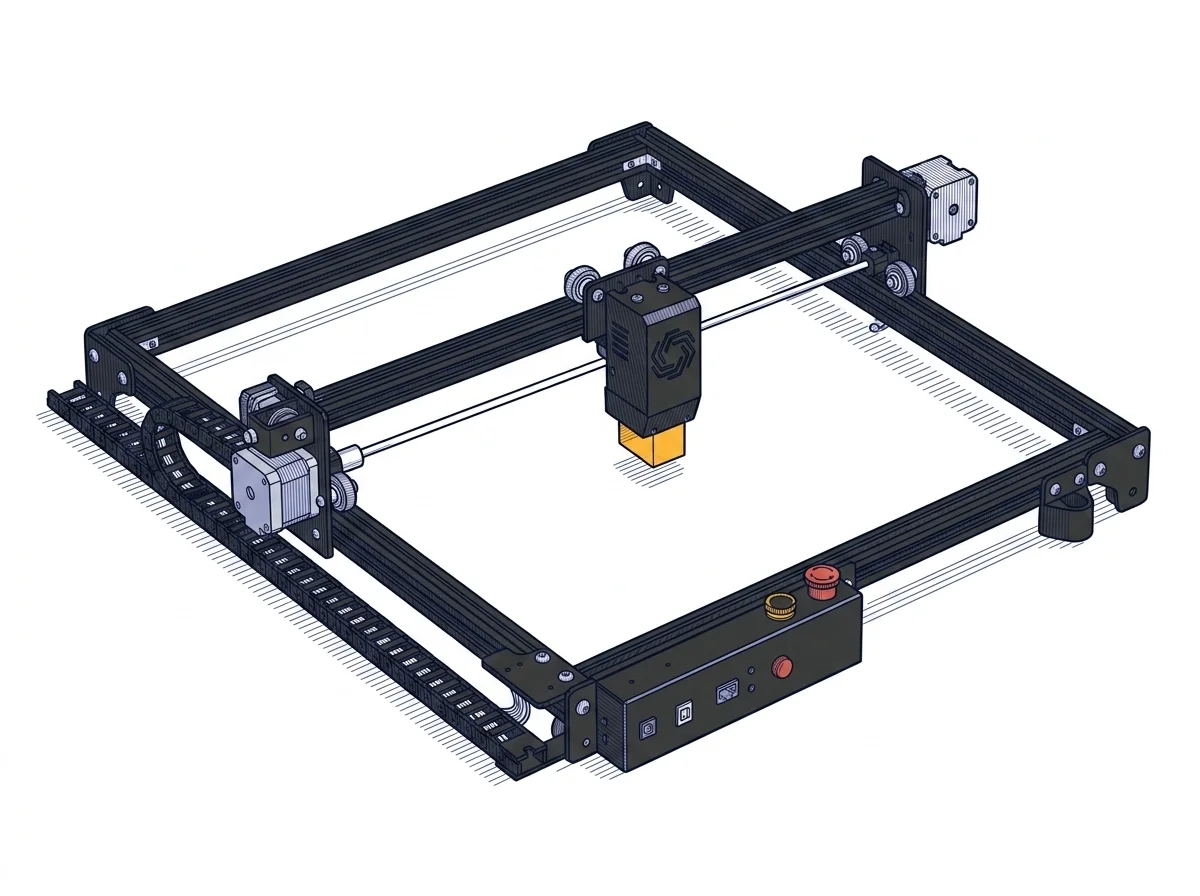 Laser Master 2 Pro S2 5W
Ortur
F2 · Intermediate
Laser Master 2 Pro S2 5W
Ortur
F2 · Intermediate
|
|---|---|---|
| Identity | ||
| Launch year | 2021 | 2021 |
| Use tier | F2 — Intermediate | F2 — Intermediate |
| Price | ||
| Price (€) | ~180–280 € | 329 € |
| Universal specs | ||
| Dimensions (W×D×H) (cm) | 58.2 × 58 × 14 cm | 60 × 57 × 13 cm |
| Weight (kg) | 3 kg | 3.5 kg |
| Work area (mm) | 390 × 390 mm | 400 × 400 mm |
| Power (W) | 48 W | 48 W |
| Voltage (V) | 24 V | 24 V |
| Maximum speed | 15000 mm/min | 10000 mm/min |
| Declared precision | 12.5 µm | 0.01 mm |
| Category specs | ||
| Work area (short side) (mm) | 390 mm | 400 mm |
| Rated power (W) | 5 W | 5.5 W |
| Source technology | Diode | Diode |
| Max travel speed (mm/s) | 250 mm/s | 250 mm/s |
| Max processing speed (mm/s) | 250 mm/s | 250 mm/s |
| Max cut depth per material | 12 mm (wood), 10 mm (acrylic) | Wood: 12 mm, Acrylic: 5 mm |
| Wavelength (nm) | 445 nm | 445 nm |
| Min resolution (µm) | 12.5 µm | 12.5 µm |
| Autofocus | False | False |
| Rotary included/compatible | False | False |
| Passthrough | False | True |
| Supported software | LightBurn, Other | LightBurn, Other |
| Ecosystem | ||
| Cloud dependency | No | No |
| Software notes | The machine is fully compatible with the main control software on the market, including LightBurn (paid, for advanced users) and LaserGRBL (free, available only for Windows). Connection to the computer is traditionally established via a USB cable, ensuring stability during operations. No internet connection or cloud platform is required to operate the machine, ensuring total control over your files and privacy during use. | The operational management of the engraver is guaranteed by full compatibility with the most popular software in the industry, making workflow integration highly flexible. Users can utilize LightBurn, an advanced commercial program that has become the gold standard for those requiring complex editing tools and granular control over cutting parameters. Alternatively, the motherboard natively supports LaserGRBL, a free and open-source software solution, particularly suitable for beginners due to its intuitive interface. The connection between the computer and the machine occurs physically via a standard USB cable, ensuring stable and low-latency data transfer, without any need for an internet connection or reliance on cloud-based platforms. |
The differences that matter
- Price: Aufero Laser 2 230 € vs Laser Master 2 Pro S2 5W 329 € — Aufero Laser 2 wins (+43%)
- Work area: Aufero Laser 2 390×390 mm vs Laser Master 2 Pro S2 5W 400×400 mm — Laser Master 2 Pro S2 5W wins (+5%)
Which one to choose
MakerSpecs is an independent atlas. We don't sell products: this comparison links to both sheets, where you'll find complete data and official links.