Bambu Lab X2D vs Snapmaker 2.0 A250 Modular 3-in-1
Technical comparison · Fused filament fabrication (FFF/FDM)
X2D leads on the available specs (starting with price); 2.0 A250 Modular 3-in-1 makes sense only for non-technical reasons (availability, support, ecosystem), or if the missing data matters in your case. On the category's overall technical index, X2D scores 62/100 against 16/100 for 2.0 A250 Modular 3-in-1.
| Parameter |
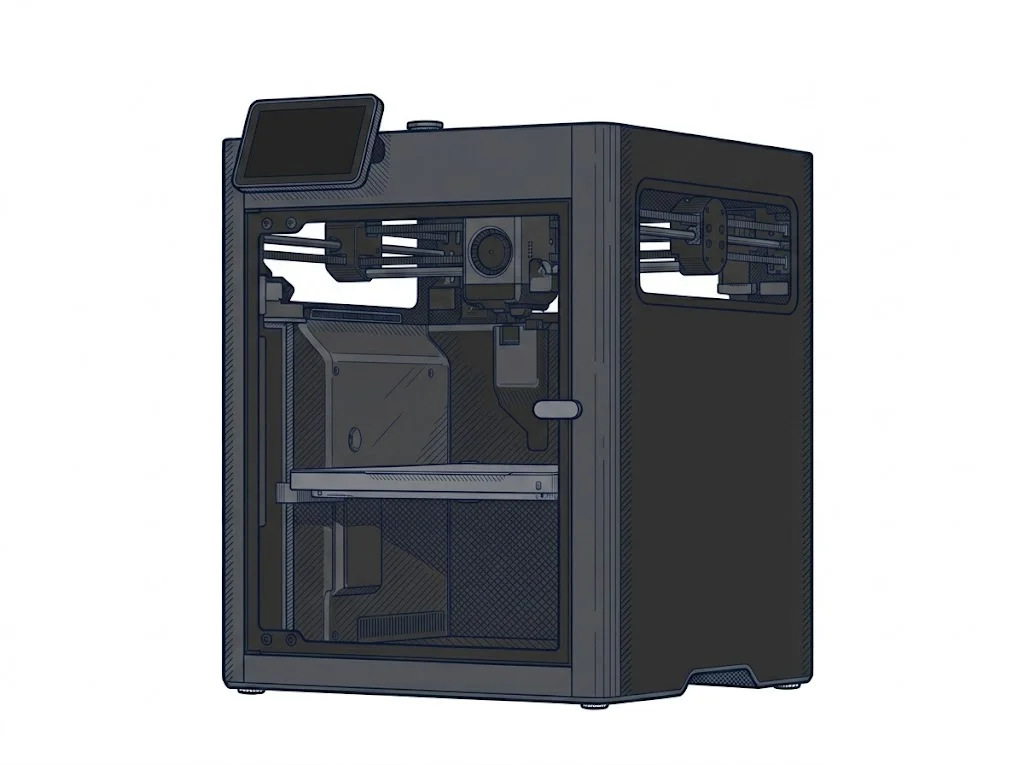 X2D
Bambu Lab
F3 · Advanced
X2D
Bambu Lab
F3 · Advanced
|
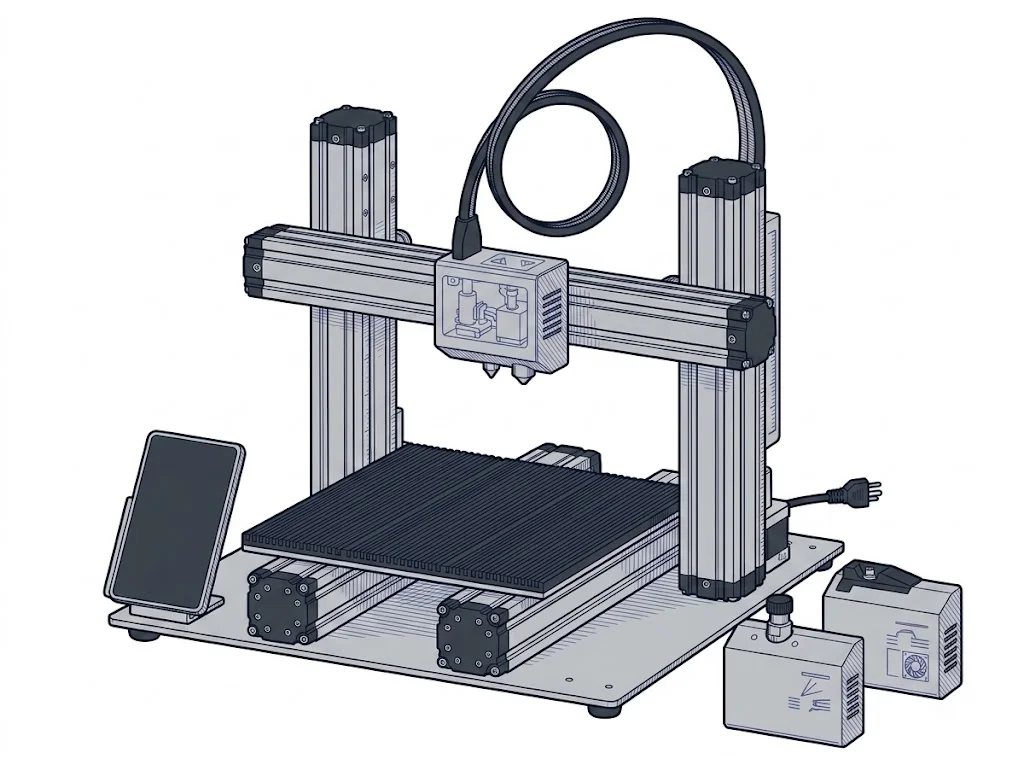 2.0 A250 Modular 3-in-1
Snapmaker
F2 · Intermediate
2.0 A250 Modular 3-in-1
Snapmaker
F2 · Intermediate
|
|---|---|---|
| Identity | ||
| Launch year | 2026 | 2020 |
| Use tier | F3 — Advanced | F2 — Intermediate |
| Price | ||
| Price (€) | 629 € | ~1000–1500 € |
| Universal specs | ||
| Dimensions (W×D×H) (cm) | 39.2 × 40.6 × 47.8 cm | — |
| Weight (kg) | 16.25 kg | 14.2 kg |
| Work area (mm) | 256 × 256 mm | 230 × 250 mm |
| Z-axis height (mm) | 260 mm | 235 mm |
| Power (W) | 1600 W | 320 W |
| Maximum speed | 1000 mm/s | — |
| Declared precision | 50 μm | 0.005 mm |
| Category specs | ||
| Footprint X×Y (short side) (mm) | 256 mm | 230 mm |
| Build height Z (mm) | 260 mm | 235 mm |
| Kinematics | CoreXY | Cartesian |
| Max nozzle temperature (°C) | 300 °C | 275 °C |
| Max bed temperature (°C) | 120 °C | 100 °C |
| Max print speed (mm/s) | 1000 mm/s | — |
| Enclosed chamber | True | False |
| Filament sensor | True | True |
| Auto bed leveling | Mesh | Mesh |
| Standard nozzle diameter (mm) | 0.4 mm | — |
| Multi-extruder | True | False |
| Native Klipper | False | False |
| Input shaper | True | False |
| Multicolor printing | True | False |
| Multicolor requires accessory | True | True |
| Max colors | 25 | 1 |
| Ecosystem | ||
| Cloud dependency | No | No |
| Software notes | The X2D uses Bambu Studio as its official software, available for Windows, macOS, and Linux. It also accepts standard G-code from third-party slicers such as PrusaSlicer, SuperSlicer, and Cura, though some advanced features — including automatic calibration and dual-nozzle workflow management — are only fully supported within Bambu Studio. | The machine is natively managed via Snapmaker Luban, a free, cross-platform software (Windows, macOS, Linux) custom-built to handle the three workflows (3D printing, laser engraving, CNC carving) within a single interface. Luban simplifies the transition between tasks and is ideal for novice users. However, the controller, running on a custom firmware, supports the export and use of standard G-code files. Users can utilize third-party slicers like Cura or PrusaSlicer for 3D printing, LightBurn for laser module control, and Fusion 360 or Vectric Aspire for CNC operations, providing the necessary flexibility for more advanced workflows. |
The differences that matter
- Price: X2D 629 € vs 2.0 A250 Modular 3-in-1 1250 € — X2D wins (+99%)
- Max colors: X2D 25 vs 2.0 A250 Modular 3-in-1 1 — X2D wins (+2400%)
- Enclosed chamber: X2D yes, 2.0 A250 Modular 3-in-1 no
- Multi-extruder: X2D yes, 2.0 A250 Modular 3-in-1 no
- Input shaper: X2D yes, 2.0 A250 Modular 3-in-1 no
Which one to choose
MakerSpecs is an independent atlas. We don't sell products: this comparison links to both sheets, where you'll find complete data and official links.