Bambu Lab X2D vs Snapmaker 2.0 A350
Technical comparison · Fused filament fabrication (FFF/FDM)
X2D and 2.0 A350 are two fused filament fabrication (fff/fdm) in a similar class. Choose X2D if price and max print speed matters more; choose 2.0 A350 if work area matters more. On the category's overall technical index, X2D scores 62/100 against 20/100 for 2.0 A350.
| Parameter |
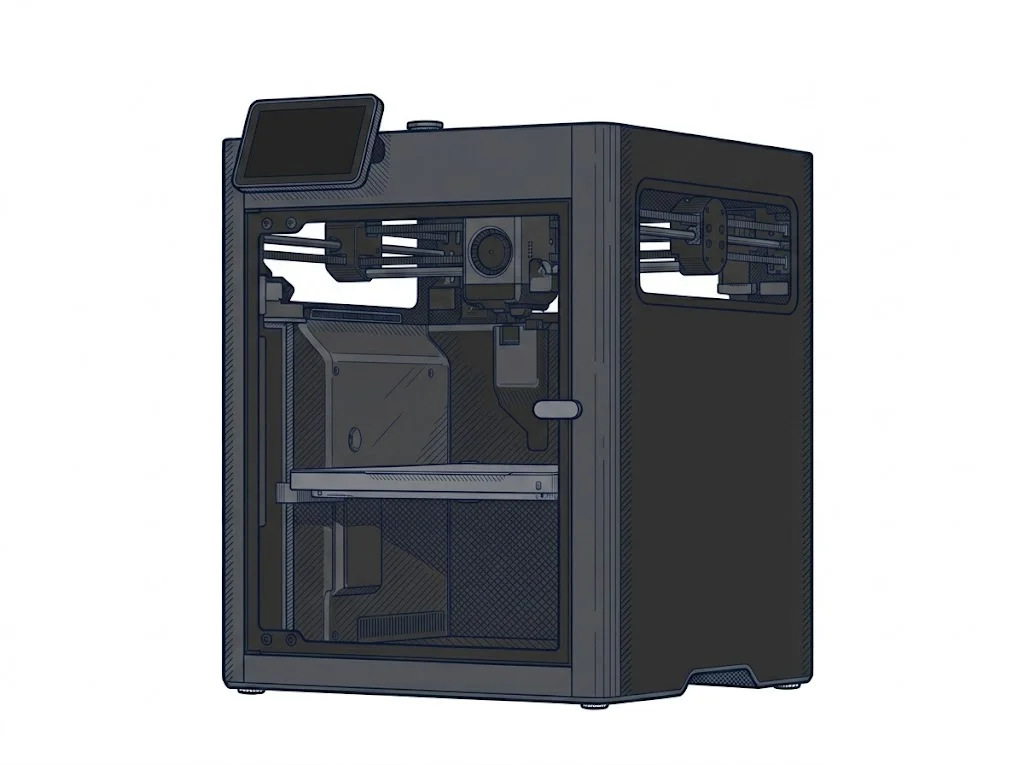 X2D
Bambu Lab
F3 · Advanced
X2D
Bambu Lab
F3 · Advanced
|
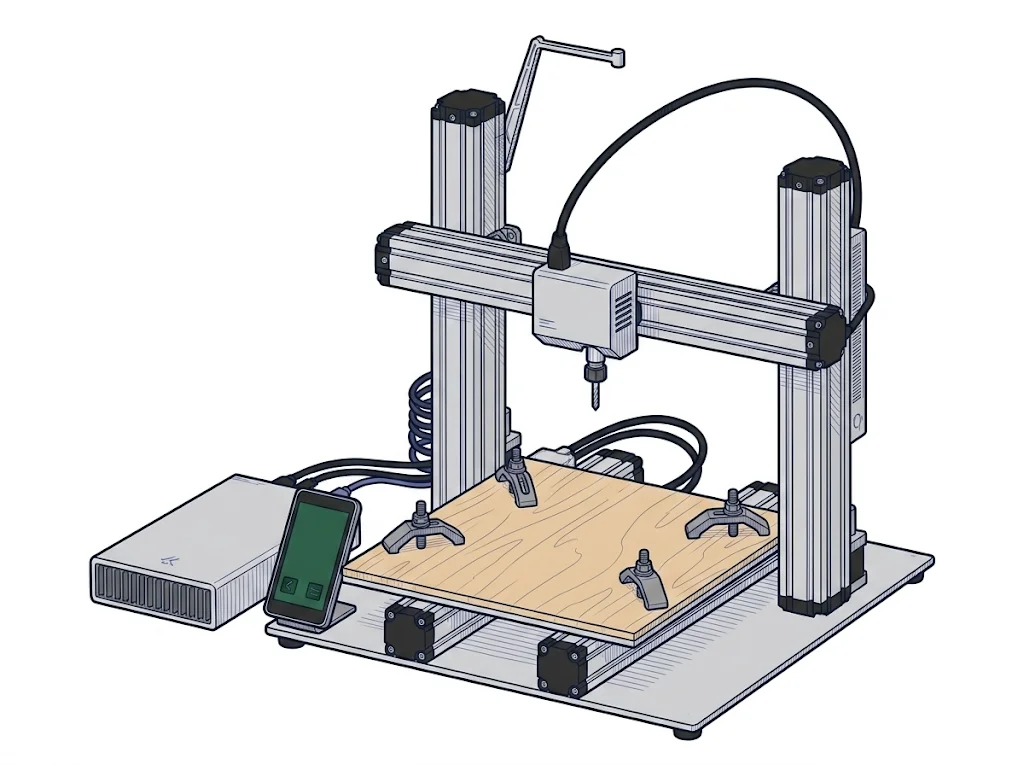 2.0 A350
Snapmaker
F2 · Intermediate
2.0 A350
Snapmaker
F2 · Intermediate
|
|---|---|---|
| Identity | ||
| Launch year | 2026 | 2020 |
| Use tier | F3 — Advanced | F2 — Intermediate |
| Price | ||
| Price (€) | 629 € | ~1500–1800 € |
| Universal specs | ||
| Dimensions (W×D×H) (cm) | 39.2 × 40.6 × 47.8 cm | 49.5 × 50.6 × 58 cm |
| Weight (kg) | 16.25 kg | 21.6 kg |
| Work area (mm) | 256 × 256 mm | 320 × 350 mm |
| Z-axis height (mm) | 260 mm | 330 mm |
| Power (W) | 1600 W | 320 W |
| Maximum speed | 1000 mm/s | 100 mm/s |
| Declared precision | 50 μm | 0.005 mm |
| Category specs | ||
| Footprint X×Y (short side) (mm) | 256 mm | 320 mm |
| Build height Z (mm) | 260 mm | 330 mm |
| Kinematics | CoreXY | Cartesian |
| Max nozzle temperature (°C) | 300 °C | 275 °C |
| Max bed temperature (°C) | 120 °C | 80 °C |
| Max print speed (mm/s) | 1000 mm/s | 100 mm/s |
| Enclosed chamber | True | False |
| Filament sensor | True | True |
| Auto bed leveling | Mesh | Mesh |
| Standard nozzle diameter (mm) | 0.4 mm | 0.4 mm |
| Multi-extruder | True | False |
| Native Klipper | False | False |
| Input shaper | True | False |
| Multicolor printing | True | False |
| Multicolor requires accessory | True | False |
| Max colors | 25 | 1 |
| Ecosystem | ||
| Cloud dependency | No | No |
| Software notes | The X2D uses Bambu Studio as its official software, available for Windows, macOS, and Linux. It also accepts standard G-code from third-party slicers such as PrusaSlicer, SuperSlicer, and Cura, though some advanced features — including automatic calibration and dual-nozzle workflow management — are only fully supported within Bambu Studio. | The proprietary Snapmaker Luban software is designed to manage all three main functions of the machine (3D printing, laser processing, and CNC routing) within a single interface, significantly simplifying the workflow for users approaching mixed manufacturing. For pure 3D printing, the control board still accepts standard G-code generated by third-party slicers such as Ultimaker Cura or PrusaSlicer, providing advanced users with greater control over specific extrusion and movement settings. |
The differences that matter
- Price: X2D 629 € vs 2.0 A350 1650 € — X2D wins (+162%)
- Max print speed: X2D 1000 mm/s vs 2.0 A350 100 mm/s — X2D wins (+900%)
- Max colors: X2D 25 vs 2.0 A350 1 — X2D wins (+2400%)
- Work area: X2D 256×256 mm vs 2.0 A350 320×350 mm — 2.0 A350 wins (+71%)
- Enclosed chamber: X2D yes, 2.0 A350 no
Which one to choose
MakerSpecs is an independent atlas. We don't sell products: this comparison links to both sheets, where you'll find complete data and official links.