Bambu Lab X2D vs Qidi Tech i-Fast
Technical comparison · Fused filament fabrication (FFF/FDM)
X2D and i-Fast are not direct competitors: very different prices (~3.4×). X2D costs less (~€629) and is the entry-level choice; i-Fast offers more capability at a higher price (~€2150). Judge them by budget, not head-to-head.
| Parameter |
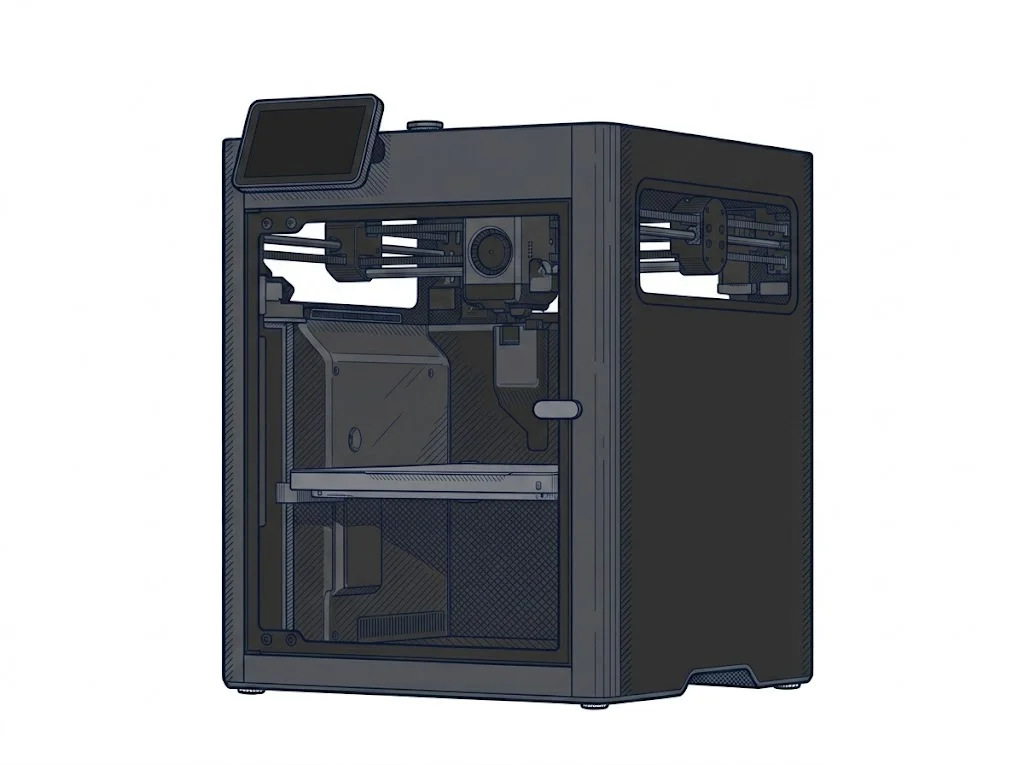 X2D
Bambu Lab
F3 · Advanced
X2D
Bambu Lab
F3 · Advanced
|
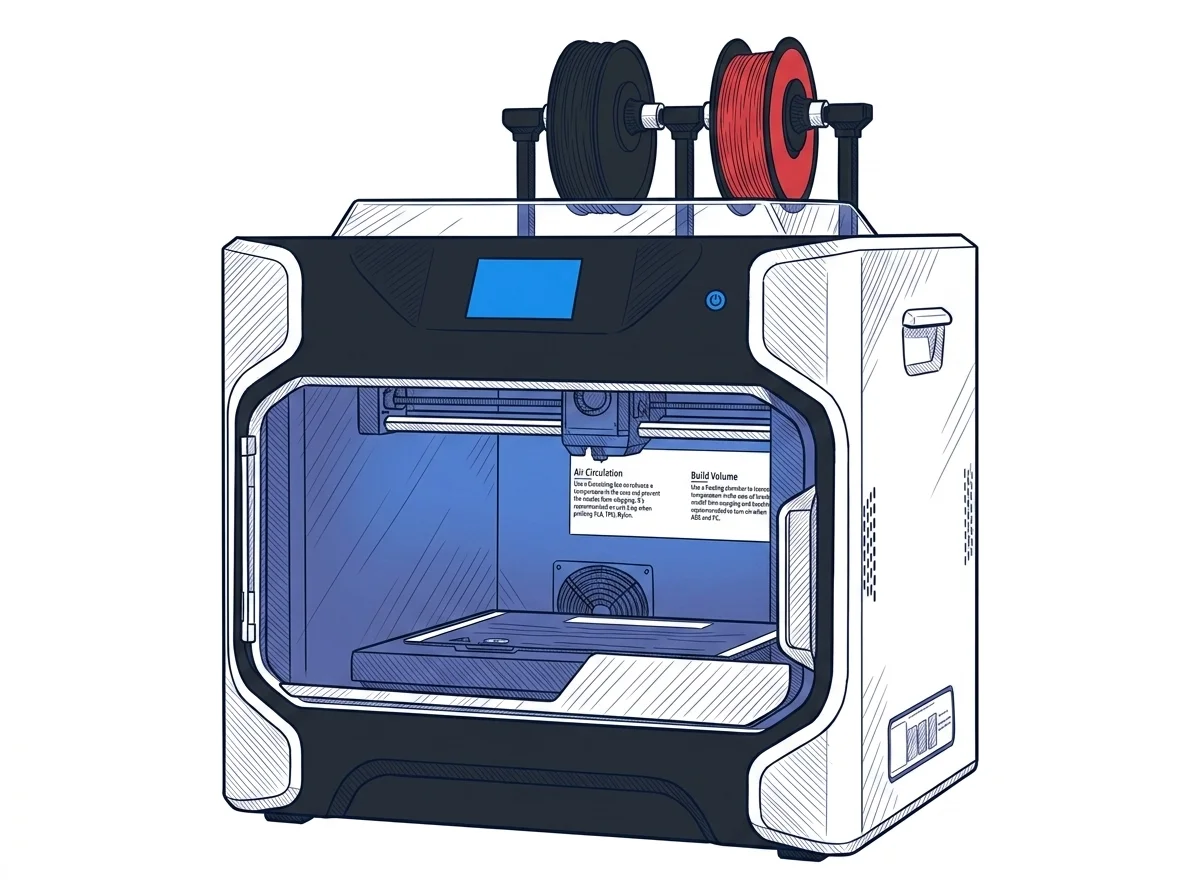 i-Fast
Qidi Tech
F3 · Advanced
i-Fast
Qidi Tech
F3 · Advanced
|
|---|---|---|
| Identity | ||
| Launch year | 2026 | 2021 |
| Use tier | F3 — Advanced | F3 — Advanced |
| Price | ||
| Price (€) | 629 € | ~1800–2500 € |
| Universal specs | ||
| Dimensions (W×D×H) (cm) | 39.2 × 40.6 × 47.8 cm | 71 × 51 × 67 cm |
| Weight (kg) | 16.25 kg | 33 kg |
| Work area (mm) | 256 × 256 mm | 330 × 250 mm |
| Z-axis height (mm) | 260 mm | 320 mm |
| Power (W) | 1600 W | — |
| Maximum speed | 1000 mm/s | 150 mm/s |
| Declared precision | 50 μm | — |
| Category specs | ||
| Footprint X×Y (short side) (mm) | 256 mm | 250 mm |
| Build height Z (mm) | 260 mm | 320 mm |
| Kinematics | CoreXY | CoreXY |
| Max nozzle temperature (°C) | 300 °C | 300 °C |
| Max bed temperature (°C) | 120 °C | 100 °C |
| Max print speed (mm/s) | 1000 mm/s | 150 mm/s |
| Enclosed chamber | True | True |
| Filament sensor | True | True |
| Auto bed leveling | Mesh | — |
| Standard nozzle diameter (mm) | 0.4 mm | 0.4 mm |
| Multi-extruder | True | True |
| Native Klipper | False | False |
| Input shaper | True | False |
| Multicolor printing | True | True |
| Multicolor requires accessory | True | False |
| Max colors | 25 | 2 |
| Ecosystem | ||
| Cloud dependency | No | No |
| Software notes | The X2D uses Bambu Studio as its official software, available for Windows, macOS, and Linux. It also accepts standard G-code from third-party slicers such as PrusaSlicer, SuperSlicer, and Cura, though some advanced features — including automatic calibration and dual-nozzle workflow management — are only fully supported within Bambu Studio. | The machine comes with the proprietary Qidi Print software, a slicer based on proven open-source architectures, specifically optimized for the profiles of the technical materials supported by the printer. Users can still generate G-code using other widely adopted third-party slicers on the market, such as Ultimaker Cura, PrusaSlicer, or Simplify3D, after manual configuration of machine and extruder parameters. Although it lacks native cloud features or advanced remote connectivity for corporate fleet management, it supports direct file transfer via local Wi-Fi or USB drives, ensuring a secure offline workflow for intellectual property protection. |
The differences that matter
- Price: X2D 629 € vs i-Fast 2150 € — X2D wins (+242%)
- Max print speed: X2D 1000 mm/s vs i-Fast 150 mm/s — X2D wins (+567%)
- Max colors: X2D 25 vs i-Fast 2 — X2D wins (+1150%)
- Work area: X2D 256×256 mm vs i-Fast 330×250 mm — i-Fast wins (+26%)
- Input shaper: X2D yes, i-Fast no
Which one to choose
MakerSpecs is an independent atlas. We don't sell products: this comparison links to both sheets, where you'll find complete data and official links.