Bambu Lab X1 Carbon vs Snapmaker 2.0 A150 3-in-1 3D Printer
Technical comparison · Fused filament fabrication (FFF/FDM)
X1 Carbon leads on the available specs (starting with work area); 2.0 A150 3-in-1 3D Printer makes sense only for non-technical reasons (availability, support, ecosystem), or if the missing data matters in your case. On the category's overall technical index, X1 Carbon scores 48/100 against 13/100 for 2.0 A150 3-in-1 3D Printer.
| Parameter |
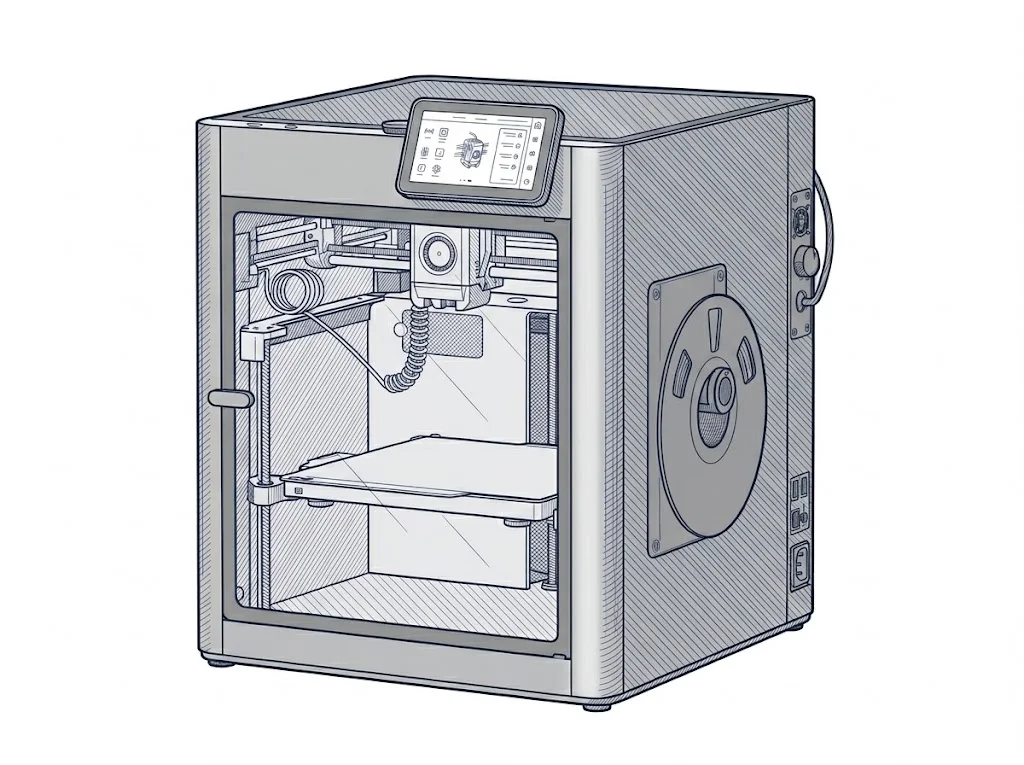 X1 Carbon
Bambu Lab
F2 · Intermediate
X1 Carbon
Bambu Lab
F2 · Intermediate
|
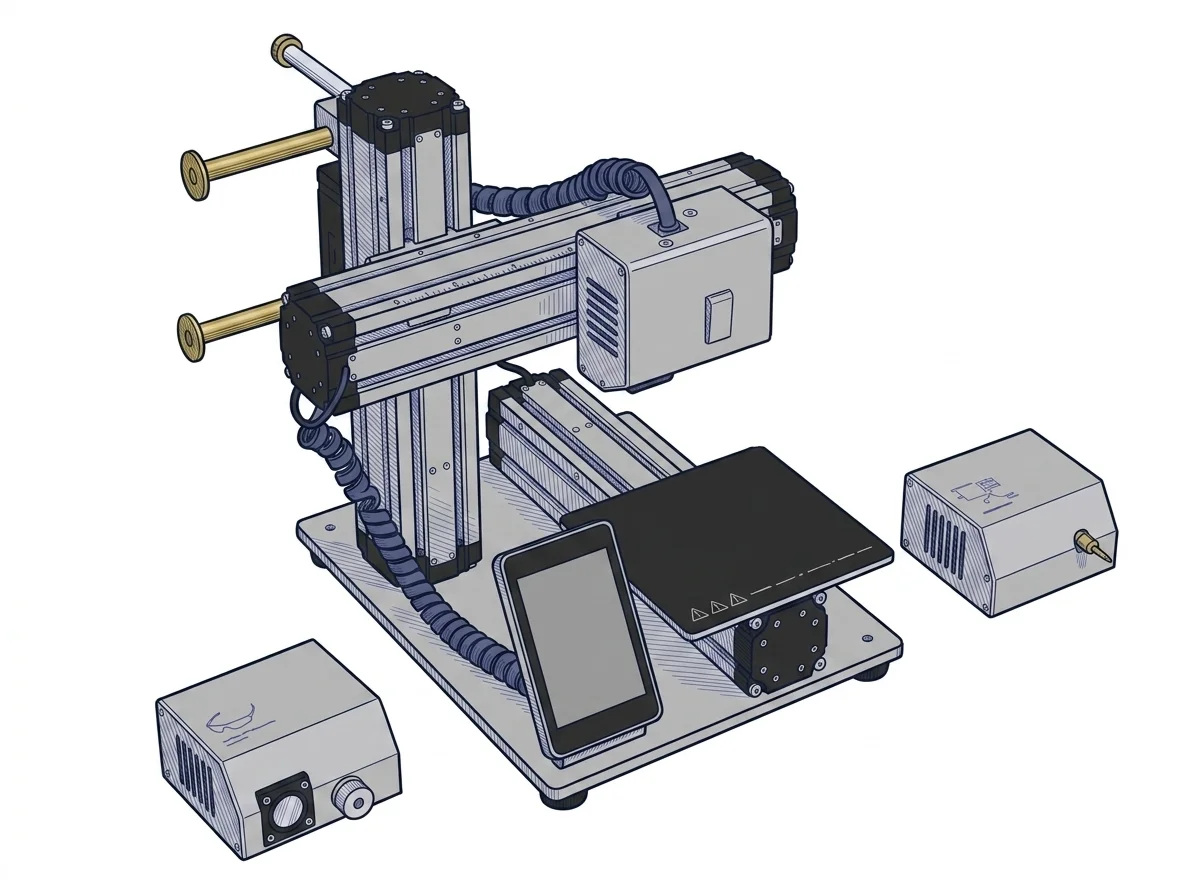 2.0 A150 3-in-1 3D Printer
Snapmaker
F2 · Intermediate
2.0 A150 3-in-1 3D Printer
Snapmaker
F2 · Intermediate
|
|---|---|---|
| Identity | ||
| Launch year | 2022 | 2020 |
| Use tier | F2 — Intermediate | F2 — Intermediate |
| Price | ||
| Price (€) | ~1050–1250 € | ~1100–1300 € |
| Universal specs | ||
| Dimensions (W×D×H) (cm) | 38.9 × 38.9 × 45.7 cm | 42.3 × 39.8 × 40.7 cm |
| Weight (kg) | 14.13 kg | 9.6 kg |
| Work area (mm) | 256 × 256 mm | 160 × 160 mm |
| Z-axis height (mm) | 256 mm | 145 mm |
| Power (W) | 1000 W | 320 W |
| Maximum speed | 500 mm/s | 100 mm/s |
| Declared precision | 7 μm | 0.01 mm |
| Category specs | ||
| Footprint X×Y (short side) (mm) | 256 mm | 160 mm |
| Build height Z (mm) | 256 mm | 145 mm |
| Kinematics | CoreXY | Cartesian |
| Max nozzle temperature (°C) | 300 °C | 275 °C |
| Max bed temperature (°C) | 110 °C | 110 °C |
| Max print speed (mm/s) | 500 mm/s | 100 mm/s |
| Enclosed chamber | True | False |
| Filament sensor | True | True |
| Auto bed leveling | Mesh | Mesh |
| Standard nozzle diameter (mm) | 0.4 mm | 0.4 mm |
| Multi-extruder | False | False |
| Native Klipper | False | False |
| Input shaper | True | False |
| Multicolor printing | True | False |
| Multicolor requires accessory | True | True |
| Max colors | 16 | 1 |
| Ecosystem | ||
| Cloud dependency | No | No |
| Software notes | The printer is controlled via Bambu Studio, the proprietary slicer available for Windows, macOS, and Linux, as well as the Bambu Handy mobile app. LAN mode is supported, allowing full local control without an internet connection or cloud account. Remote monitoring via Bambu Cloud is optional. Bambu Studio accepts 3MF, STL, OBJ, and STEP files and includes advanced features such as vibration compensation and flow rate control. | Natively managed via Snapmaker Luban, a unified software that prepares files for all three processes (3D printing, laser, CNC). The machine is based on modified Marlin firmware and accepts standard G-code, allowing the use of third-party slicers like Cura or PrusaSlicer solely for 3D printing operations. |
The differences that matter
- Work area: X1 Carbon 256×256 mm vs 2.0 A150 3-in-1 3D Printer 160×160 mm — X1 Carbon wins (+156%)
- Max print speed: X1 Carbon 500 mm/s vs 2.0 A150 3-in-1 3D Printer 100 mm/s — X1 Carbon wins (+400%)
- Build height Z: X1 Carbon 256 mm vs 2.0 A150 3-in-1 3D Printer 145 mm — X1 Carbon wins (+77%)
- Max colors: X1 Carbon 16 vs 2.0 A150 3-in-1 3D Printer 1 — X1 Carbon wins (+1500%)
- Enclosed chamber: X1 Carbon yes, 2.0 A150 3-in-1 3D Printer no
Which one to choose
Choose X1 Carbon if…
you value work area, max print speed and build height z.
MakerSpecs is an independent atlas. We don't sell products: this comparison links to both sheets, where you'll find complete data and official links.