Bambu Lab P1S vs Qidi Tech X-Plus 3
Technical comparison · Fused filament fabrication (FFF/FDM)
P1S and X-Plus 3 are two fused filament fabrication (fff/fdm) in a similar class. Choose P1S if price and max colors matters more; choose X-Plus 3 if native klipper and work area matters more.
| Parameter |
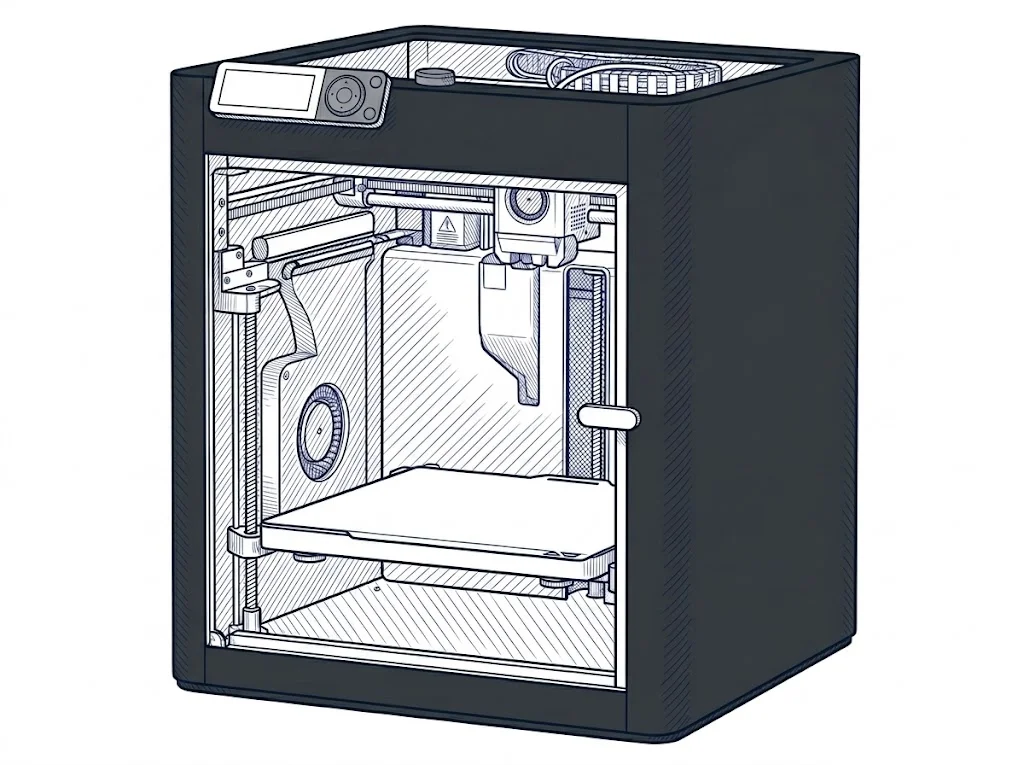 P1S
Bambu Lab
F2 · Intermediate
P1S
Bambu Lab
F2 · Intermediate
|
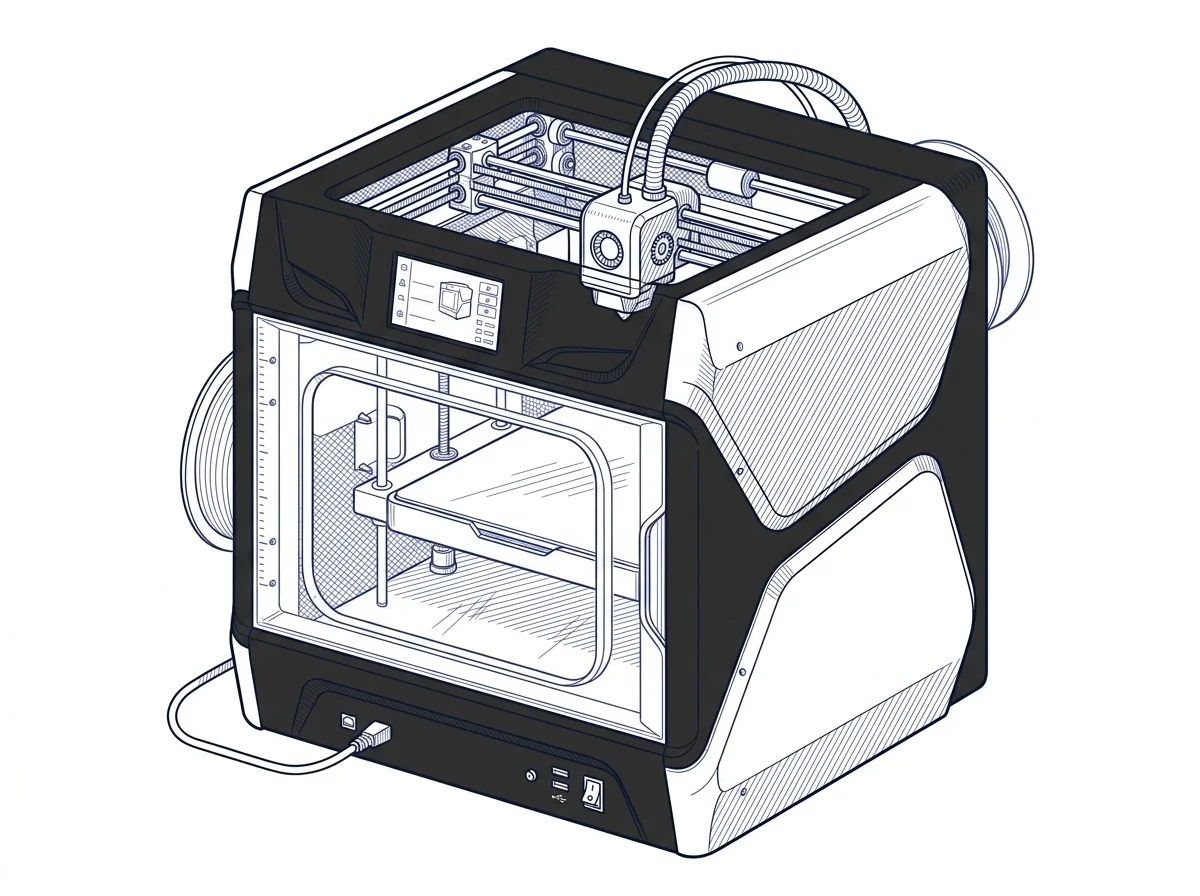 X-Plus 3
Qidi Tech
F3 · Advanced
X-Plus 3
Qidi Tech
F3 · Advanced
|
|---|---|---|
| Identity | ||
| Launch year | 2023 | 2023 |
| Use tier | F2 — Intermediate | F3 — Advanced |
| Price | ||
| Price (€) | ~399–499 € | 799 € |
| Universal specs | ||
| Dimensions (W×D×H) (cm) | 38.9 × 38.9 × 45.8 cm | 51.1 × 52.7 × 52.9 cm |
| Weight (kg) | 12.95 kg | 24.3 kg |
| Work area (mm) | 256 × 256 mm | 280 × 280 mm |
| Z-axis height (mm) | 256 mm | 270 mm |
| Power (W) | 1000 W | 800 W |
| Voltage (V) | 100 V | 230 V |
| Maximum speed | 500 mm/s | 600 mm/s |
| Category specs | ||
| Footprint X×Y (short side) (mm) | 256 mm | 280 mm |
| Build height Z (mm) | 256 mm | 270 mm |
| Kinematics | CoreXY | CoreXY |
| Max nozzle temperature (°C) | 300 °C | 350 °C |
| Max bed temperature (°C) | 100 °C | 120 °C |
| Max print speed (mm/s) | 500 mm/s | 600 mm/s |
| Enclosed chamber | True | True |
| Filament sensor | True | True |
| Auto bed leveling | Mesh | Mesh |
| Standard nozzle diameter (mm) | 0.4 mm | 0.4 mm |
| Multi-extruder | False | False |
| Native Klipper | False | True |
| Input shaper | True | True |
| Multicolor printing | True | False |
| Multicolor requires accessory | True | — |
| Max colors | 16 | 1 |
| Ecosystem | ||
| Cloud dependency | No | No |
| Software notes | The P1S is managed through Bambu Studio, Bambu Lab's proprietary slicer available for Windows, macOS, and Linux, or via OrcaSlicer, the widely adopted open-source fork that provides finer parameter control. The Bambu Handy mobile app enables remote monitoring and print launching. The printer supports local LAN connections without a mandatory cloud account, though some advanced features — such as remote timelapses and OTA firmware updates — require a Bambu account. | The X-Plus 3 is natively supported by QIDI Print, the company's official slicer based on PrusaSlicer, which offers pre-configured and optimized profiles for supported materials, ensuring a ready-to-use experience. The software's user interface is designed to simplify the print preparation process, from support generation to advanced cooling configuration. Because the printer uses Klipper-based firmware, advanced users can interact directly via the integrated web interface (Fluidd or Mainsail), allowing for in-depth monitoring and fine-tuning of print parameters in real time. The system is also fully compatible with third-party software such as Ultimaker Cura, Simplify3D, standard PrusaSlicer, and OrcaSlicer, offering maximum flexibility in workflows. |
The differences that matter
- Price: P1S 449 € vs X-Plus 3 799 € — P1S wins (+78%)
- Max colors: P1S 16 vs X-Plus 3 1 — P1S wins (+1500%)
- Native Klipper: X-Plus 3 yes, P1S no
- Multicolor printing: P1S yes, X-Plus 3 no
- Work area: P1S 256×256 mm vs X-Plus 3 280×280 mm — X-Plus 3 wins (+20%)
Which one to choose
Choose X-Plus 3 if…
you value native klipper, work area and max print speed.
MakerSpecs is an independent atlas. We don't sell products: this comparison links to both sheets, where you'll find complete data and official links.