Bambu Lab H2D Pro vs Snapmaker Original 3-in-1 3D Printer
Technical comparison · Fused filament fabrication (FFF/FDM)
H2D Pro and Original 3-in-1 3D Printer are not direct competitors: very different prices (~5.8×). Original 3-in-1 3D Printer costs less (~€625) and is the entry-level choice; H2D Pro offers more capability at a higher price (~€3650). Judge them by budget, not head-to-head.
| Parameter |
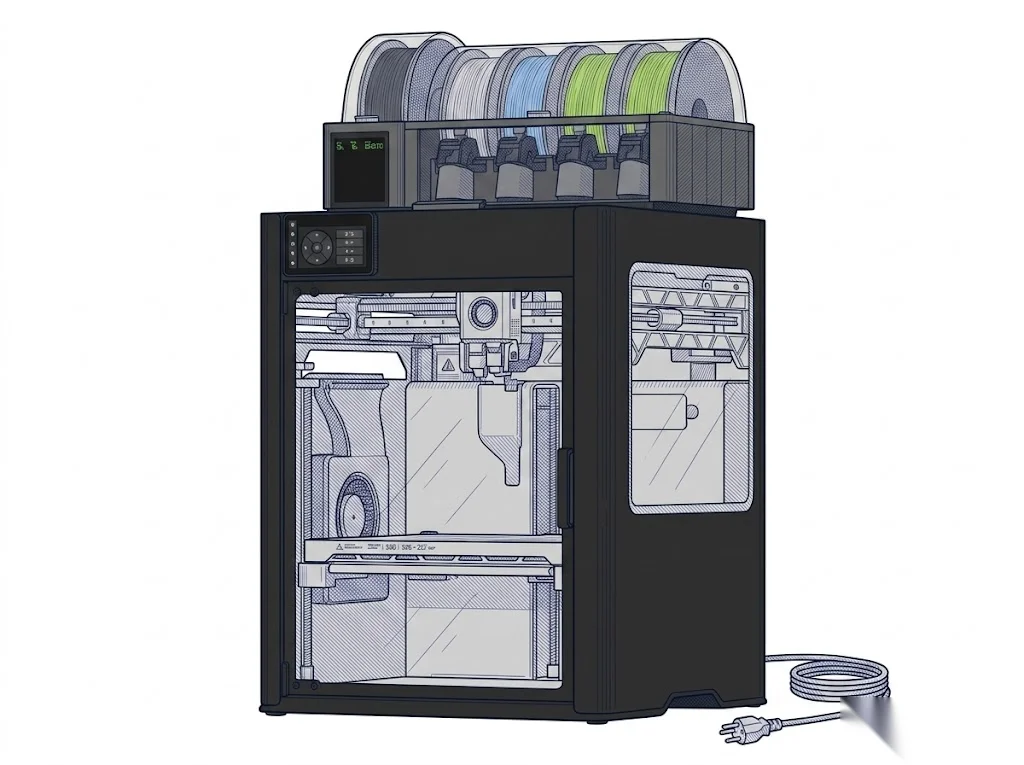 H2D Pro
Bambu Lab
F3 · Advanced
H2D Pro
Bambu Lab
F3 · Advanced
|
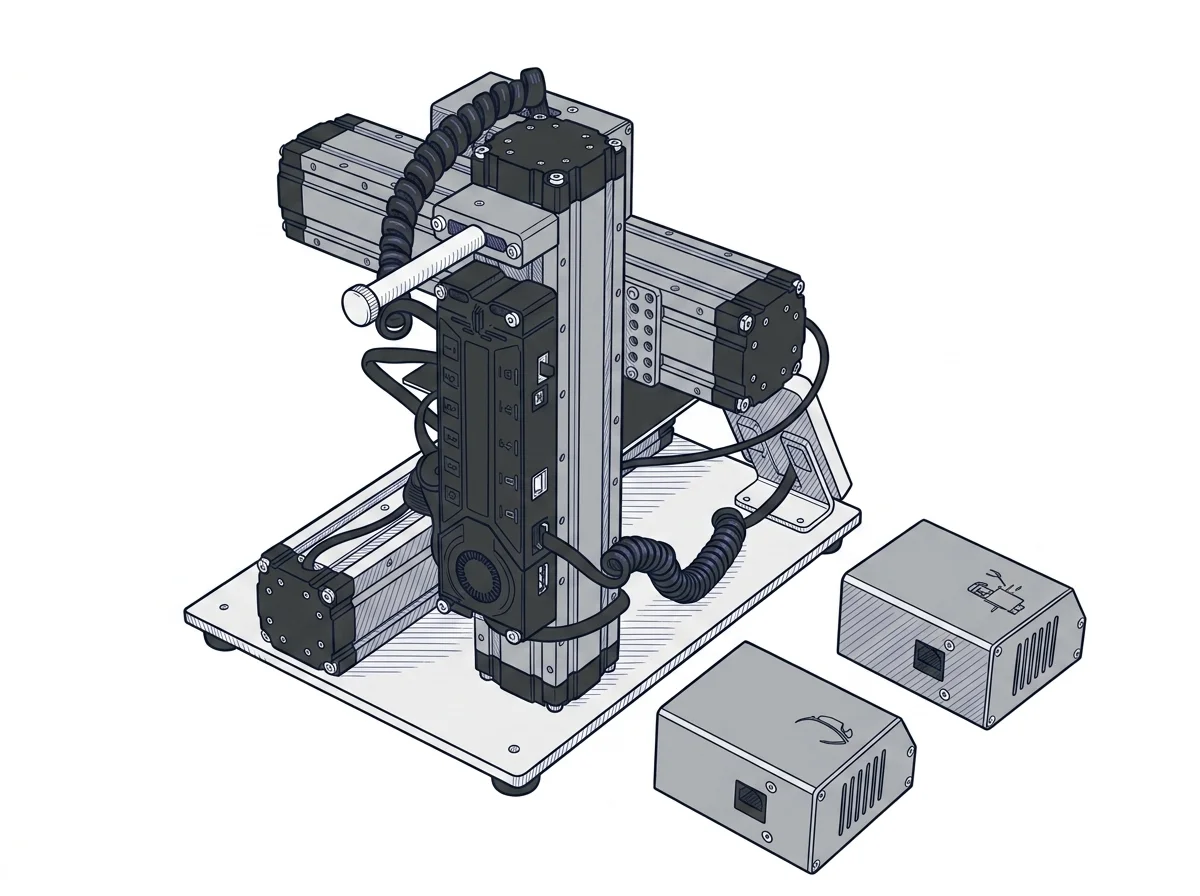 Original 3-in-1 3D Printer
Snapmaker
F2 · Intermediate
Original 3-in-1 3D Printer
Snapmaker
F2 · Intermediate
|
|---|---|---|
| Identity | ||
| Launch year | 2025 | 2017 |
| Use tier | F3 — Advanced | F2 — Intermediate |
| Price | ||
| Price (€) | ~3500–3800 € | ~400–850 € |
| Universal specs | ||
| Dimensions (W×D×H) (cm) | 49.2 × 51.4 × 62.6 cm | 27.2 × 33.5 × 28.9 cm |
| Weight (kg) | 31 kg | 4.5 kg |
| Work area (mm) | 350 × 320 mm | 125 × 125 mm |
| Z-axis height (mm) | 325 mm | 125 mm |
| Power (W) | 2200 W | — |
| Voltage (V) | 220 V | — |
| Maximum speed | 1000 mm/s | 100 mm/s |
| Declared precision | 50 μm | 0.005 mm |
| Category specs | ||
| Footprint X×Y (short side) (mm) | 320 mm | 125 mm |
| Build height Z (mm) | 325 mm | 125 mm |
| Kinematics | CoreXY | Cartesian |
| Max nozzle temperature (°C) | 350 °C | 250 °C |
| Max bed temperature (°C) | 120 °C | 80 °C |
| Max print speed (mm/s) | 1000 mm/s | 100 mm/s |
| Enclosed chamber | True | False |
| Filament sensor | True | False |
| Auto bed leveling | Mesh | — |
| Standard nozzle diameter (mm) | 0.4 mm | 0.4 mm |
| Multi-extruder | True | False |
| Native Klipper | False | False |
| Input shaper | True | False |
| Multicolor printing | True | False |
| Multicolor requires accessory | False | — |
| Max colors | 4 | 1 |
| Ecosystem | ||
| Cloud dependency | No | No |
| Software notes | The native software is Bambu Studio, available for Windows and macOS, with advanced slicing and direct integration of the machine's proprietary features. The printer is also compatible with third-party slicers that export standard G-code (PrusaSlicer, SuperSlicer, Cura), though some advanced functions — including AMS control, Vision Encoder calibration, and chamber management — may be unavailable or only partially supported outside the Bambu ecosystem. | Natively compatible with Snapmaker Luban, the proprietary software specifically designed to manage the machine's three different functions within a single environment. The printer is based on standard Marlin firmware and supports G-code formats, allowing the use of third-party slicers like Cura or Simplify3D for 3D printing. For CNC and laser operations, it is possible to use external programs such as Autodesk Fusion 360, LaserGRBL, or LightBurn, exporting compatible toolpaths via the interface or USB port. |
The differences that matter
- Price: H2D Pro 3650 € vs Original 3-in-1 3D Printer 625 € — Original 3-in-1 3D Printer wins (+484%)
- Work area: H2D Pro 350×320 mm vs Original 3-in-1 3D Printer 125×125 mm — H2D Pro wins (+617%)
- Build height Z: H2D Pro 325 mm vs Original 3-in-1 3D Printer 125 mm — H2D Pro wins (+160%)
- Max print speed: H2D Pro 1000 mm/s vs Original 3-in-1 3D Printer 100 mm/s — H2D Pro wins (+900%)
- Max colors: H2D Pro 4 vs Original 3-in-1 3D Printer 1 — H2D Pro wins (+300%)
Which one to choose
MakerSpecs is an independent atlas. We don't sell products: this comparison links to both sheets, where you'll find complete data and official links.