Atomstack Swift Laser Engraver vs Sculpfun S40 Max
Technical comparison · Diode laser (405–460 nm)
Swift Laser Engraver and S40 Max are not direct competitors: very different prices (~5×). Swift Laser Engraver costs less (~€215) and is the entry-level choice; S40 Max offers more capability at a higher price (~€1075). Judge them by budget, not head-to-head.
| Parameter |
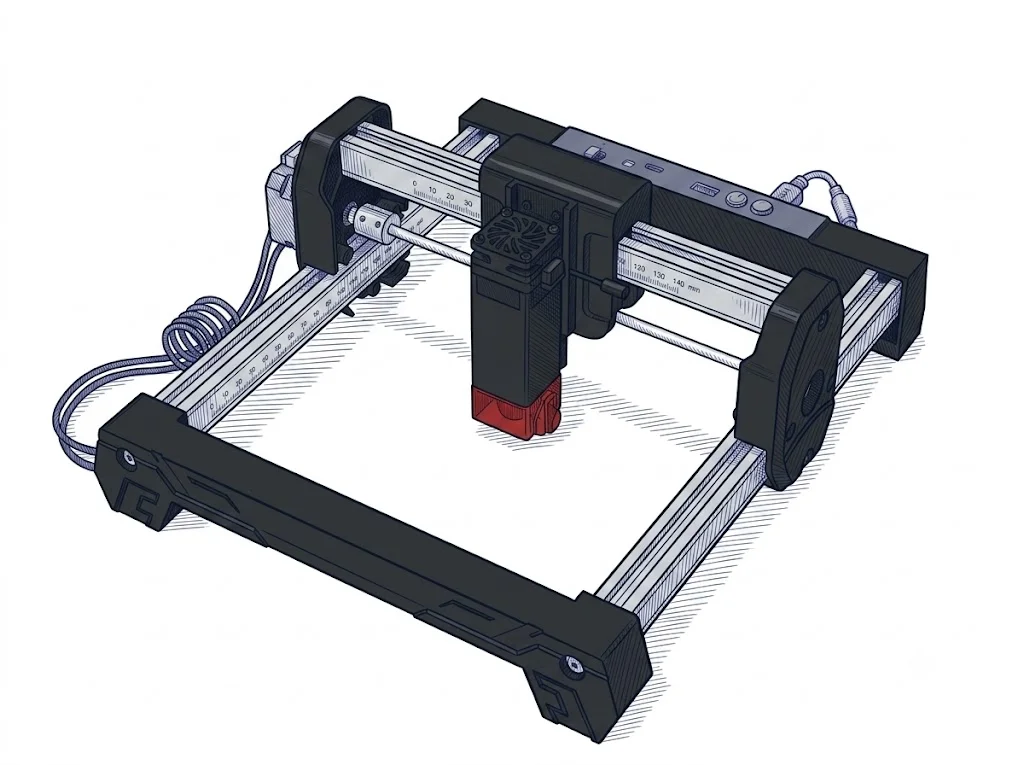 Swift Laser Engraver
Atomstack
F2 · Intermediate
Swift Laser Engraver
Atomstack
F2 · Intermediate
|
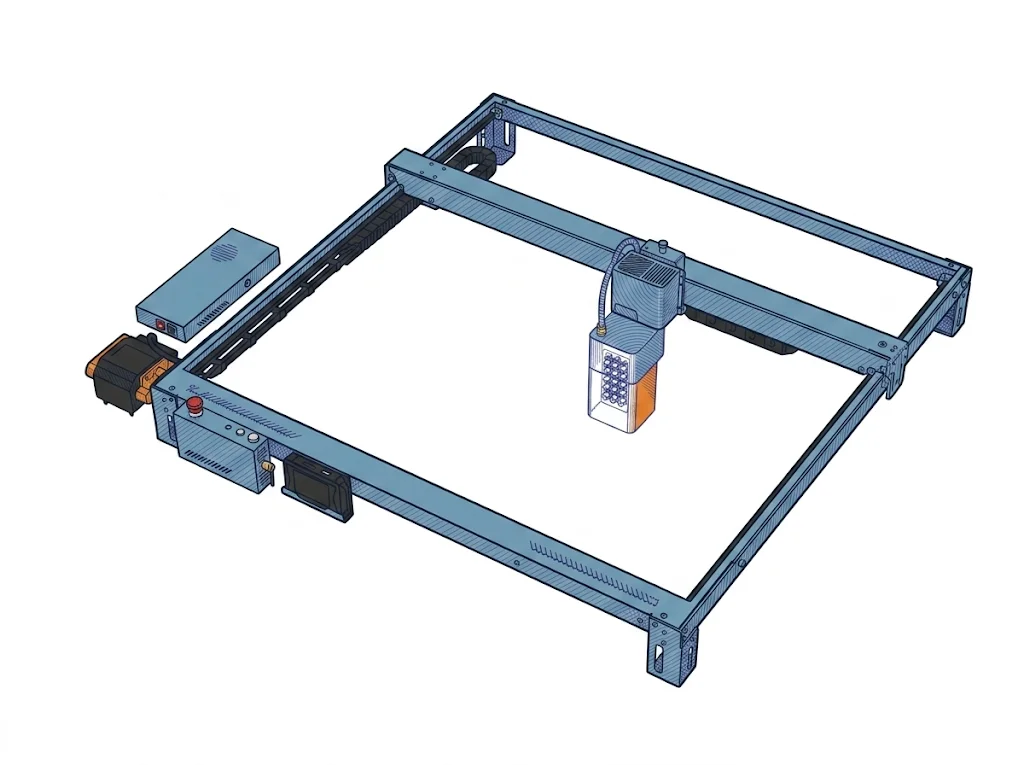 S40 Max
Sculpfun
F3 · Advanced
S40 Max
Sculpfun
F3 · Advanced
|
|---|---|---|
| Identity | ||
| Launch year | 2025 | 2025 |
| Use tier | F2 — Intermediate | F3 — Advanced |
| Price | ||
| Price (€) | ~150–280 € | ~950–1200 € |
| Universal specs | ||
| Dimensions (W×D×H) (cm) | — | 115.4 × 111.3 × 24 cm |
| Weight (kg) | 2.83 kg | 15.2 kg |
| Work area (mm) | 300 × 300 mm | 830 × 800 mm |
| Power (W) | — | 350 W |
| Voltage (V) | — | 24 V |
| Maximum speed | 400 mm/s | 36000 mm/min |
| Declared precision | 0.06 mm | 0.1 mm |
| Category specs | ||
| Work area (short side) (mm) | 300 mm | 800 mm |
| Rated power (W) | — | 48 W |
| Source technology | Diode | Diode |
| Max travel speed (mm/s) | 400 mm/s | 600 mm/s |
| Max processing speed (mm/s) | 166.67 mm/s | 600 mm/s |
| Max cut depth per material | — | 20mm compensato, 6mm acrilico scuro |
| Wavelength (nm) | — | 455 nm |
| Min resolution (µm) | 60 µm | 100 µm |
| Autofocus | False | True |
| Rotary included/compatible | False | False |
| Passthrough | — | True |
| Supported software | LightBurn, Other | LightBurn, Proprietary, Other |
| Ecosystem | ||
| Cloud dependency | No | No |
| Software notes | The AtomStack Swift supports the most widely used laser control software, including LaserGRBL (free, Windows only) and LightBurn (paid, compatible with Windows, macOS, and Linux). It connects via USB or Wi-Fi, providing excellent flexibility for sending g-code files directly to the machine. | Fully compatible with LightBurn and LaserGRBL, offering WiFi, USB connectivity, and offline control via the integrated TS1 touchscreen or proprietary app. |
The differences that matter
- Price: Swift Laser Engraver 215 € vs S40 Max 1075 € — Swift Laser Engraver wins (+400%)
- Work area: Swift Laser Engraver 300×300 mm vs S40 Max 830×800 mm — S40 Max wins (+638%)
Which one to choose
MakerSpecs is an independent atlas. We don't sell products: this comparison links to both sheets, where you'll find complete data and official links.