Atomstack Swift Laser Engraver vs Ortur Laser Master 3 LE 5W Laser Engraver
Technical comparison · Diode laser (405–460 nm)
Laser Master 3 LE 5W Laser Engraver leads on the available specs (starting with work area); Swift Laser Engraver makes sense only for non-technical reasons (availability, support, ecosystem), or if the missing data matters in your case.
| Parameter |
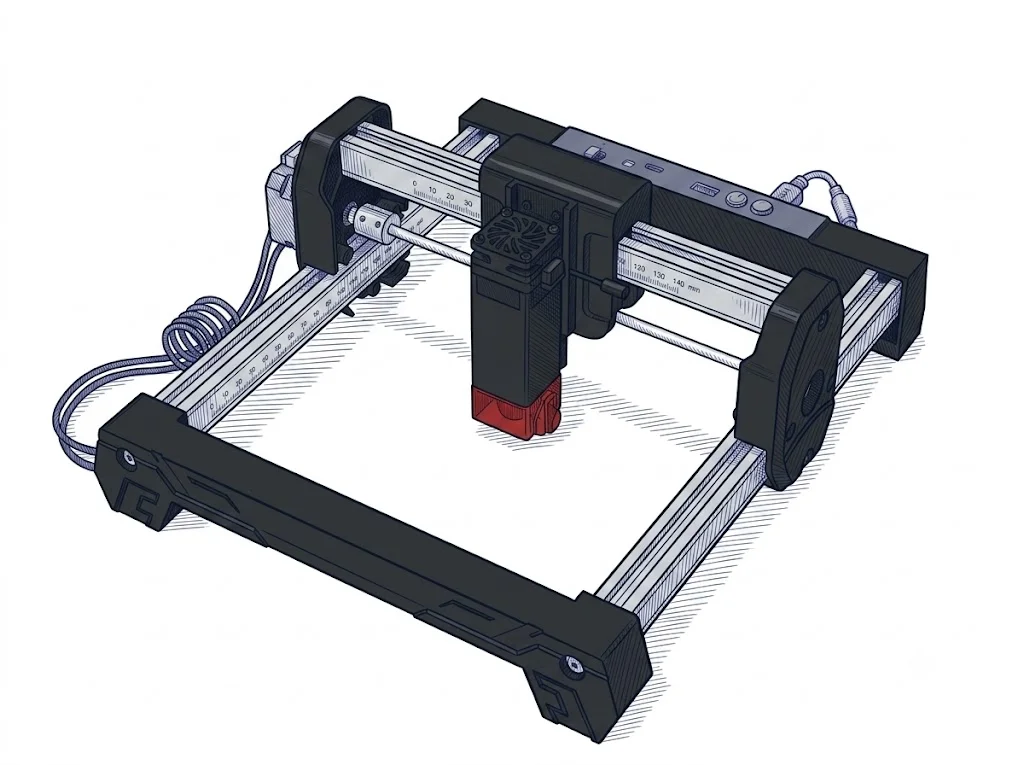 Swift Laser Engraver
Atomstack
F2 · Intermediate
Swift Laser Engraver
Atomstack
F2 · Intermediate
|
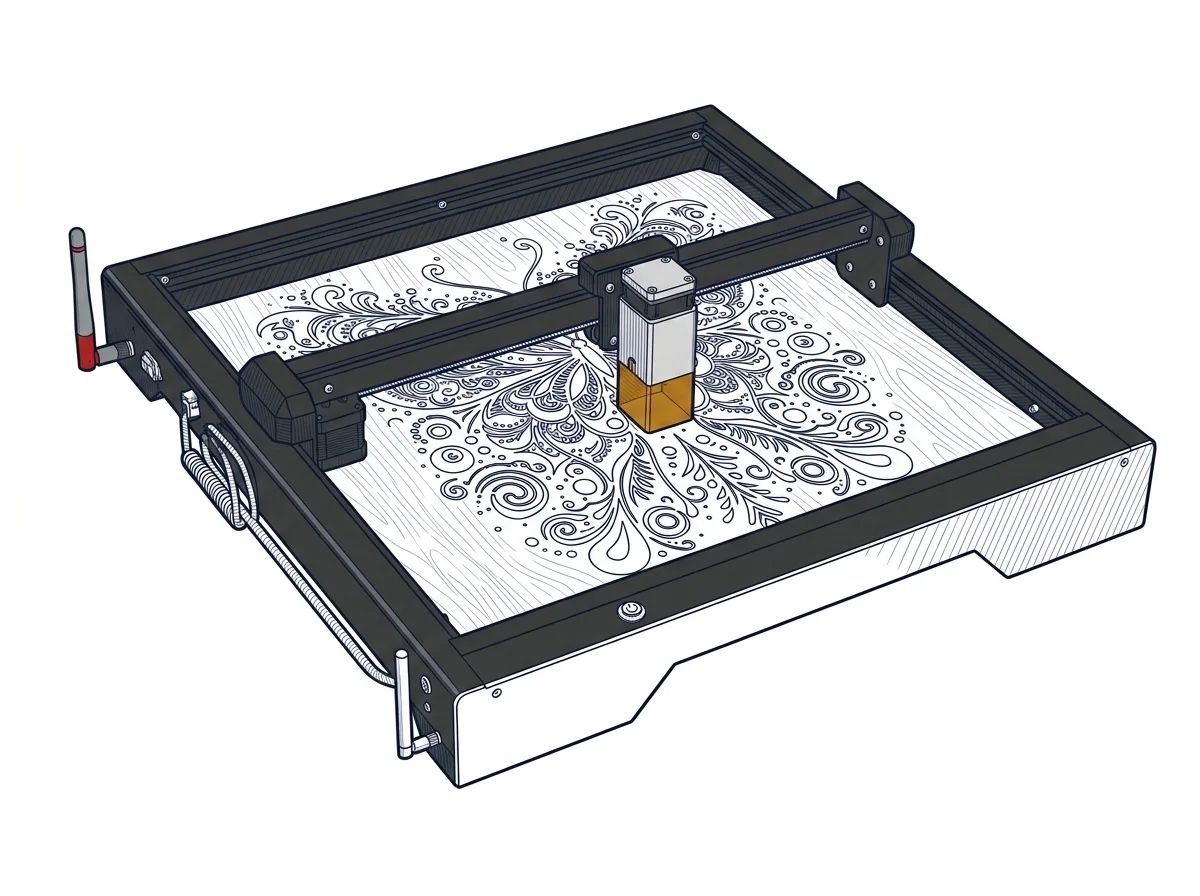 Laser Master 3 LE 5W Laser Engraver
Ortur
F2 · Intermediate
Laser Master 3 LE 5W Laser Engraver
Ortur
F2 · Intermediate
|
|---|---|---|
| Identity | ||
| Launch year | 2025 | 2023 |
| Use tier | F2 — Intermediate | F2 — Intermediate |
| Price | ||
| Price (€) | ~150–280 € | ~130–250 € |
| Universal specs | ||
| Dimensions (W×D×H) (cm) | — | 61.4 × 58.8 × 12.8 cm |
| Weight (kg) | 2.83 kg | 4.5 kg |
| Work area (mm) | 300 × 300 mm | 400 × 400 mm |
| Voltage (V) | — | 24 V |
| Maximum speed | 400 mm/s | 15000 mm/min |
| Declared precision | 0.06 mm | 0.01 mm |
| Category specs | ||
| Work area (short side) (mm) | 300 mm | 400 mm |
| Rated power (W) | — | 5 W |
| Source technology | Diode | Diode |
| Max travel speed (mm/s) | 400 mm/s | 250 mm/s |
| Max processing speed (mm/s) | 166.67 mm/s | 250 mm/s |
| Wavelength (nm) | — | 445 nm |
| Min resolution (µm) | 60 µm | 10 µm |
| Autofocus | False | False |
| Rotary included/compatible | False | False |
| Passthrough | — | False |
| Supported software | LightBurn, Other | Proprietary, LightBurn, Other |
| Ecosystem | ||
| Cloud dependency | No | No |
| Software notes | The AtomStack Swift supports the most widely used laser control software, including LaserGRBL (free, Windows only) and LightBurn (paid, compatible with Windows, macOS, and Linux). It connects via USB or Wi-Fi, providing excellent flexibility for sending g-code files directly to the machine. | Numerical control management is based on an open architecture that ensures full compatibility with the main third-party software programs in the industry. Users can interface with the machine using LightBurn, the professional standard for preparing and sending toolpaths, or opt for LaserGRBL, a highly capable, free open-source alternative specifically designed for Windows environments. Connectivity includes standard USB cable operation for stable data transmission, complemented by an integrated Wi-Fi module that enables remote management. Furthermore, the manufacturer provides the proprietary Laser Explorer application, designed for mobile devices, which further simplifies starting quick jobs or monitoring processes directly from a smartphone, thereby significantly increasing the overall flexibility and accessibility of the operational ecosystem. |
The differences that matter
- Work area: Swift Laser Engraver 300×300 mm vs Laser Master 3 LE 5W Laser Engraver 400×400 mm — Laser Master 3 LE 5W Laser Engraver wins (+78%)
- Price: Swift Laser Engraver 215 € vs Laser Master 3 LE 5W Laser Engraver 190 € — Laser Master 3 LE 5W Laser Engraver wins (+13%)
Which one to choose
Choose Laser Master 3 LE 5W Laser Engraver if…
you value work area and price.
MakerSpecs is an independent atlas. We don't sell products: this comparison links to both sheets, where you'll find complete data and official links.