Atomstack Swift Mini Laser Engraver vs xTool F1
Technical comparison · Diode laser (405–460 nm)
Swift Mini Laser Engraver and F1 are not direct competitors: very different prices (~3.5×). Swift Mini Laser Engraver costs less (~€170) and is the entry-level choice; F1 offers more capability at a higher price (~€600). Judge them by budget, not head-to-head.
| Parameter |
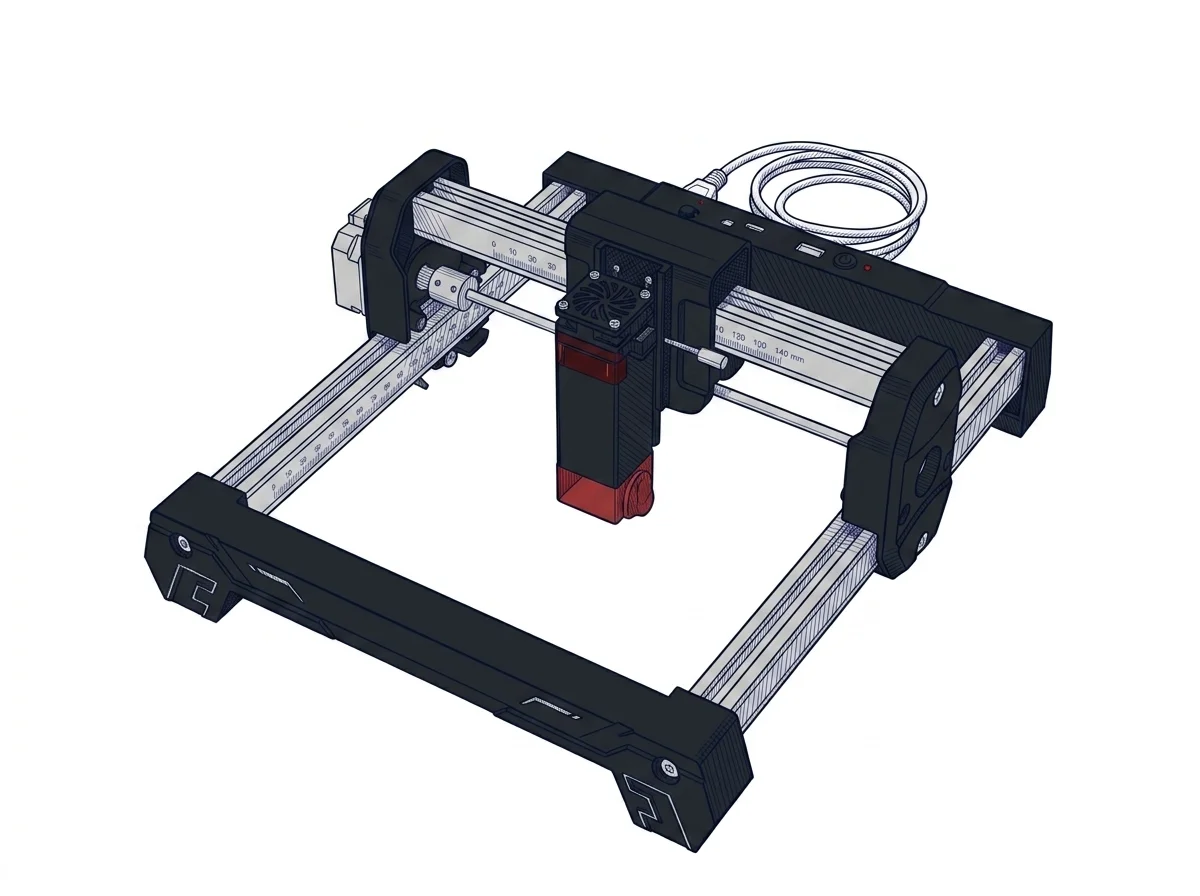 Swift Mini Laser Engraver
Atomstack
F1 · Entry
Swift Mini Laser Engraver
Atomstack
F1 · Entry
|
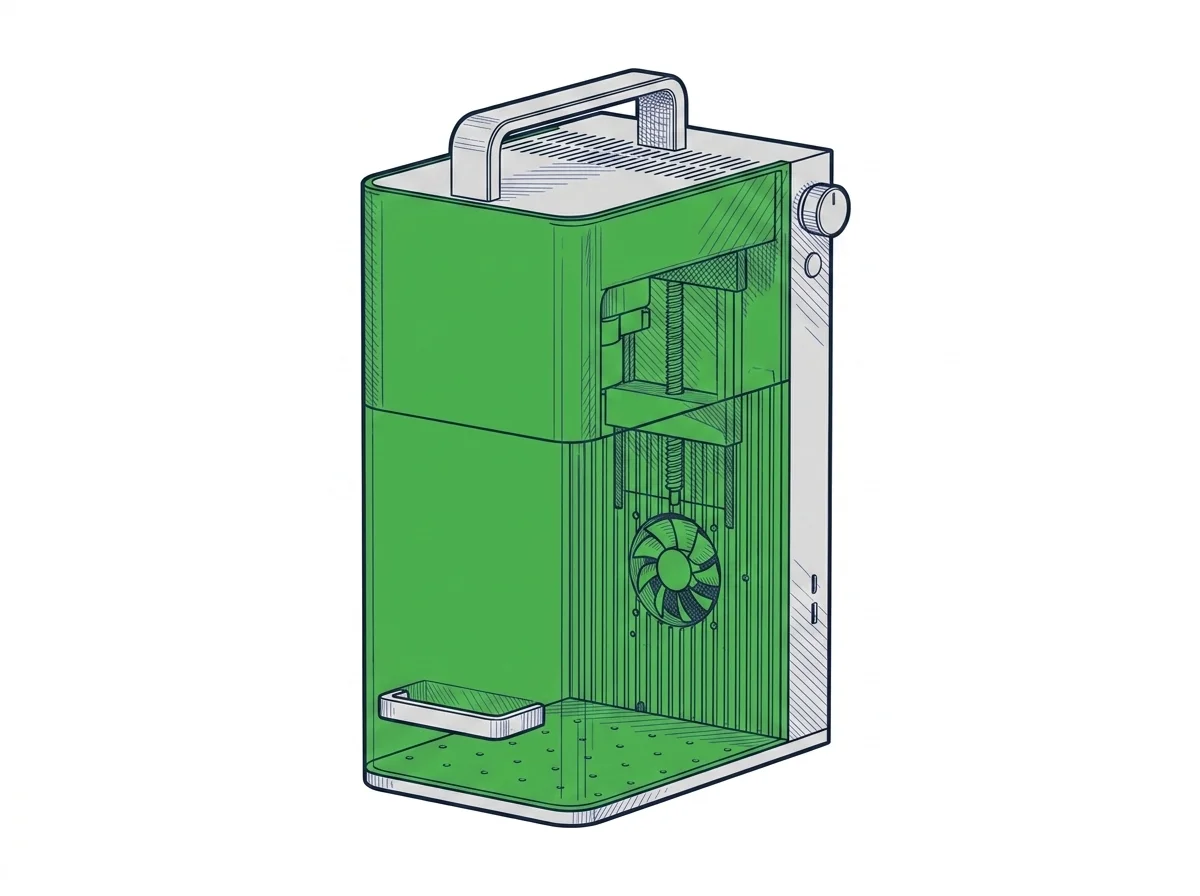 F1
xTool
F2 · Intermediate
F1
xTool
F2 · Intermediate
|
|---|---|---|
| Identity | ||
| Launch year | 2025 | 2024 |
| Use tier | F1 — Entry | F2 — Intermediate |
| Price | ||
| Price (€) | ~120–220 € | ~550–650 € |
| Universal specs | ||
| Dimensions (W×D×H) (cm) | — | 17.9 × 23.5 × 33.4 cm |
| Weight (kg) | — | 4.6 kg |
| Work area (mm) | 135 × 145 mm | 115 × 115 mm |
| Power (W) | — | 84 W |
| Voltage (V) | — | 24 V |
| Maximum speed | 166.67 mm/s | 4000 mm/s |
| Declared precision | 0.1 mm | 0.00199 mm |
| Category specs | ||
| Work area (short side) (mm) | 135 mm | 115.0 mm |
| Rated power (W) | 3 W | 10.0 W |
| Source technology | Diode | Diode |
| Max travel speed (mm/s) | 166.67 mm/s | — |
| Max processing speed (mm/s) | 166.67 mm/s | 4000.0 mm/s |
| Max cut depth per material | — | 8mm basswood, 6mm black acrylic |
| Wavelength (nm) | 445 nm | — |
| Min resolution (µm) | 40 µm | 1.99 µm |
| Autofocus | False | — |
| Rotary included/compatible | False | False |
| Passthrough | False | — |
| Supported software | Proprietary, LightBurn | Proprietary |
| Ecosystem | ||
| Cloud dependency | No | No |
| Software notes | The device stands out for its excellent software flexibility, tailored for both novices and more experienced users. The proprietary AtomStack Studio app, compatible with mobile devices, integrates AI-based features such as text-to-image generation, making the creative process straightforward. Connectivity is ensured via Wi-Fi, direct hotspot, and USB cable. For those who desire more granular control over processing parameters, the Swift Mini maintains full compatibility with LightBurn, the industry-standard laser engraving software for PC, thus offering a scalable learning curve. | The xTool F1 Lite is compatible with xTool Studio (proprietary, free, Windows and macOS). The galvo system uses a proprietary protocol: LaserGRBL is not compatible as it requires GRBL firmware on a gantry controller. LightBurn introduced experimental galvo support in version 1.4+, but compatibility with the F1 Lite's specific controller is not officially certified by xTool, making the experience unguaranteed. In practice the user is tied to xTool Studio, which handles core functions but does not offer the flexibility of community profiles, macros, and advanced layers available in LightBurn for GRBL gantry lasers. |
The differences that matter
- Price: Swift Mini Laser Engraver 170 € vs F1 600 € — Swift Mini Laser Engraver wins (+253%)
- Work area: Swift Mini Laser Engraver 135×145 mm vs F1 115×115 mm — Swift Mini Laser Engraver wins (+48%)
Which one to choose
Choose Swift Mini Laser Engraver if…
you value price and work area.
MakerSpecs is an independent atlas. We don't sell products: this comparison links to both sheets, where you'll find complete data and official links.