Atomstack Kraft Dual Laser Engraver vs xTool D1 Pro 10W Laser Engraver
Technical comparison · Diode laser (405–460 nm)
D1 Pro 10W Laser Engraver leads on the available specs (starting with price); Kraft Dual Laser Engraver makes sense only for non-technical reasons (availability, support, ecosystem), or if the missing data matters in your case.
| Parameter |
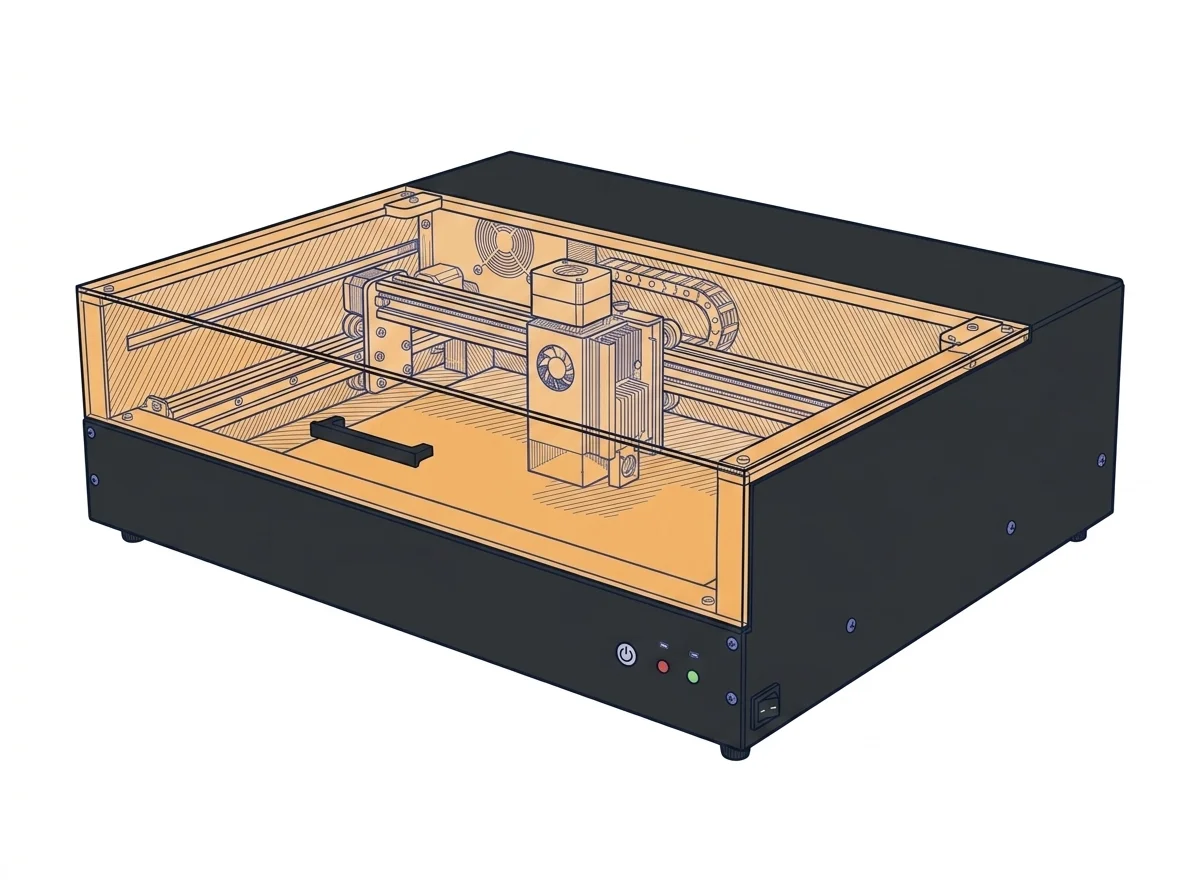 Kraft Dual Laser Engraver
Atomstack
F2 · Intermediate
Kraft Dual Laser Engraver
Atomstack
F2 · Intermediate
|
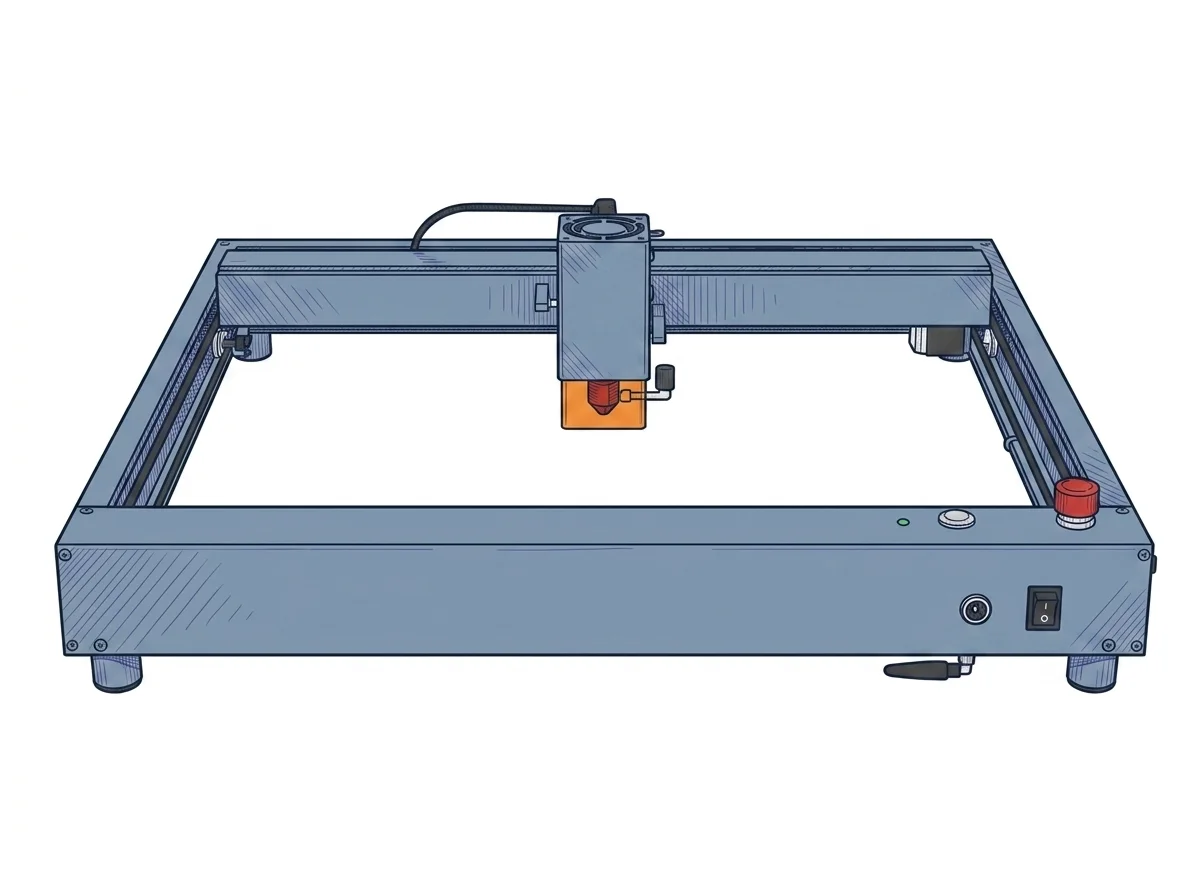 D1 Pro 10W Laser Engraver
xTool
F2 · Intermediate
D1 Pro 10W Laser Engraver
xTool
F2 · Intermediate
|
|---|---|---|
| Identity | ||
| Launch year | 2025 | 2022 |
| Use tier | F2 — Intermediate | F2 — Intermediate |
| Price | ||
| Price (€) | ~1200–1700 € | ~500–700 € |
| Universal specs | ||
| Dimensions (W×D×H) (cm) | 79.1 × 61 × 26.15 cm | 60 × 59 × 15 cm |
| Weight (kg) | 23.6 kg | 5 kg |
| Work area (mm) | 500 × 320 mm | 430 × 390 mm |
| Power (W) | 216 W | 100 W |
| Voltage (V) | 24 V | — |
| Maximum speed | 600 mm/s | 400 mm/s |
| Declared precision | — | 0.01 mm |
| Category specs | ||
| Work area (short side) (mm) | 320 mm | 390 mm |
| Rated power (W) | 20 W | 10 W |
| Source technology | Diode | Diode |
| Max travel speed (mm/s) | 600 mm/s | 400 mm/s |
| Max processing speed (mm/s) | 600 mm/s | 400 mm/s |
| Max cut depth per material | Wood: 18mm, Acrylic: 5mm, Leather: 5mm | 6 mm basswood |
| Wavelength (nm) | 450 nm | 455 nm |
| Min resolution (µm) | 30 µm | 80 µm |
| Autofocus | True | False |
| Rotary included/compatible | — | False |
| Passthrough | — | False |
| Supported software | LightBurn, Proprietary | Proprietary, LightBurn |
| Ecosystem | ||
| Cloud dependency | No | No |
| Software notes | The system is fully compatible with LightBurn, the industry standard for laser control, which allows users to easily manage the dual laser source for processing different materials without changing the head. For users looking for a plug-and-play solution, the proprietary AtomStack Studio software is available, compatible with Windows, macOS, and even mobile devices. The latter simplifies the use of the built-in 16 MP camera, optimizing the workspace preview for quick and precise positioning, thus reducing material waste. The machine supports job resume in case of power failure and can operate offline via a USB flash drive, ensuring an uninterrupted workflow even without a continuous connection to a computer. | Operational management is flexible, adapting to various workflows through dual software compatibility. The manufacturer provides xTool Creative Space, a free, proprietary application that is intuitive and beginner-friendly, supporting connectivity via Wi-Fi, USB cable, or TF card for offline operation. For experienced users requiring advanced vector editing capabilities and precise control over scanning parameters, the machine fully supports LightBurn. The latter requires a separate license purchase and initial setup via dedicated configuration files, but it unlocks the hardware's full potential for optimizing execution times and managing complex multi-layer projects. |
The differences that matter
- Price: Kraft Dual Laser Engraver 1450 € vs D1 Pro 10W Laser Engraver 600 € — D1 Pro 10W Laser Engraver wins (+142%)
- Work area: Kraft Dual Laser Engraver 500×320 mm vs D1 Pro 10W Laser Engraver 430×390 mm — D1 Pro 10W Laser Engraver wins (+5%)
Which one to choose
Choose D1 Pro 10W Laser Engraver if…
you value price and work area.
MakerSpecs is an independent atlas. We don't sell products: this comparison links to both sheets, where you'll find complete data and official links.