Atomstack A40 Pro V2 Laser Engraver vs xTool D1 Pro 10W Laser Engraver
Technical comparison · Diode laser (405–460 nm)
D1 Pro 10W Laser Engraver leads on the available specs (starting with price); A40 Pro V2 Laser Engraver makes sense only for non-technical reasons (availability, support, ecosystem), or if the missing data matters in your case.
| Parameter |
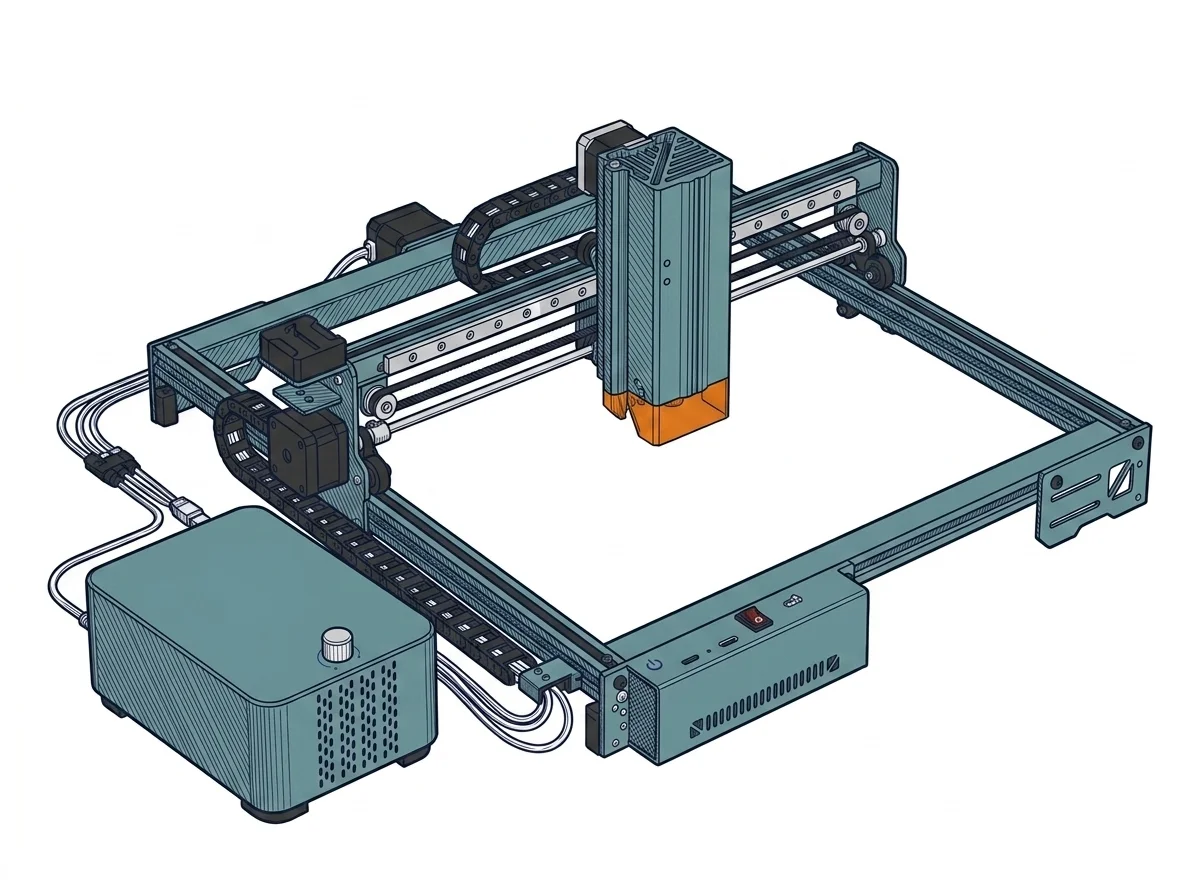 A40 Pro V2 Laser Engraver
Atomstack
F3 · Advanced
A40 Pro V2 Laser Engraver
Atomstack
F3 · Advanced
|
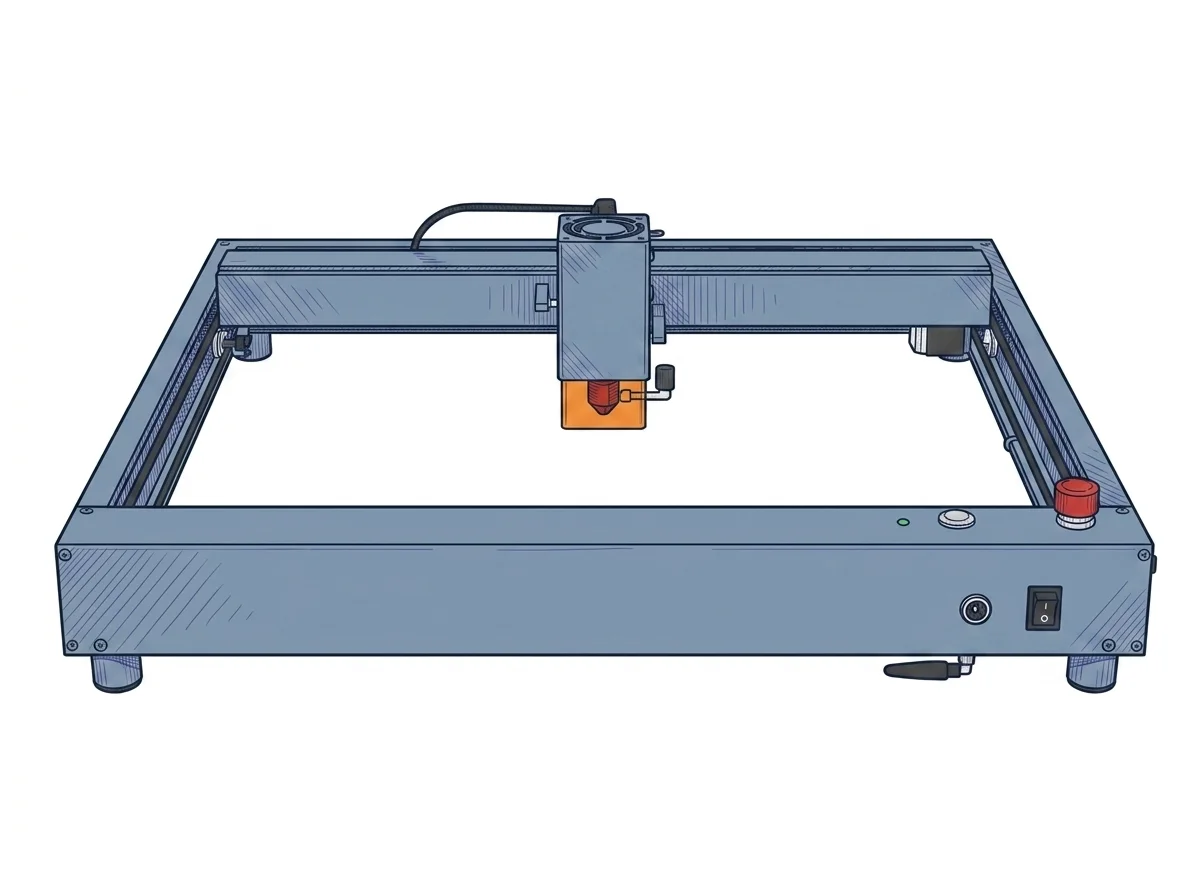 D1 Pro 10W Laser Engraver
xTool
F2 · Intermediate
D1 Pro 10W Laser Engraver
xTool
F2 · Intermediate
|
|---|---|---|
| Awards | — | |
| Identity | ||
| Launch year | 2024 | 2022 |
| Use tier | F3 — Advanced | F2 — Intermediate |
| Price | ||
| Price (€) | ~700–1000 € | ~500–700 € |
| Universal specs | ||
| Dimensions (W×D×H) (cm) | — | 60 × 59 × 15 cm |
| Weight (kg) | — | 5 kg |
| Work area (mm) | 400 × 400 mm | 430 × 390 mm |
| Power (W) | — | 100 W |
| Maximum speed | 400 mm/s | 400 mm/s |
| Declared precision | 0.02 mm | 0.01 mm |
| Category specs | ||
| Work area (short side) (mm) | 400 mm | 390 mm |
| Rated power (W) | 40 W | 10 W |
| Source technology | Diode | Diode |
| Max travel speed (mm/s) | 400 mm/s | 400 mm/s |
| Max processing speed (mm/s) | 400 mm/s | 400 mm/s |
| Max cut depth per material | — | 6 mm basswood |
| Wavelength (nm) | 455 nm | 455 nm |
| Min resolution (µm) | 20 µm | 80 µm |
| Autofocus | False | False |
| Rotary included/compatible | False | False |
| Passthrough | False | False |
| Supported software | Proprietary, LightBurn | Proprietary, LightBurn |
| Ecosystem | ||
| Cloud dependency | No | No |
| Software notes | The system offers extended compatibility with the industry's leading standard software, ensuring operational flexibility across both Windows and macOS platforms. It fully supports LightBurn, the preferred choice for professional users seeking advanced management of layers, cutting parameters, and vectorization, as well as LaserGRBL, an open-source alternative ideal for simpler and more immediate engraving operations. Additionally, the machine is compatible with the manufacturer's proprietary mobile application, enabling remote control and file transmission via local Wi-Fi. This triple option allows users to adapt their workflow to specific project needs, supporting common vector and raster file formats such as NC, DXF, BMP, and JPG. | Operational management is flexible, adapting to various workflows through dual software compatibility. The manufacturer provides xTool Creative Space, a free, proprietary application that is intuitive and beginner-friendly, supporting connectivity via Wi-Fi, USB cable, or TF card for offline operation. For experienced users requiring advanced vector editing capabilities and precise control over scanning parameters, the machine fully supports LightBurn. The latter requires a separate license purchase and initial setup via dedicated configuration files, but it unlocks the hardware's full potential for optimizing execution times and managing complex multi-layer projects. |
MakerSpecs Awards
A40 Pro V2 Laser Engraver
Best price Advanced
The lowest list price among advanced Diode laser (405–460 nm) machines: €850. The second cheapest starts at €1075. (Excluding manufacturer or retailer discounts.)
How we assign awards →D1 Pro 10W Laser Engraver
Nessun riconoscimento in questa fascia.
The differences that matter
- Price: A40 Pro V2 Laser Engraver 850 € vs D1 Pro 10W Laser Engraver 600 € — D1 Pro 10W Laser Engraver wins (+42%)
- Work area: A40 Pro V2 Laser Engraver 400×400 mm vs D1 Pro 10W Laser Engraver 430×390 mm — D1 Pro 10W Laser Engraver wins (+5%)
Which one to choose
Choose D1 Pro 10W Laser Engraver if…
you value price and work area.
MakerSpecs is an independent atlas. We don't sell products: this comparison links to both sheets, where you'll find complete data and official links.