Atomstack A20 Pro V2 Laser Engraver vs Ortur LM3 40W
Technical comparison · Diode laser (405–460 nm)
A20 Pro V2 Laser Engraver leads on the available specs (starting with price); LM3 40W makes sense only for non-technical reasons (availability, support, ecosystem), or if the missing data matters in your case.
| Parameter |
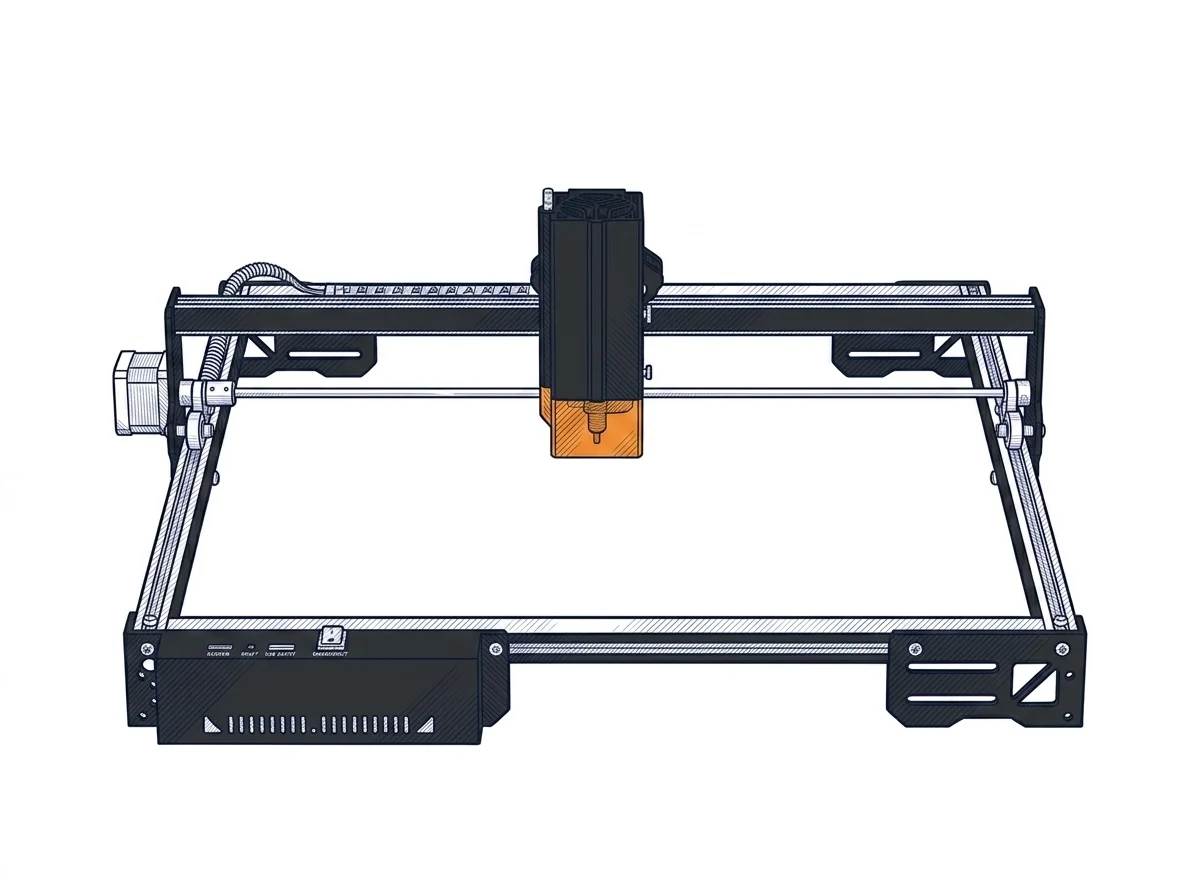 A20 Pro V2 Laser Engraver
Atomstack
F2 · Intermediate
A20 Pro V2 Laser Engraver
Atomstack
F2 · Intermediate
|
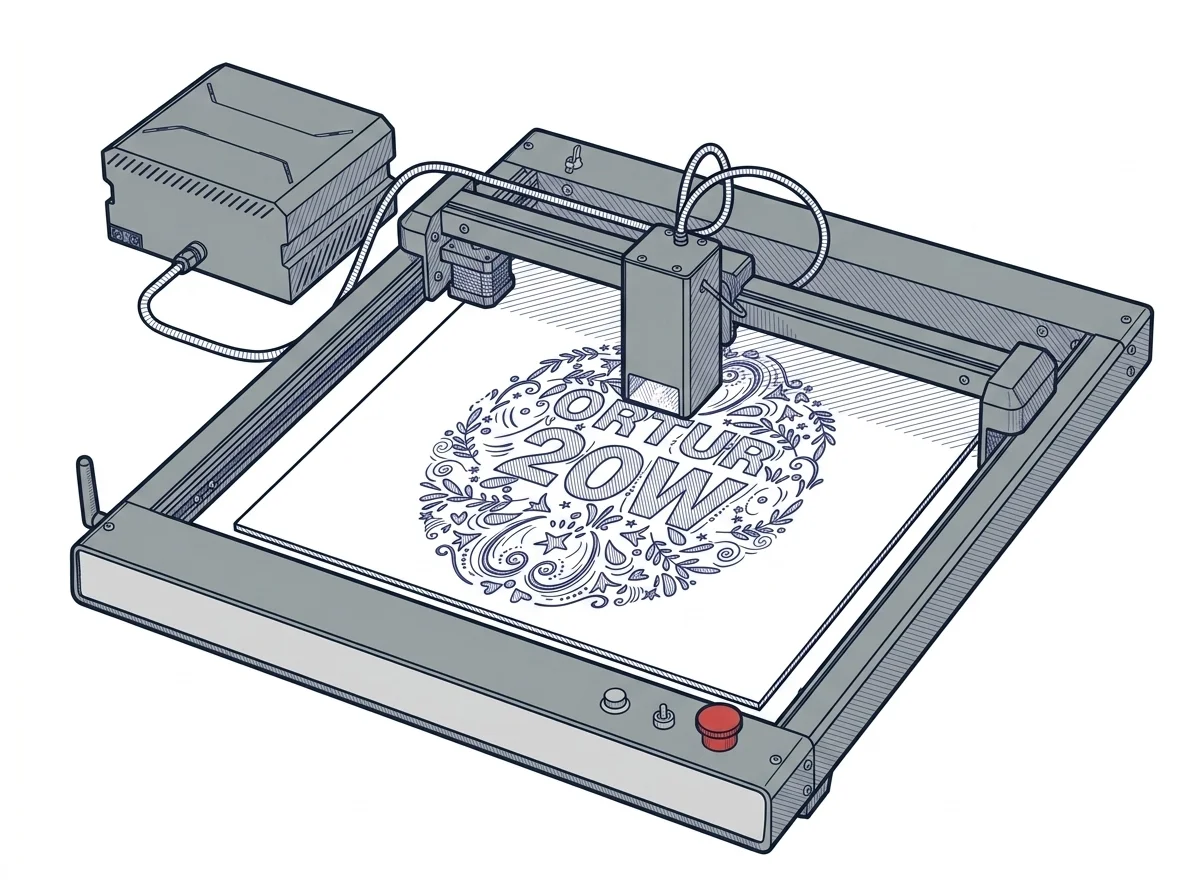 LM3 40W
Ortur
F2 · Intermediate
LM3 40W
Ortur
F2 · Intermediate
|
|---|---|---|
| Identity | ||
| Launch year | 2024 | 2023 |
| Use tier | F2 — Intermediate | F2 — Intermediate |
| Price | ||
| Price (€) | ~300–600 € | ~600–800 € |
| Universal specs | ||
| Dimensions (W×D×H) (cm) | — | 65.8 × 62.5 × 15 cm |
| Weight (kg) | 6 kg | — |
| Work area (mm) | 400 × 365 mm | 400 × 380 mm |
| Power (W) | 120 W | — |
| Maximum speed | 400 mm/s | 20000 mm/min |
| Declared precision | 0.02 mm | 0.08 mm |
| Category specs | ||
| Work area (short side) (mm) | 365 mm | 380.0 mm |
| Rated power (W) | 20 W | 20.0 W |
| Source technology | Diode | Diode |
| Max travel speed (mm/s) | 400 mm/s | — |
| Max processing speed (mm/s) | 400 mm/s | 333.33 mm/s |
| Max cut depth per material | — | 15mm Pine, 10mm Plywood, 8mm Black Acrylic |
| Wavelength (nm) | 455 nm | — |
| Min resolution (µm) | — | 80.0 µm |
| Autofocus | False | False |
| Rotary included/compatible | False | False |
| Passthrough | False | — |
| Supported software | Proprietary, LightBurn, Other | Proprietary, LightBurn, Other |
| Ecosystem | ||
| Cloud dependency | No | No |
| Software notes | The software compatibility of the device is extensive and aligns with the industrial standards of the maker sector. It natively supports both LaserGRBL, a free and open-source option suitable for basic engraving operations, and LightBurn, the most popular paid professional platform for advanced management of layers, cutting parameters, and complex vector formats. Control can be managed directly via a wired USB connection from a computer or in offline mode, using memory cards to load processing files. The machine responds to standard G-code commands, allowing experienced users fine customization of acceleration and speed parameters through the configuration of the internal firmware, without constraints linked to proprietary and closed-source cloud ecosystems. | The LM3 uses firmware based on the open GRBL protocol, compatible with LightBurn (diode license ~$60 one-time), LaserGRBL (free, open-source), and the proprietary Ortur iOS/Android app with selectable novice and advanced modes. LightBurn offers advanced variable power control, path optimization, and optional camera alignment; LaserGRBL covers basic engraving tasks at no additional cost. The open GRBL protocol ensures compatibility with third-party tools and standard G-code generators. Communication is via USB; the Ortur app allows remote job launching via Wi-Fi without a connected PC. |
The differences that matter
- Price: A20 Pro V2 Laser Engraver 450 € vs LM3 40W 700 € — A20 Pro V2 Laser Engraver wins (+56%)
Which one to choose
MakerSpecs is an independent atlas. We don't sell products: this comparison links to both sheets, where you'll find complete data and official links.