Atomstack A20 Pro V2 Laser Engraver vs Ortur UFERO 2 10W
Technical comparison · Diode laser (405–460 nm)
UFERO 2 10W leads on the available specs (starting with price); A20 Pro V2 Laser Engraver makes sense only for non-technical reasons (availability, support, ecosystem), or if the missing data matters in your case.
| Parameter |
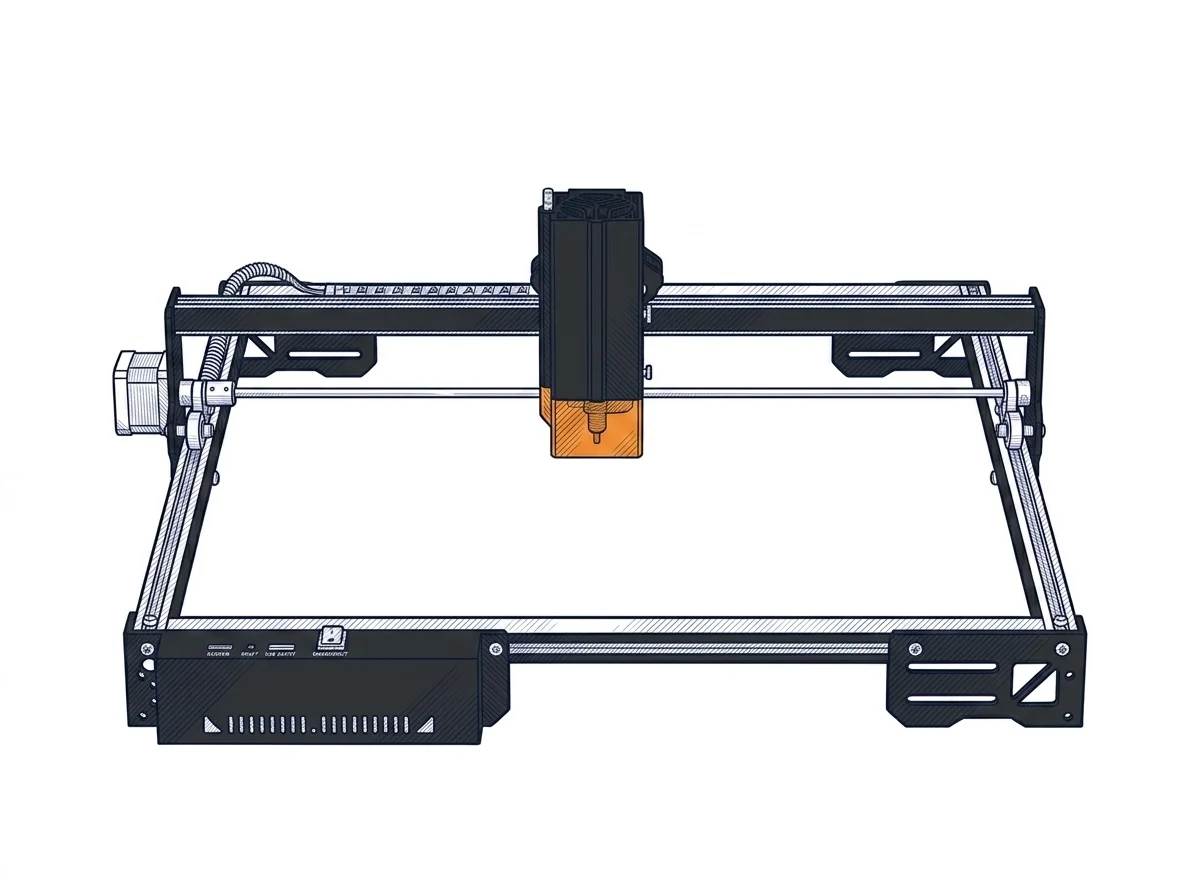 A20 Pro V2 Laser Engraver
Atomstack
F2 · Intermediate
A20 Pro V2 Laser Engraver
Atomstack
F2 · Intermediate
|
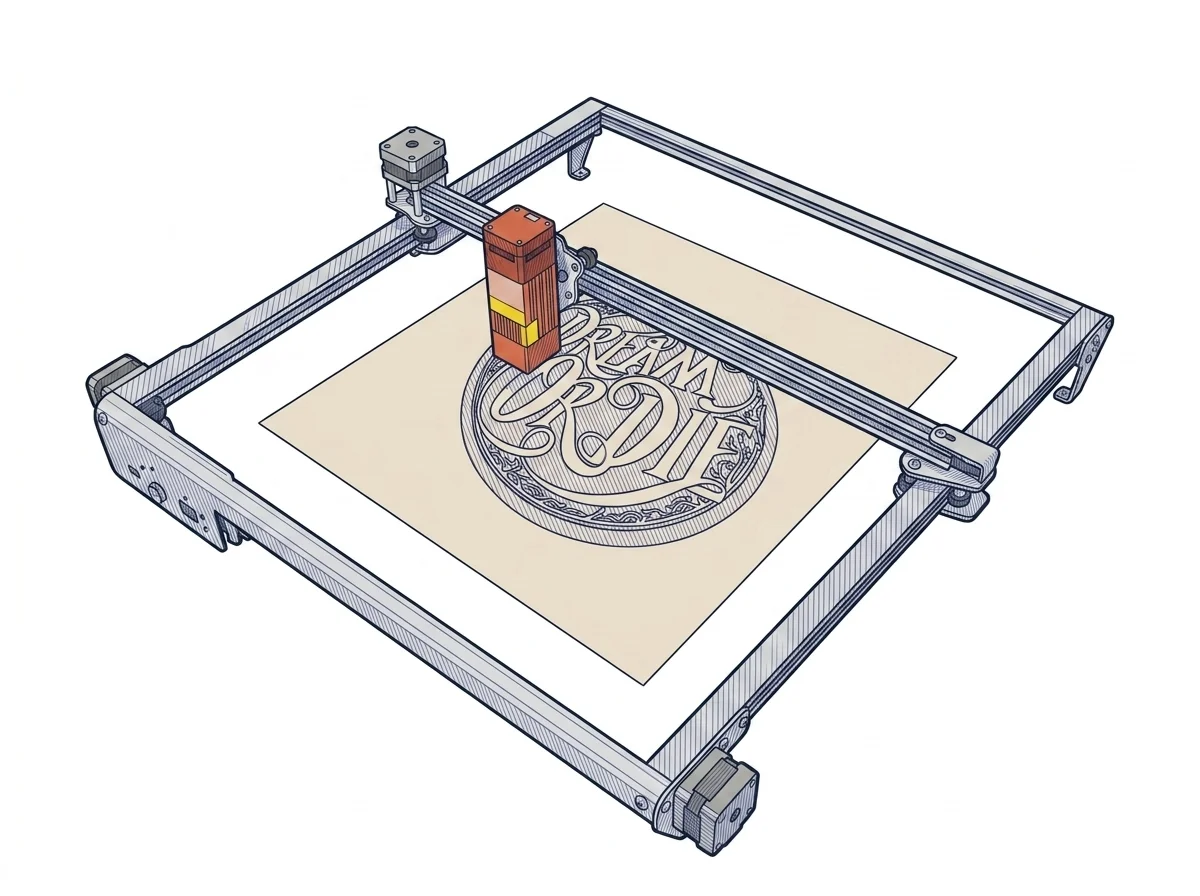 UFERO 2 10W
Ortur
F2 · Intermediate
UFERO 2 10W
Ortur
F2 · Intermediate
|
|---|---|---|
| Identity | ||
| Launch year | 2024 | 2021 |
| Use tier | F2 — Intermediate | F2 — Intermediate |
| Price | ||
| Price (€) | ~300–600 € | ~220–320 € |
| Universal specs | ||
| Weight (kg) | 6 kg | — |
| Work area (mm) | 400 × 365 mm | 390 × 390 mm |
| Power (W) | 120 W | — |
| Maximum speed | 400 mm/s | 10000 mm/min |
| Declared precision | 0.02 mm | 0.01 mm |
| Category specs | ||
| Work area (short side) (mm) | 365 mm | — |
| Rated power (W) | 20 W | 10.0 W |
| Source technology | Diode | — |
| Max travel speed (mm/s) | 400 mm/s | 166.67 mm/s |
| Max processing speed (mm/s) | 400 mm/s | — |
| Max cut depth per material | — | 8mm pine board, 5mm Acrylic |
| Wavelength (nm) | 455 nm | — |
| Min resolution (µm) | — | 10.0 µm |
| Autofocus | False | False |
| Rotary included/compatible | False | — |
| Passthrough | False | — |
| Supported software | Proprietary, LightBurn, Other | — |
| Ecosystem | ||
| Cloud dependency | No | No |
| Software notes | The software compatibility of the device is extensive and aligns with the industrial standards of the maker sector. It natively supports both LaserGRBL, a free and open-source option suitable for basic engraving operations, and LightBurn, the most popular paid professional platform for advanced management of layers, cutting parameters, and complex vector formats. Control can be managed directly via a wired USB connection from a computer or in offline mode, using memory cards to load processing files. The machine responds to standard G-code commands, allowing experienced users fine customization of acceleration and speed parameters through the configuration of the internal firmware, without constraints linked to proprietary and closed-source cloud ecosystems. | Controlled by open GRBL firmware, it is compatible with LightBurn (paid, Windows/macOS/Linux) and LaserGRBL (free, Windows). The standard protocol is independent of proprietary software and allows the use of any GCode client. File transfer is via USB or microSD card, without cloud dependency. |
The differences that matter
- Price: A20 Pro V2 Laser Engraver 450 € vs UFERO 2 10W 270 € — UFERO 2 10W wins (+67%)
Which one to choose
MakerSpecs is an independent atlas. We don't sell products: this comparison links to both sheets, where you'll find complete data and official links.