Artillery M1 Pro S1 vs Elegoo Centauri Carbon 2 Combo
Technical comparison · Fused filament fabrication (FFF/FDM)
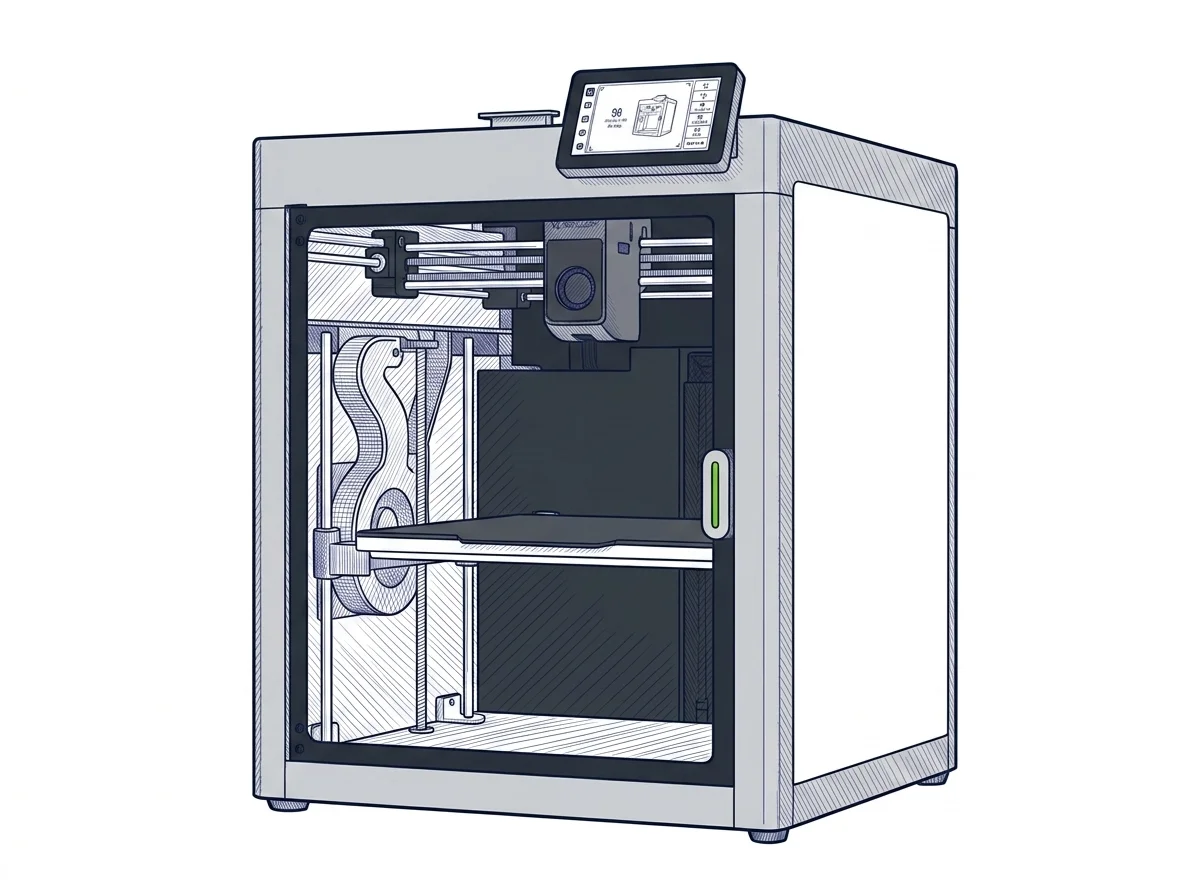
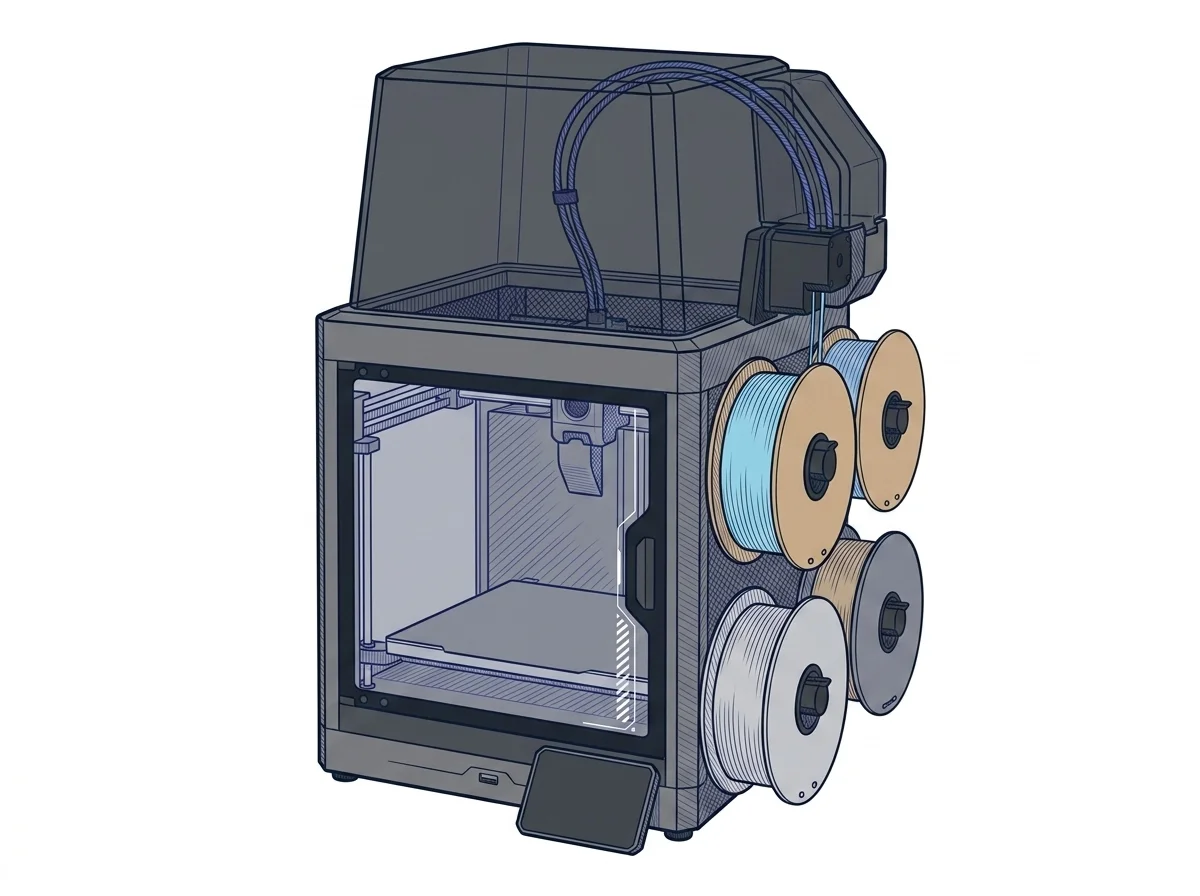
Artillery M1 Pro S1 and Elegoo Centauri Carbon 2 Combo are both enclosed CoreXY printers built for technical filaments like PETG and ABS. The decision comes down to one thing: whether you need a separate module to print in multiple colors.
| Parameter | ||
|---|---|---|
| Identity | ||
| Launch year | 2026 | 2026 |
| Use tier | F2 — Intermediate | F2 — Intermediate |
| Price | ||
| Price (€) | ~295–350 € | 439 € |
| Universal specs | ||
| Dimensions (W×D×H) (cm) | 43.7 × 38.9 × 49.4 cm | 50 × 48 × 74.3 cm |
| Weight (kg) | — | 19.35 kg |
| Work area (mm) | 260 × 260 mm | 256 × 256 mm |
| Z-axis height (mm) | 260 mm | 256 mm |
| Power (W) | 150 W | 1100 W |
| Voltage (V) | — | 240 V |
| Maximum speed | 600 mm/s | 500 mm/s |
| Declared precision | 0.1 mm | 0.1 mm |
| Category specs | ||
| Footprint X×Y (short side) (mm) | 260 mm | 256 mm |
| Build height Z (mm) | 260 mm | 256 mm |
| Kinematics | CoreXY | CoreXY |
| Max nozzle temperature (°C) | — | 350 °C |
| Max bed temperature (°C) | 120 °C | 110 °C |
| Max print speed (mm/s) | 600 mm/s | 500 mm/s |
| Enclosed chamber | Yes | Yes |
| Filament sensor | — | Yes |
| Auto bed leveling | — | Mesh |
| Standard nozzle diameter (mm) | — | 0.4 mm |
| Multi-extruder | No | No |
| Native Klipper | No | — |
| Input shaper | — | Yes |
| Multicolor printing | Yes | Yes |
| Multicolor requires accessory | Yes | No |
| Max colors | — | 4 |
| Ecosystem | ||
| Cloud dependency | No | No |
| Software notes | Artillery OS, a Klipper-based system. Compatible with standard slicers like Cura, PrusaSlicer and OrcaSlicer via G-code. Supports Wi-Fi transfer, SD card and touchscreen control. Compared to closed platforms, it allows advanced adjustment of printing parameters, but lacks a native cloud ecosystem and requires manual slicer configuration. | The machine is compatible with major slicing software on the market. The manufacturer recommends using Elegoo Slicer, specifically optimized to leverage the CoreXY kinematics, multi-color printing via the CANVAS system, and vibration compensation algorithms (Input Shaping). Alternatively, popular slicers like Orca Slicer and Cura can be used, offering broad flexibility to users who prefer established workflows. The integrated dual-band Wi-Fi connectivity allows direct transfer of G-code files to the 8 GB internal memory without physical cards, while the internal camera enables remote monitoring and time-lapse video recording, simplifying the management of the printing process even from a distance. |
The differences that matter
- Price: M1 Pro S1 costs €116.50 less than Centauri Carbon 2 Combo → more room in the budget for accessories or extra spools.
- Multicolor: bundled in the box on Centauri Carbon 2 Combo (up to 4 colors), a separate accessory on M1 Pro S1 → extra cost and assembly for anyone choosing A.
- Bed temperature: 120°C on M1 Pro S1 vs 110°C on Centauri Carbon 2 Combo → more margin with ABS and PETG, which tend to lift at the edges.
- Stated top speed: 600 mm/s on M1 Pro S1 vs 500 mm/s on Centauri Carbon 2 Combo → faster multi-part jobs at the same geometry, manufacturer's stated values.
Which one to choose
Choose M1 Pro S1 if…
The M1 Pro S1 costs €116.50 less than the Centauri Carbon 2 Combo and heats its bed up to 120°C, a few degrees above the rival's ceiling — useful headroom with ABS and PETG, which are prone to lifting at the edges. The multicolor module isn't included, though: it's a separate accessory, with its own cost and assembly.
Choose Centauri Carbon 2 Combo if…
The Centauri Carbon 2 Combo ships with the CANVAS multicolor system already in the box, up to 4 colors with nothing else to buy: printing multi-material from day one skips that separate accessory step. The trade-off is a bed capped at 110°C and a starting price €116.50 higher.
Where to buy
Paid link: the price for you does not change. Methodology
As an Amazon Associate I earn from qualifying purchases.
MakerSpecs is an independent atlas. We don't sell products: the purchase links are the same as on the two product sheets and don't influence the verdict. The sheets have the complete data.