Anycubic Kobra S1 vs Elegoo Centauri Carbon 2 Combo 3D Printer
Technical comparison · Fused filament fabrication (FFF/FDM)
Kobra S1 and Centauri Carbon 2 Combo 3D Printer are two fused filament fabrication (fff/fdm) in a similar class. Choose Kobra S1 if max colors matters more; choose Centauri Carbon 2 Combo 3D Printer if price and multicolor requires accessory matters more.
| Parameter |
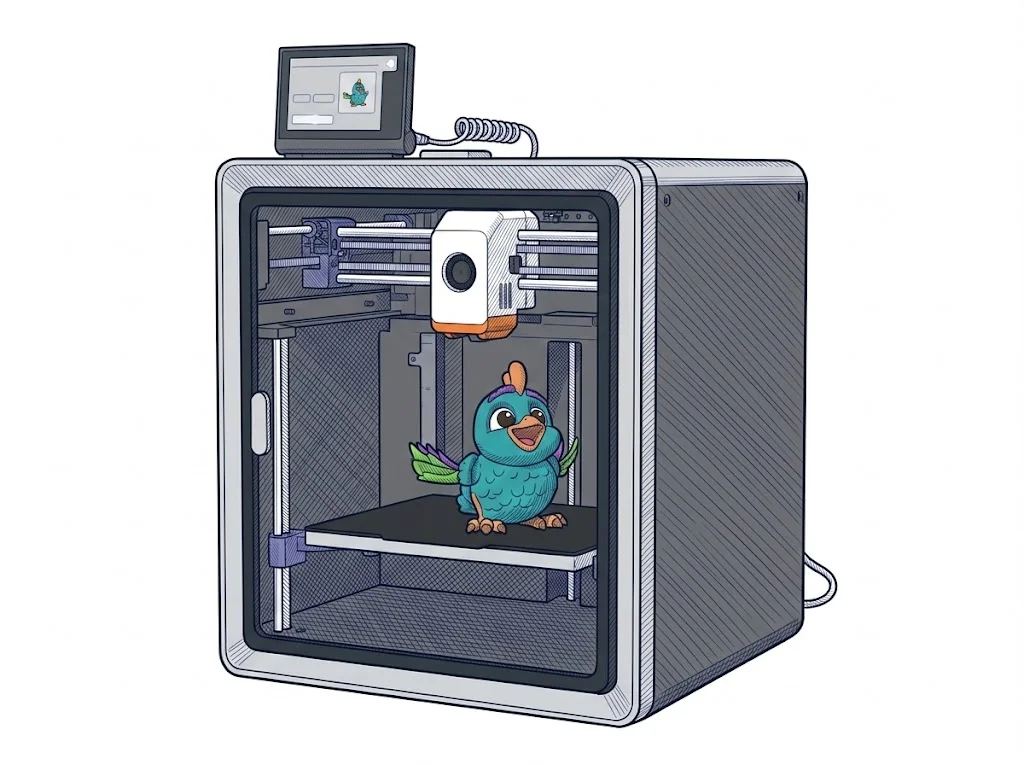 Kobra S1
Anycubic
F2 · Intermediate
Kobra S1
Anycubic
F2 · Intermediate
|
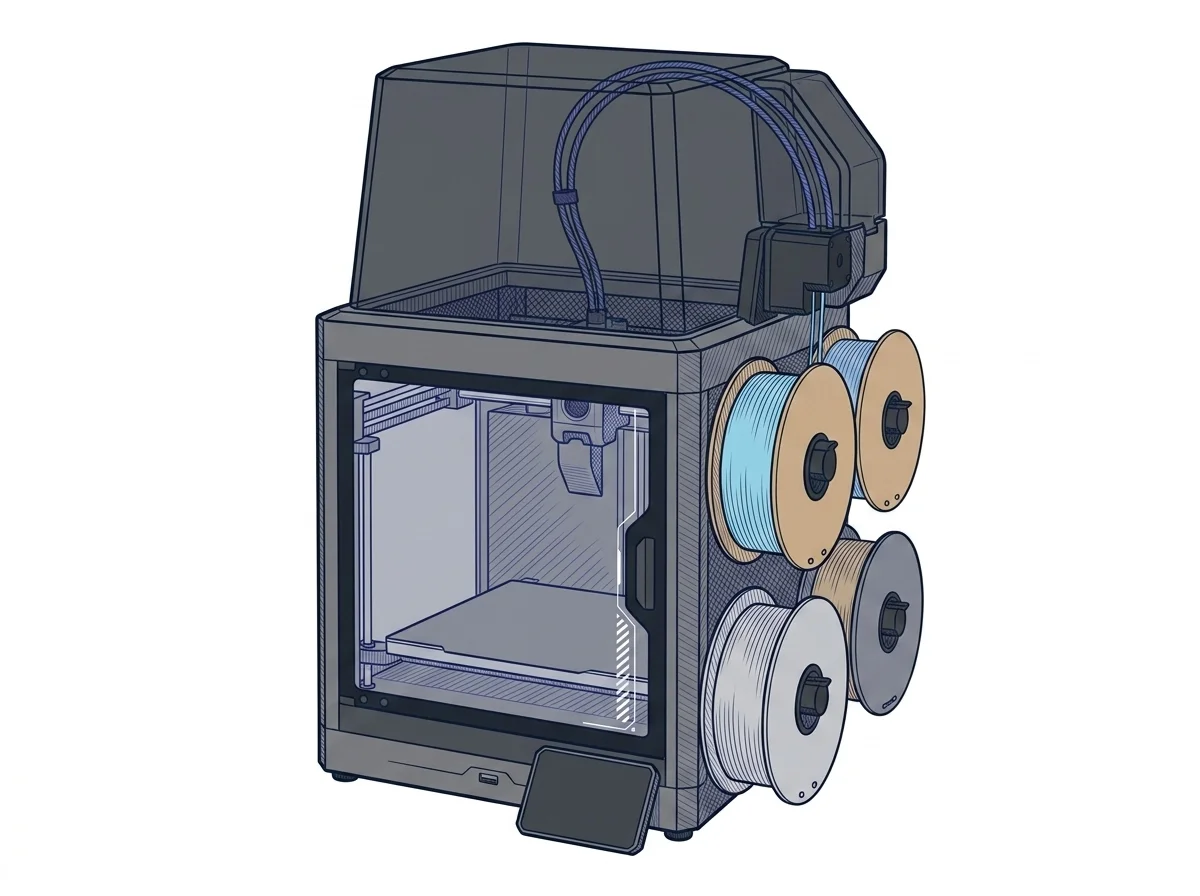 Centauri Carbon 2 Combo 3D Printer
Elegoo
F2 · Intermediate
Centauri Carbon 2 Combo 3D Printer
Elegoo
F2 · Intermediate
|
|---|---|---|
| Identity | ||
| Launch year | 2025 | 2026 |
| Use tier | F2 — Intermediate | F2 — Intermediate |
| Price | ||
| Price (€) | 549 € | 439 € |
| Price updated on | 06/2026 | — |
| Universal specs | ||
| Dimensions (W×D×H) (cm) | 40 × 41 × 49 cm | 50 × 48 × 74.3 cm |
| Weight (kg) | 18 kg | 19.35 kg |
| Work area (mm) | 250 × 250 mm | 256 × 256 mm |
| Z-axis height (mm) | 250 mm | 256 mm |
| Power (W) | — | 1100 W |
| Voltage (V) | — | 240 V |
| Maximum speed | 600 mm/s | 500 mm/s |
| Declared precision | 0.05 mm | 0.1 mm |
| Category specs | ||
| Footprint X×Y (short side) (mm) | 250 mm | 256 mm |
| Build height Z (mm) | 250 mm | 256 mm |
| Kinematics | CoreXY | CoreXY |
| Max nozzle temperature (°C) | 320 °C | 350 °C |
| Max bed temperature (°C) | 120 °C | 110 °C |
| Max print speed (mm/s) | 600 mm/s | 500 mm/s |
| Enclosed chamber | True | True |
| Filament sensor | True | True |
| Auto bed leveling | Mesh | Mesh |
| Standard nozzle diameter (mm) | 0.4 mm | 0.4 mm |
| Multi-extruder | False | False |
| Native Klipper | True | — |
| Input shaper | True | True |
| Multicolor printing | True | True |
| Multicolor requires accessory | True | False |
| Max colors | 8 | 4 |
| Ecosystem | ||
| Cloud dependency | No | No |
| Software notes | The Kobra OS firmware is based on Klipper and controlled via a proprietary touch interface. The official slicer is Anycubic Slicer Next (derived from OrcaSlicer, available for Windows and macOS), but it also supports third-party OrcaSlicer. Remote control is possible via the Anycubic app (iOS/Android) over a local network, with no mandatory cloud connection for daily operations. | The machine is compatible with major slicing software on the market. The manufacturer recommends using Elegoo Slicer, specifically optimized to leverage the CoreXY kinematics, multi-color printing via the CANVAS system, and vibration compensation algorithms (Input Shaping). Alternatively, popular slicers like Orca Slicer and Cura can be used, offering broad flexibility to users who prefer established workflows. The integrated dual-band Wi-Fi connectivity allows direct transfer of G-code files to the 8 GB internal memory without physical cards, while the internal camera enables remote monitoring and time-lapse video recording, simplifying the management of the printing process even from a distance. |
The differences that matter
- Max colors: Kobra S1 8 vs Centauri Carbon 2 Combo 3D Printer 4 — Kobra S1 wins (+100%)
- Price: Kobra S1 549 € vs Centauri Carbon 2 Combo 3D Printer 439 € — Centauri Carbon 2 Combo 3D Printer wins (+25%)
- Multicolor requires accessory: Kobra S1 yes, Centauri Carbon 2 Combo 3D Printer no
- Max print speed: Kobra S1 600 mm/s vs Centauri Carbon 2 Combo 3D Printer 500 mm/s — Kobra S1 wins (+20%)
- Max nozzle temperature: Kobra S1 320 °C vs Centauri Carbon 2 Combo 3D Printer 350 °C — Centauri Carbon 2 Combo 3D Printer wins (+9%)
Which one to choose
Choose Kobra S1 if…
you value max colors, max print speed and max bed temperature.
Choose Centauri Carbon 2 Combo 3D Printer if…
you value price, max nozzle temperature and work area.
MakerSpecs is an independent atlas. We don't sell products: this comparison links to both sheets, where you'll find complete data and official links.