Anycubic Kobra S1 Max vs Elegoo Neptune 4 Pro
Technical comparison · Fused filament fabrication (FFF/FDM)
Kobra S1 Max and Neptune 4 Pro are two fused filament fabrication (fff/fdm) in a similar class. Choose Kobra S1 Max if work area matters more; choose Neptune 4 Pro if price matters more. On the category's overall technical index, Kobra S1 Max scores 55/100 against 38/100 for Neptune 4 Pro.
| Parameter |
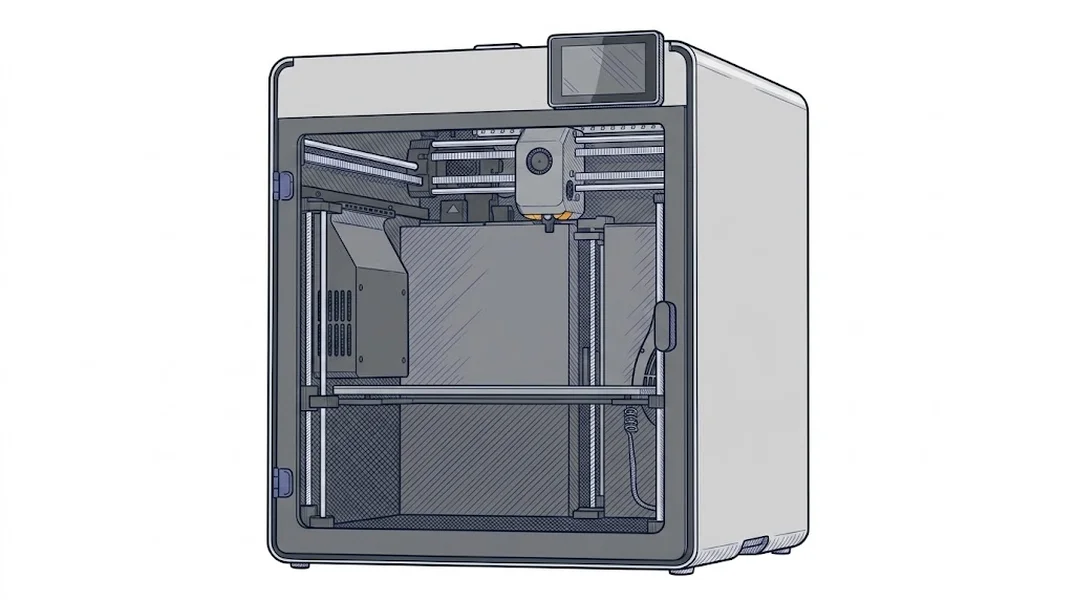 Kobra S1 Max
Anycubic
F2 · Intermediate
Kobra S1 Max
Anycubic
F2 · Intermediate
|
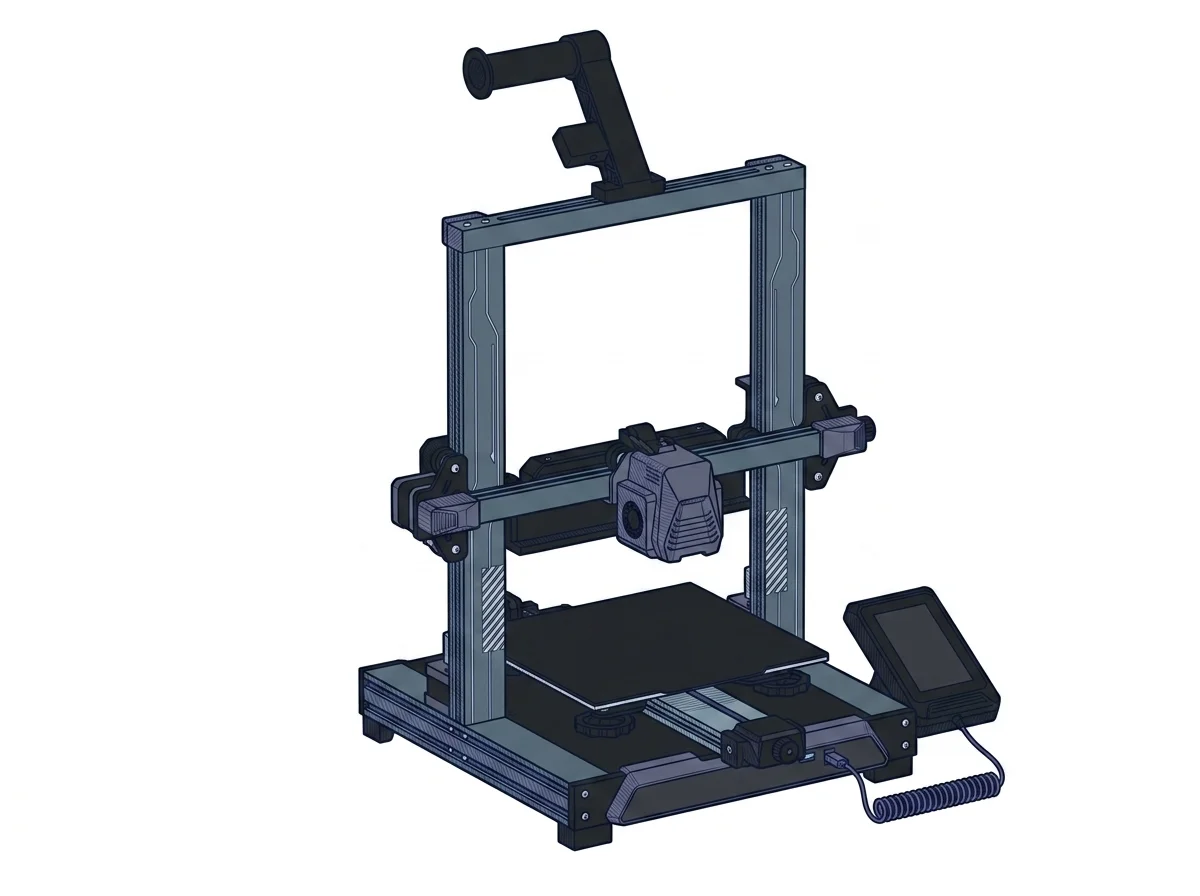 Neptune 4 Pro
Elegoo
F2 · Intermediate
Neptune 4 Pro
Elegoo
F2 · Intermediate
|
|---|---|---|
| Identity | ||
| Launch year | 2025 | 2023 |
| Use tier | F2 — Intermediate | F2 — Intermediate |
| Price | ||
| Price (€) | ~599–799 € | 299 € |
| Price updated on | 06/2026 | — |
| Universal specs | ||
| Dimensions (W×D×H) (cm) | 50.27 × 48.3 × 58.4 cm | 47.5 × 44.5 × 51.5 cm |
| Weight (kg) | — | 8.9 kg |
| Work area (mm) | 350 × 350 mm | 225 × 225 mm |
| Z-axis height (mm) | 350 mm | 265 mm |
| Power (W) | 2200 W | — |
| Voltage (V) | 220 V | — |
| Maximum speed | 600 mm/s | 500 mm/s |
| Declared precision | 0.05 mm | 0.1 mm |
| Category specs | ||
| Footprint X×Y (short side) (mm) | 350 mm | 225 mm |
| Build height Z (mm) | 350 mm | 265 mm |
| Kinematics | CoreXY | Cartesian |
| Max nozzle temperature (°C) | 350 °C | 300 °C |
| Max bed temperature (°C) | 120 °C | 110 °C |
| Max print speed (mm/s) | 600 mm/s | 500 mm/s |
| Enclosed chamber | True | False |
| Filament sensor | True | True |
| Auto bed leveling | Mesh | Mesh |
| Standard nozzle diameter (mm) | 0.4 mm | 0.4 mm |
| Multi-extruder | False | False |
| Native Klipper | False | True |
| Input shaper | True | True |
| Multicolor printing | True | False |
| Multicolor requires accessory | True | False |
| Max colors | 4 | 1 |
| Ecosystem | ||
| Cloud dependency | No | No |
| Software notes | The firmware runs on a proprietary Kobra OS layer built on top of Klipper; the official slicer is Anycubic Slicer Next, derived from OrcaSlicer, available for Windows and macOS. Third-party OrcaSlicer is also supported. Remote monitoring and control are available via the Anycubic app (iOS/Android) over LAN, with no mandatory cloud connection required for ordinary printing operations. Unlike the Combo version, the ACE 2 Pro module is not included in the box. | The machine is driven by Klipper firmware pre-installed on a proprietary 64-bit motherboard, ensuring rapid processing for advanced features like input shaping and pressure advance. The manufacturer provides a customized version of Cura (Elegoo Cura), but the printer is fully compatible with major third-party slicers such as PrusaSlicer and OrcaSlicer. Connectivity includes USB ports and a LAN network port, enabling remote management and direct print file transfers via the Fluidd or Mainsail web interfaces integrated into the system. |
The differences that matter
- Price: Kobra S1 Max 699 € vs Neptune 4 Pro 299 € — Neptune 4 Pro wins (+134%)
- Work area: Kobra S1 Max 350×350 mm vs Neptune 4 Pro 225×225 mm — Kobra S1 Max wins (+142%)
- Max colors: Kobra S1 Max 4 vs Neptune 4 Pro 1 — Kobra S1 Max wins (+300%)
- Enclosed chamber: Kobra S1 Max yes, Neptune 4 Pro no
- Build height Z: Kobra S1 Max 350 mm vs Neptune 4 Pro 265 mm — Kobra S1 Max wins (+32%)
Which one to choose
Choose Kobra S1 Max if…
you value work area, max colors and enclosed chamber.
MakerSpecs is an independent atlas. We don't sell products: this comparison links to both sheets, where you'll find complete data and official links.