Anycubic Kobra S1 ACE 2 Pro Combo vs Creality Ender-3 V3
Technical comparison · Fused filament fabrication (FFF/FDM)
The comparison between the Anycubic Kobra S1 ACE 2 Pro Combo and the Creality Ender-3 V3 analyzes two mid-range 3D printing solutions launched two years apart. The choice between these machines depends primarily on the need to handle complex multi-color prints or the priority for a smaller footprint and greater structural simplicity.
| Parameter |
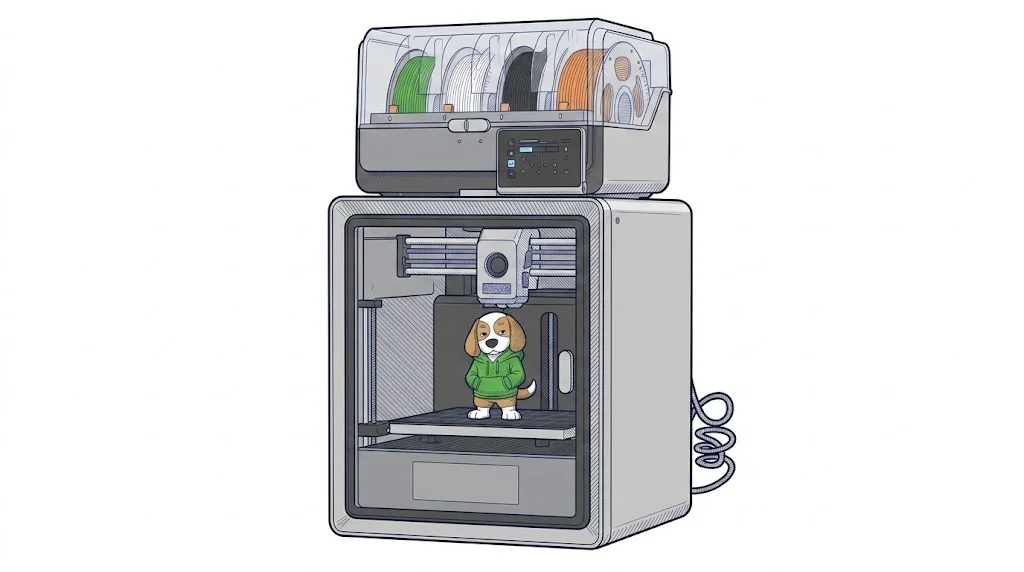 Kobra S1 ACE 2 Pro Combo
Anycubic
F2 · Intermediate
Kobra S1 ACE 2 Pro Combo
Anycubic
F2 · Intermediate
|
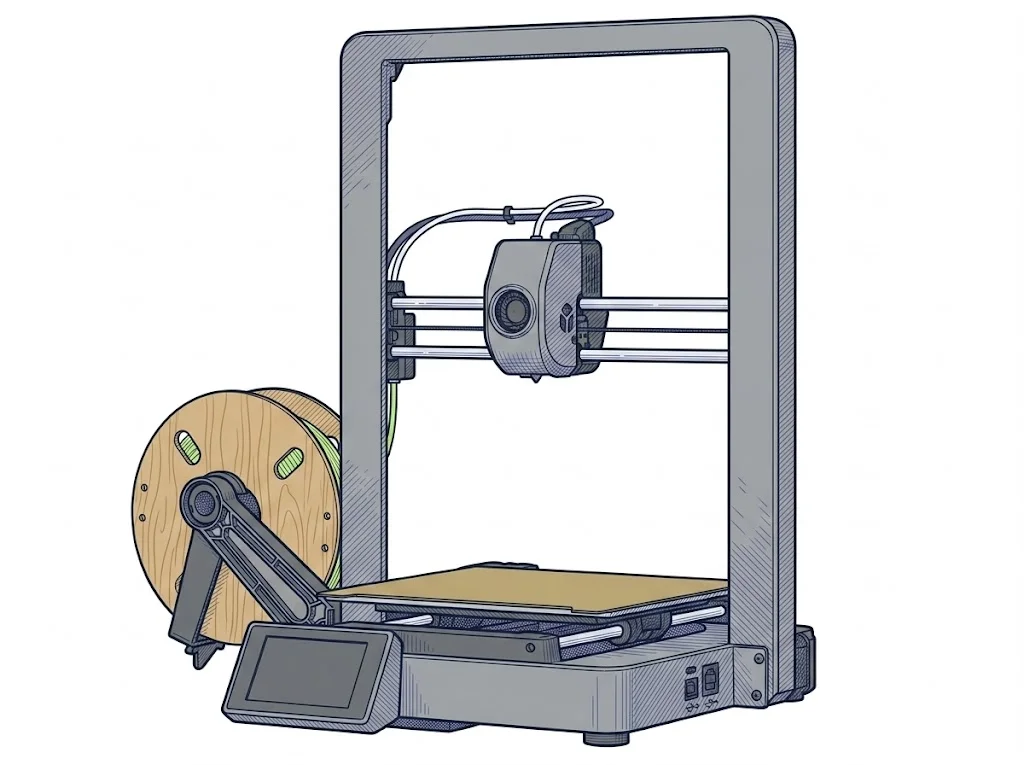 Ender-3 V3
Creality
F2 · Intermediate
Ender-3 V3
Creality
F2 · Intermediate
|
|---|---|---|
| Identity | ||
| Launch year | 2026 | 2024 |
| Use tier | F2 — Intermediate | F2 — Intermediate |
| Price | ||
| Price (€) | 599 € | 419 € |
| Price updated on | 06/2026 | 06/2026 |
| Universal specs | ||
| Dimensions (W×D×H) (cm) | 40 × 41 × 49 cm | 35.8 × 37.4 × 49.8 cm |
| Weight (kg) | 21.7 kg | 7.8 kg |
| Work area (mm) | 250 × 250 mm | 220 × 220 mm |
| Z-axis height (mm) | 250 mm | 250 mm |
| Power (W) | 1300 W | 350 W |
| Voltage (V) | — | 230 V |
| Maximum speed | 600 mm/s | 600 mm/s |
| Declared precision | 0.1 mm | 0.1 mm |
| Category specs | ||
| Footprint X×Y (short side) (mm) | 250 mm | 220 mm |
| Build height Z (mm) | 250 mm | 250 mm |
| Kinematics | CoreXY | Cartesian |
| Max nozzle temperature (°C) | 320 °C | 300 °C |
| Max bed temperature (°C) | 120 °C | 110 °C |
| Max print speed (mm/s) | 600 mm/s | 600 mm/s |
| Enclosed chamber | True | False |
| Filament sensor | True | True |
| Auto bed leveling | Mesh | Mesh |
| Standard nozzle diameter (mm) | 0.4 mm | 0.4 mm |
| Multi-extruder | False | False |
| Native Klipper | True | True |
| Input shaper | True | True |
| Multicolor printing | true | False |
| Multicolor requires accessory | false | False |
| Max colors | 8 | 1 |
| Ecosystem | ||
| Cloud dependency | No | No |
| Software notes | Compatible with the main slicers on the market. It supports cloud connectivity via the Anycubic app and Wi-Fi for remote monitoring, while still allowing offline use via USB. | The native operating system is Creality OS, a customized version of Klipper. It supports Creality Print and major third-party slicers, along with WiFi connectivity and remote management. |
The differences that matter
- Max colors: Kobra S1 ACE 2 Pro Combo 8 vs Ender-3 V3 1 — Kobra S1 ACE 2 Pro Combo wins (+700%)
- Price: Kobra S1 ACE 2 Pro Combo 599 € vs Ender-3 V3 419 € — Ender-3 V3 wins (+43%)
- Enclosed chamber: Kobra S1 ACE 2 Pro Combo yes, Ender-3 V3 no
- Work area: Kobra S1 ACE 2 Pro Combo 250×250 mm vs Ender-3 V3 220×220 mm — Kobra S1 ACE 2 Pro Combo wins (+29%)
- Multicolor printing: Kobra S1 ACE 2 Pro Combo yes, Ender-3 V3 no
Which one to choose
Choose Kobra S1 ACE 2 Pro Combo if…
Choose the Anycubic Kobra S1 ACE 2 Pro Combo if your goal is multi-color printing up to 8 colors and the use of technical materials that require a closed chamber and extrusion temperatures up to 320°C.
Choose Ender-3 V3 if…
Choose the Creality Ender-3 V3 if you need a lighter machine with a smaller footprint and a lower initial cost, ideal for those who print mainly in single color and do not require a dedicated closed chamber for advanced technical materials. The Cartesian kinematics are easier for the intermediate user to maintain compared to the CoreXY structure of the Kobra S1 ACE 2 Pro Combo, which has a significantly higher weight of 21.7 kg versus the 7.8 kg of the Ender-3 V3. The difference in power consumption, 1300W versus 350W, reflects the presence of the closed chamber and the integrated multi-color system in the Anycubic model, making it more energy-intensive but more versatile for advanced production. Both machines offer native Klipper and Input Shaper, ensuring maximum speed performance aligned at 600 mm/s. The build volume of the Kobra S1 ACE 2 Pro Combo is slightly larger, offering 250x250 mm compared to the 220x220 mm of the Ender-3 V3. The final choice comes down to the balance between multi-color printing capability and the budget available for the initial investment in F2-range hardware.
MakerSpecs is an independent atlas. We don't sell products: this comparison links to both sheets, where you'll find complete data and official links.