Anycubic Kobra 2 Pro vs Snapmaker 2.0 F250 3D Printer
Technical comparison · Fused filament fabrication (FFF/FDM)
Kobra 2 Pro and 2.0 F250 3D Printer are not direct competitors: very different prices (~3.7×). Kobra 2 Pro costs less (~€285) and is the entry-level choice; 2.0 F250 3D Printer offers more capability at a higher price (~€1050). Judge them by budget, not head-to-head.
| Parameter |
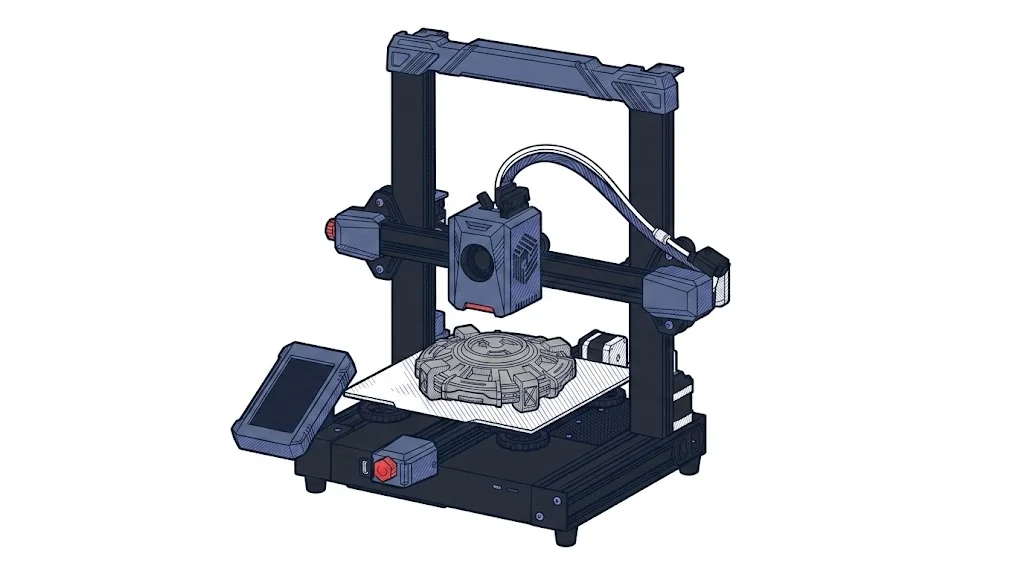 Kobra 2 Pro
Anycubic
F1 · Entry
Kobra 2 Pro
Anycubic
F1 · Entry
|
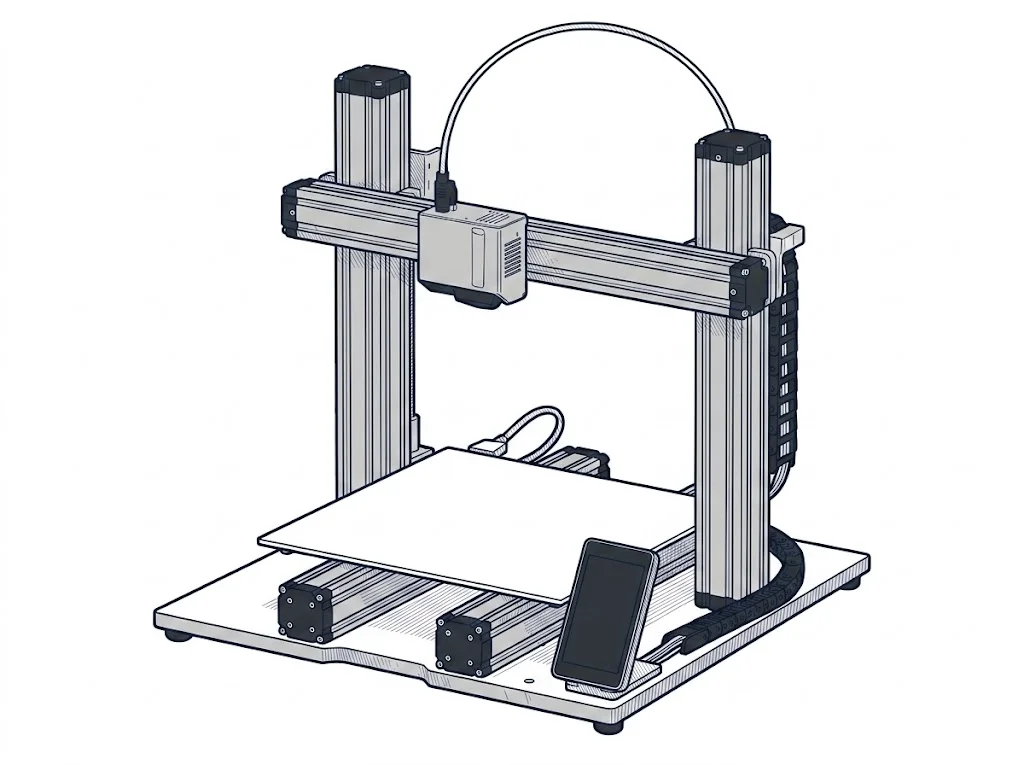 2.0 F250 3D Printer
Snapmaker
F2 · Intermediate
2.0 F250 3D Printer
Snapmaker
F2 · Intermediate
|
|---|---|---|
| Identity | ||
| Launch year | 2023 | 2021 |
| Use tier | F1 — Entry | F2 — Intermediate |
| Price | ||
| Price (€) | ~250–320 € | ~900–1200 € |
| Price updated on | 06/2026 | — |
| Universal specs | ||
| Dimensions (W×D×H) (cm) | 43.5 × 46.3 × 48.6 cm | — |
| Weight (kg) | 8.4 kg | — |
| Work area (mm) | 220 × 220 mm | 230 × 250 mm |
| Z-axis height (mm) | 250 mm | 235 mm |
| Power (W) | 400 W | 320 W |
| Maximum speed | 500 mm/s | — |
| Declared precision | 0.1 mm | 0.05 mm |
| Category specs | ||
| Footprint X×Y (short side) (mm) | 220 mm | 230 mm |
| Build height Z (mm) | 250 mm | 235 mm |
| Kinematics | Cartesian | Cartesian |
| Max nozzle temperature (°C) | 260 °C | 275 °C |
| Max bed temperature (°C) | 110 °C | 100 °C |
| Max print speed (mm/s) | 500 mm/s | — |
| Enclosed chamber | False | False |
| Filament sensor | True | True |
| Auto bed leveling | Mesh | Mesh |
| Standard nozzle diameter (mm) | 0.4 mm | 0.4 mm |
| Multi-extruder | False | False |
| Native Klipper | False | False |
| Input shaper | True | False |
| Multicolor printing | false | False |
| Multicolor requires accessory | — | False |
| Max colors | 1 | 1 |
| Ecosystem | ||
| Cloud dependency | No | No |
| Software notes | Anycubic Kobra OS (a closed Klipper-based system) compatible with the Anycubic mobile app for remote control. Supports all major slicers. | The device utilizes the proprietary Snapmaker Luban software, an integrated environment that intuitively manages file preparation and print process monitoring. Luban offers preset profiles for the most common materials, simplifying the workflow for less experienced operators, while also granting access to advanced parameters for fine-tuning extrusion settings. Alternatively, the machine is fully compatible with popular third-party slicers on the market, such as Ultimaker Cura and PrusaSlicer, provided a custom profile is configured to fully leverage the system's capabilities. |
The differences that matter
- Price: Kobra 2 Pro 285 € vs 2.0 F250 3D Printer 1050 € — Kobra 2 Pro wins (+268%)
- Input shaper: Kobra 2 Pro yes, 2.0 F250 3D Printer no
- Work area: Kobra 2 Pro 220×220 mm vs 2.0 F250 3D Printer 230×250 mm — 2.0 F250 3D Printer wins (+19%)
- Build height Z: Kobra 2 Pro 250 mm vs 2.0 F250 3D Printer 235 mm — Kobra 2 Pro wins (+6%)
- Max nozzle temperature: Kobra 2 Pro 260 °C vs 2.0 F250 3D Printer 275 °C — 2.0 F250 3D Printer wins (+6%)
Which one to choose
Choose Kobra 2 Pro if…
you value price, input shaper and build height z.
Choose 2.0 F250 3D Printer if…
you value work area and max nozzle temperature.
MakerSpecs is an independent atlas. We don't sell products: this comparison links to both sheets, where you'll find complete data and official links.