Anycubic Kobra 2 Neo 3D Printer vs Snapmaker U1 3D Printer
Technical comparison · Fused filament fabrication (FFF/FDM)
Kobra 2 Neo 3D Printer and U1 3D Printer are not direct competitors: very different prices (~4.9×). Kobra 2 Neo 3D Printer costs less (~€174) and is the entry-level choice; U1 3D Printer offers more capability at a higher price (~€849). Judge them by budget, not head-to-head.
| Parameter |
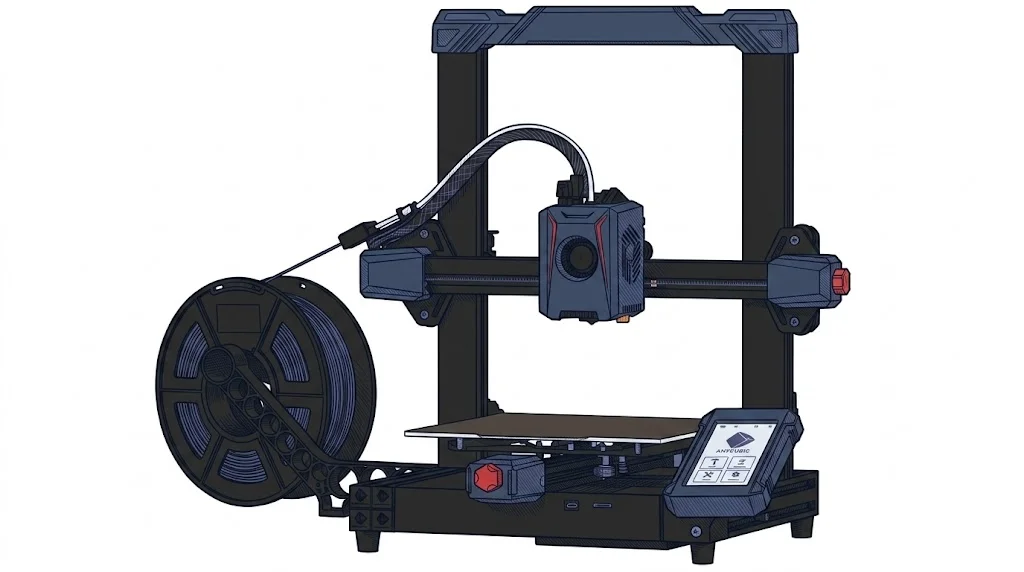 Kobra 2 Neo 3D Printer
Anycubic
F1 · Entry
Kobra 2 Neo 3D Printer
Anycubic
F1 · Entry
|
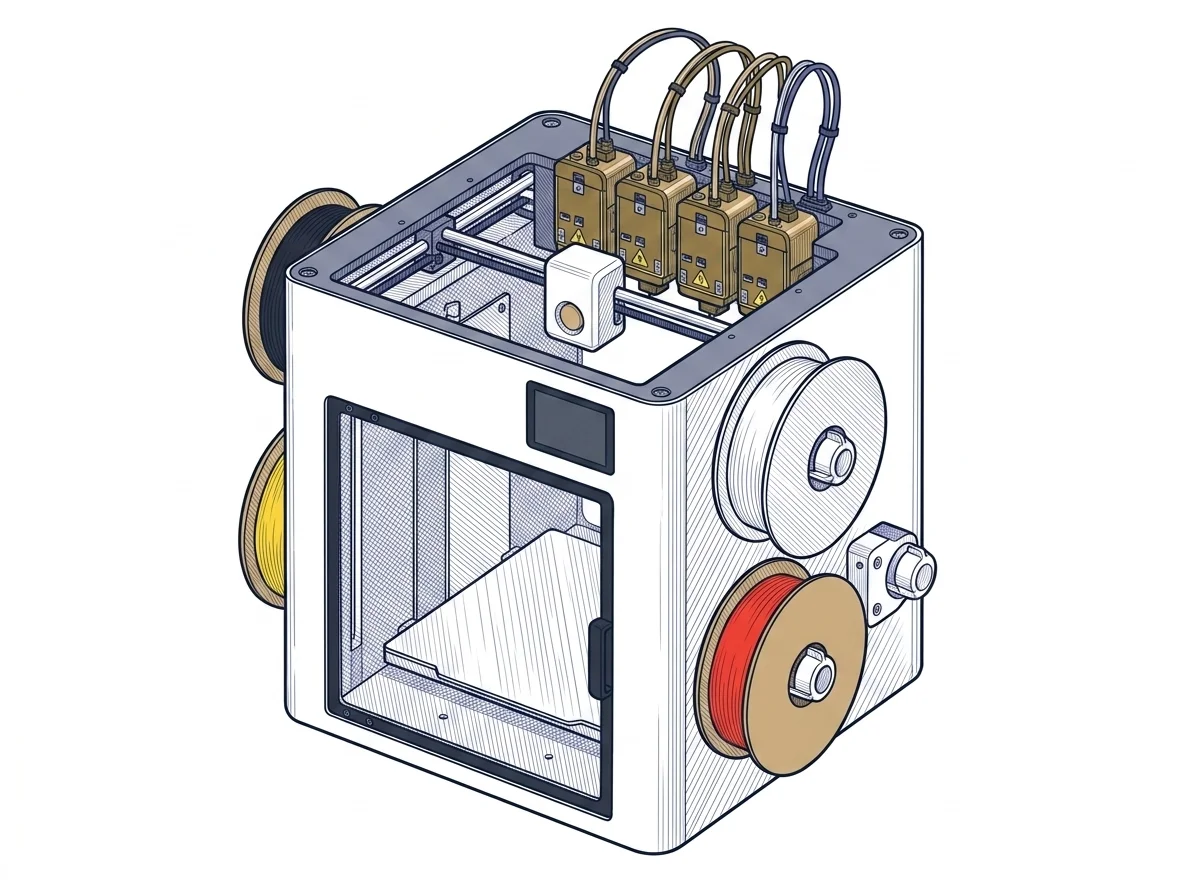 U1 3D Printer
Snapmaker
F2 · Intermediate
U1 3D Printer
Snapmaker
F2 · Intermediate
|
|---|---|---|
| Awards | — | |
| Identity | ||
| Launch year | 2023 | 2026 |
| Use tier | F1 — Entry | F2 — Intermediate |
| Price | ||
| Price (€) | ~149–199 € | 849 € |
| Price updated on | 06/2026 | — |
| Universal specs | ||
| Dimensions (W×D×H) (cm) | 44 × 44 × 48.5 cm | 58.4 × 49.9 × 73 cm |
| Weight (kg) | 7.3 kg | 18.2 kg |
| Work area (mm) | 220 × 220 mm | 270 × 270 mm |
| Z-axis height (mm) | 250 mm | 270 mm |
| Power (W) | 400 W | 1150 W |
| Maximum speed | 250 mm/s | 500 mm/s |
| Declared precision | — | 0.04 mm |
| Category specs | ||
| Footprint X×Y (short side) (mm) | 220 mm | 270 mm |
| Build height Z (mm) | 250 mm | 270 mm |
| Kinematics | Cartesian | CoreXY |
| Max nozzle temperature (°C) | 260 °C | 300 °C |
| Max bed temperature (°C) | 110 °C | 100 °C |
| Max print speed (mm/s) | 250 mm/s | 500 mm/s |
| Enclosed chamber | False | False |
| Filament sensor | False | True |
| Auto bed leveling | Mesh | Mesh |
| Standard nozzle diameter (mm) | 0.4 mm | 0.4 mm |
| Multi-extruder | False | True |
| Native Klipper | False | True |
| Input shaper | True | True |
| Multicolor printing | false | True |
| Multicolor requires accessory | — | False |
| Max colors | 1 | 4 |
| Ecosystem | ||
| Cloud dependency | No | No |
| Software notes | The machine is compatible with major slicing software on the market such as Cura, PrusaSlicer, and Simplify3D, supporting STL and OBJ formats. It features Marlin firmware with advanced functionalities like Linear Advance and Input Shaping. | The primary software is Snapmaker Orca, an optimized version of the popular OrcaSlicer, which provides native management of the four toolheads and factory-calibrated material profiles. The printer can also be seamlessly managed via the Snapmaker mobile app for remote monitoring, taking advantage of the built-in 1080p camera. The internal firmware is built on Klipper, Moonraker, and Fluidd, which Snapmaker has made open-source, allowing experienced users to customize the machine and integrate it into complex workflows. |
MakerSpecs Awards
Best price Entry
The lowest list price among entry-level Fused filament fabrication (FFF/FDM) machines: €174. The second cheapest starts at €260. (Excluding manufacturer or retailer discounts.)
How we assign awards →Nessun riconoscimento in questa fascia.
The differences that matter
- Price: Kobra 2 Neo 3D Printer 174 € vs U1 3D Printer 849 € — Kobra 2 Neo 3D Printer wins (+388%)
- Max print speed: Kobra 2 Neo 3D Printer 250 mm/s vs U1 3D Printer 500 mm/s — U1 3D Printer wins (+100%)
- Max colors: Kobra 2 Neo 3D Printer 1 vs U1 3D Printer 4 — U1 3D Printer wins (+300%)
- Work area: Kobra 2 Neo 3D Printer 220×220 mm vs U1 3D Printer 270×270 mm — U1 3D Printer wins (+51%)
- Filament sensor: U1 3D Printer yes, Kobra 2 Neo 3D Printer no
Which one to choose
Choose Kobra 2 Neo 3D Printer if…
you value price and max bed temperature. It is the cheapest in its class.
Choose U1 3D Printer if…
you value max print speed, max colors and work area.
MakerSpecs is an independent atlas. We don't sell products: this comparison links to both sheets, where you'll find complete data and official links.