Anycubic Photon P1 Max vs Creality HALOT-ONE Resin 3D Printer
Technical comparison · Resin 3D printing
Photon P1 Max leads on the available specs (starting with work area); HALOT-ONE Resin 3D Printer makes sense only for non-technical reasons (availability, support, ecosystem), or if the missing data matters in your case.
| Parameter |
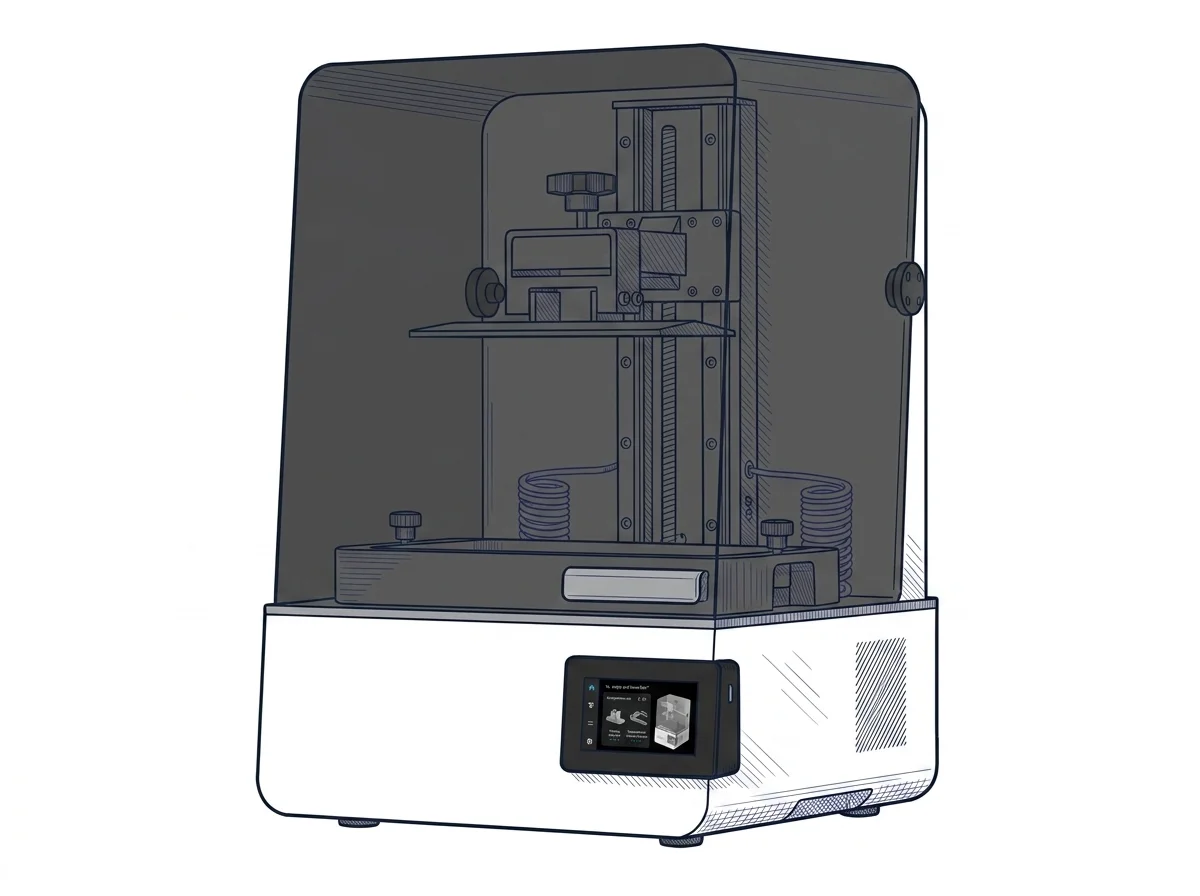 Photon P1 Max
Anycubic
F3 · Advanced
Photon P1 Max
Anycubic
F3 · Advanced
|
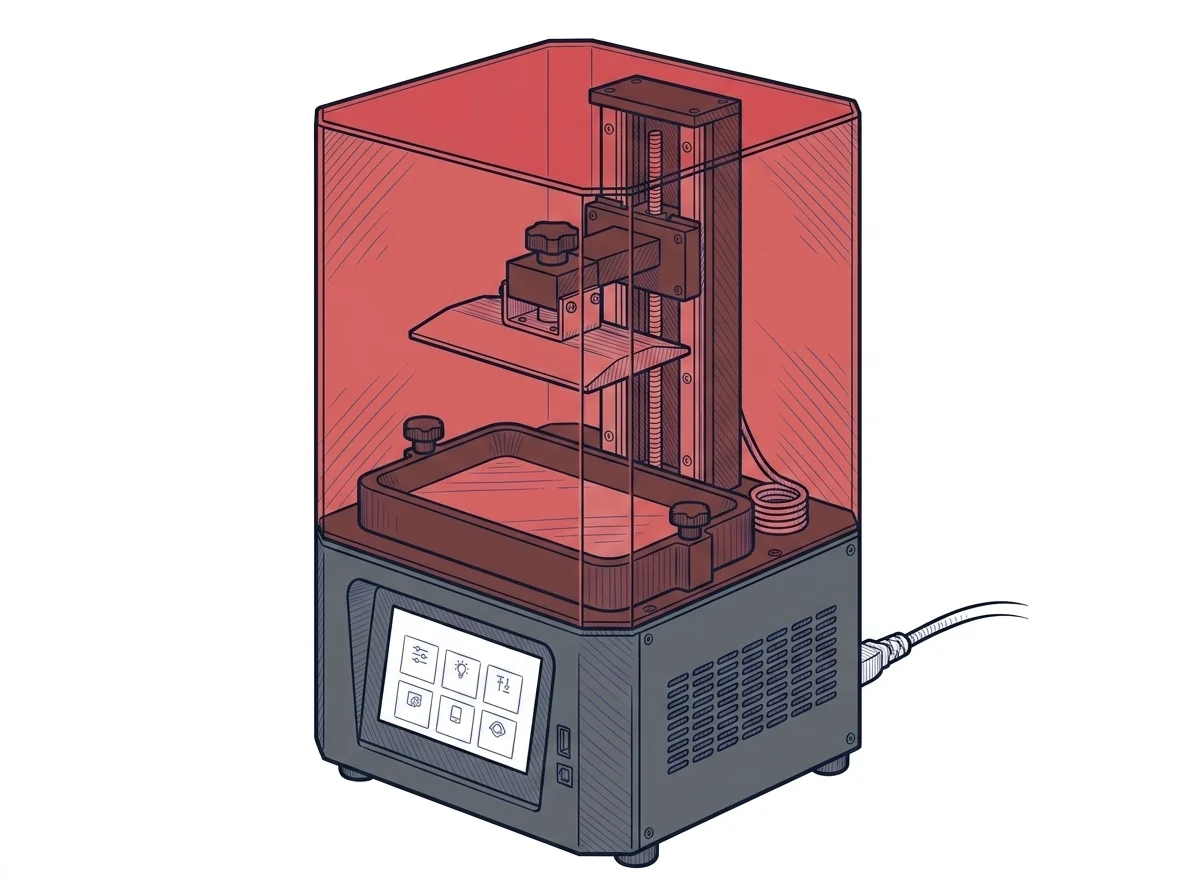 HALOT-ONE Resin 3D Printer
Creality
F2 · Intermediate
HALOT-ONE Resin 3D Printer
Creality
F2 · Intermediate
|
|---|---|---|
| Identity | ||
| Launch year | 2026 | 2021 |
| Use tier | F3 — Advanced | F2 — Intermediate |
| Price | ||
| Price (€) | — | ~150–250 € |
| Universal specs | ||
| Dimensions (W×D×H) (cm) | — | 22.1 × 22.1 × 40.4 cm |
| Weight (kg) | — | 7.1 kg |
| Work area (mm) | 285.5 × 214 mm | 127 × 80 mm |
| Z-axis height (mm) | 300 mm | 160 mm |
| Power (W) | — | 100 W |
| Voltage (V) | — | 240 V |
| Declared precision | 24.8 μm | 0.05 mm |
| Category specs | ||
| Build area XY (short side) (mm) | 214 mm | 80 mm |
| XY resolution (µm) | 24.8 µm | 50 µm |
| Light source | Mono LCD | Mono LCD |
| UV power (mW/cm²) | — | 3.8 mW/cm² |
| Print speed (mm/h) | — | 60 mm/h |
| Tilt / peel system | — | Standard FEP |
| Ecosystem | ||
| Cloud dependency | No | No |
| Software notes | The system supports file formats generated by the most popular third-party print preparation software, such as ChiTuBox and LycheeSlicer, ensuring operational flexibility and a consolidated workflow. The manufacturer also provides Anycubic Photon Workshop, the proprietary application optimized to fine-tune exposure parameters, manage advanced supports, and fully exploit the screen's pixel density without slowing down layer calculation. | The machine is primarily managed via HALOT BOX, the proprietary slicer developed by Creality, designed with a straightforward interface to ease the learning curve. Widely used third-party programs such as Lychee Slicer and ChiTuBox are also supported, ensuring considerable flexibility in model preparation. Furthermore, the integrated motherboard with a Wi-Fi module allows for interfacing with Creality Cloud for remote monitoring and Over-The-Air (OTA) firmware updates, reducing dependence on USB drives for daily operations. |
The differences that matter
- Work area: Photon P1 Max 285.5×214 mm vs HALOT-ONE Resin 3D Printer 127×80 mm — Photon P1 Max wins (+501%)
Which one to choose
MakerSpecs is an independent atlas. We don't sell products: this comparison links to both sheets, where you'll find complete data and official links.