Anycubic Photon Mono 4 vs Anycubic Photon P1
Technical comparison · Resin 3D printing
Choose Anycubic Photon Mono 4 if you are looking for an affordable and fast solution for small print volumes. Choose Anycubic Photon P1 if you need a larger build area and network connectivity for remote management.
| Parameter | ||
|---|---|---|
| Identity | ||
| Launch year | 2024 | 2026 |
| Use tier | F2 — Intermediate | F2 — Intermediate |
| Price | ||
| Price (€) | ~180–250 € | ~649–699 € |
| Universal specs | ||
| Dimensions (W×D×H) (cm) | — | 36.6 × 33.8 × 53.9 cm |
| Weight (kg) | — | 13.6 kg |
| Work area (mm) | 153.4 × 87 mm | 223 × 126 mm |
| Z-axis height (mm) | 165 mm | 230 mm |
| Power (W) | — | 215 W |
| Maximum speed | 1.17 mm/min | 0.58 mm/min |
| Declared precision | 17 μm | 16.8 μm |
| Category specs | ||
| Build area XY (short side) (mm) | 87 mm | 126 mm |
| XY resolution (µm) | 17 µm | 16.8 µm |
| Light source | Mono LCD | Mono LCD |
| UV power (mW/cm²) | — | 5 mW/cm² |
| Print speed (mm/h) | 70.2 mm/h | 35 mm/h |
| Tilt / peel system | Standard FEP | Standard FEP |
| Ecosystem | ||
| Cloud dependency | No | No |
| Software notes | The device is fully compatible with the main third-party slicing software options on the market, including widely popular solutions such as Chitubox and Lychee Slicer, alongside the proprietary Anycubic Photon Workshop application. This flexibility allows users to manage advanced exposure parameters, supports, and tolerance compensation without proprietary constraints. File preparation occurs primarily via offline transfer using a USB port, ensuring a stable workflow independent of active network connections. Managing print profiles for various commercial resins is highly intuitive, facilitating the optimization of layer-by-layer curing times for both standard materials and advanced formulations. | Model preparation for the Photon P1 is primarily handled by Anycubic Photon Workshop, a proprietary slicing software that has evolved significantly, offering an intuitive interface alongside advanced mesh repair and support tools. The printer still maintains an open nature, being fully compatible with popular third-party slicers widely appreciated by the community, such as Chitubox, Lychee Slicer, and Tango. Network connectivity via Wi-Fi and a LAN port, alongside the traditional USB port, allows for seamless remote control, integrating perfectly with the Anycubic mobile app. This flexibility grants users the freedom to choose their preferred software workflow, always ensuring the maximum output quality of the printed file. |
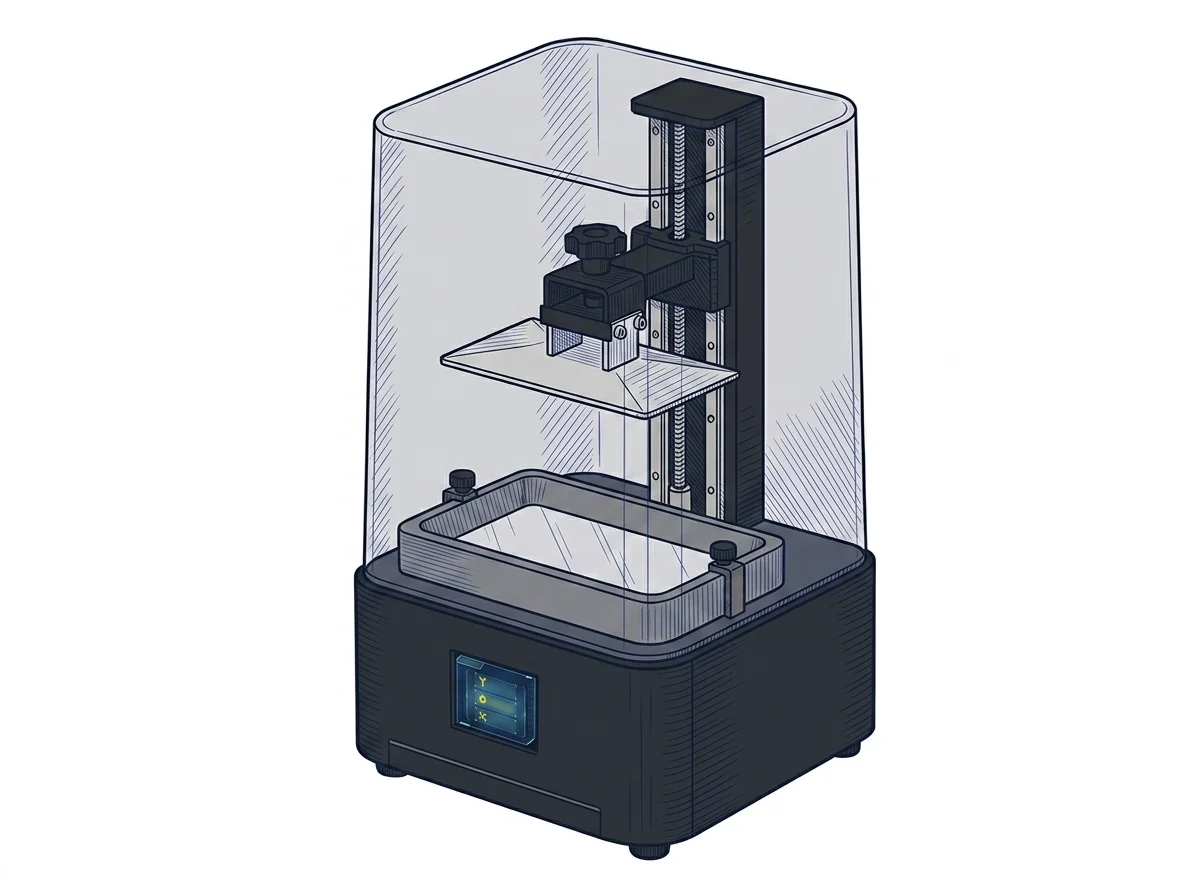
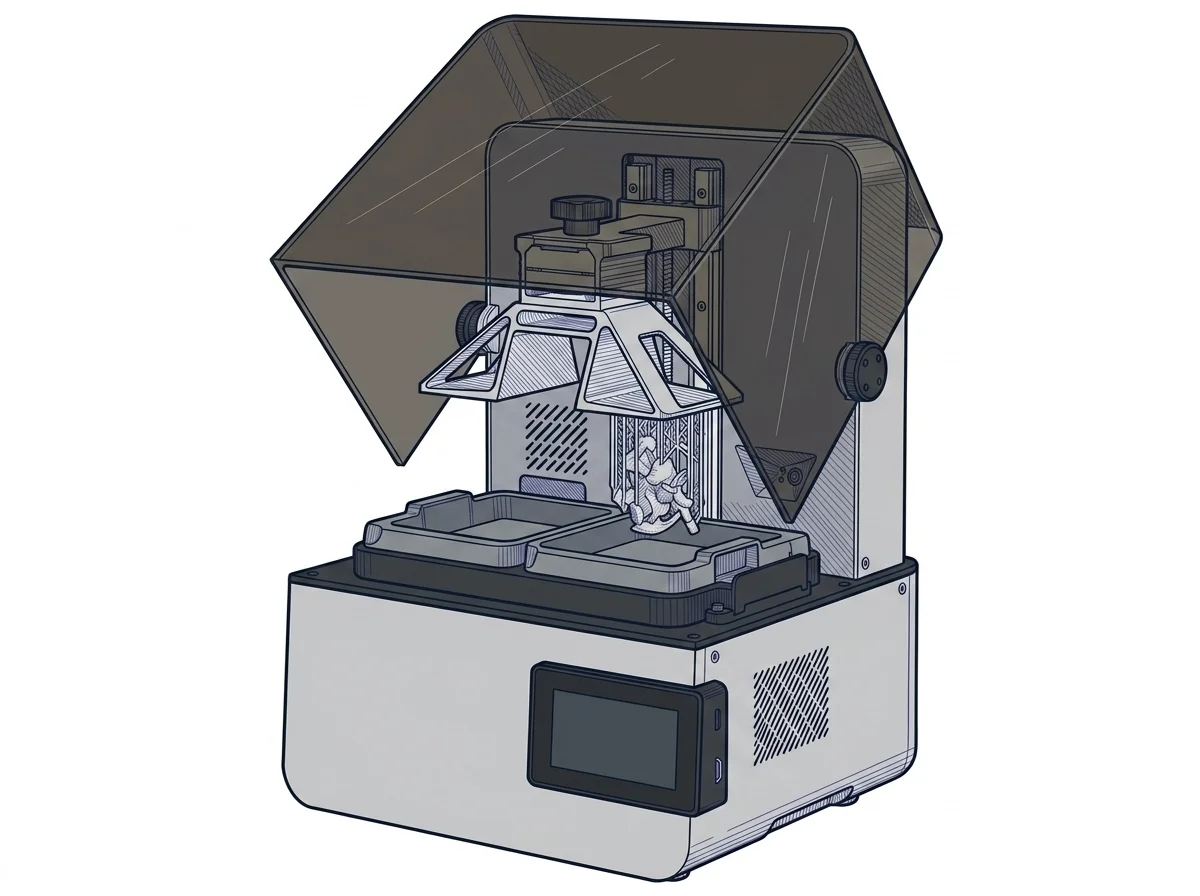
The differences that matter
- Build volume: The Photon P1 offers a larger area (223 × 126 × 230 mm) compared to the Mono 4 (153.4 × 87 × 165 mm).
- Speed and resolution: The Mono 4 prints faster (70.2 mm/h vs 35 mm/h), while the XY resolution is almost identical (17 µm for Mono 4, 16.8 µm for P1).
- Connectivity: The P1 adds Wi-Fi, LAN, and remote app control, whereas the Mono 4 relies strictly on offline USB transfer.
- Price: The Mono 4 is more affordable (~180-250 €) than the P1 (~649-699 €).
Which one to choose
Choose Photon Mono 4 if…
Choose Anycubic Photon Mono 4 if your budget is limited (~180-250 €) and your projects fit within a 153.4 × 87 × 165 mm volume. It is ideal for those who prioritize print speed (up to 70.2 mm/h) and prefer a traditional offline workflow via USB.
Choose Photon P1 if…
Choose Anycubic Photon P1 if you need a larger build volume (223 × 126 × 230 mm) and are willing to invest a higher budget (~649-699 €). It is suited for users requiring operational flexibility with Wi-Fi, LAN, and remote control, while accepting a lower print speed (35 mm/h).
Where to buy
Paid link: the price for you does not change. Methodology
MakerSpecs is an independent atlas. We don't sell products: the purchase links are the same as on the two product sheets and don't influence the verdict. The sheets have the complete data.